

ScreenToGif 2.43.2
Utility that allows you to record an area of the screen and export it as a GIF.
ScreenToGif is a screen recording and animation editing application designed to create gifs, videos, and other types of media from screen captures, webcam, or even drawings on a virtual board. It offers an intuitive interface and a range of customization features to adjust captures and content editing.
Main Features:
Screen Recorder:
- Allows capturing the screen area or a specific window.
- Offers capture modes like the old interface, where you need to drag the window to select the area, and the new (beta) interface, which allows selecting the area, a window, or capturing the entire screen.
- Setting for maximum frame rate and support for timelapse.
Webcam Recorder:
- Records your webcam, allowing you to adjust the capture size and select the frame rate.
Virtual Board Recorder:
- Allows capturing drawings made on a virtual board.
- The capture can be done manually or automatically, and the capture rate can be adjusted.
Animation Editor:
- Allows you to edit your recordings, adjusting frames, inserting effects like text, drawings, watermarks, and transitions.
- Export to different formats like gif, apng, video, PSD, among others.
- Features like undo, redo, cut, resize, and manipulate frames.
Customization Options:
- The application allows customizing color themes, keyboard shortcuts, and how the program starts and stores data.
- Support for multiple languages and options to control automatic updates.
Tasks and Keyboard Shortcuts:
- You can create automated tasks to apply effects during recording.
- Define keyboard shortcuts to facilitate control of the recording and the editor.
The ScreenToGif is a powerful and flexible tool for anyone needing to record and edit animations or tutorials, offering various features and refined control over multimedia content recording and editing.
File security
0/63 engines flagged the file in the recorded scan.
Scan date: 07/29/2026
SHA-256: 37aa0a58daeafbb068ed5039d93892399a25568610b63b7d1e6c3f007d10b8cc
Found a problem on this page?Tell the team about broken links, versions or incorrect information.
Related

ImageMagick 7.1.2-31
Open-source software to handle images with many functionalities.
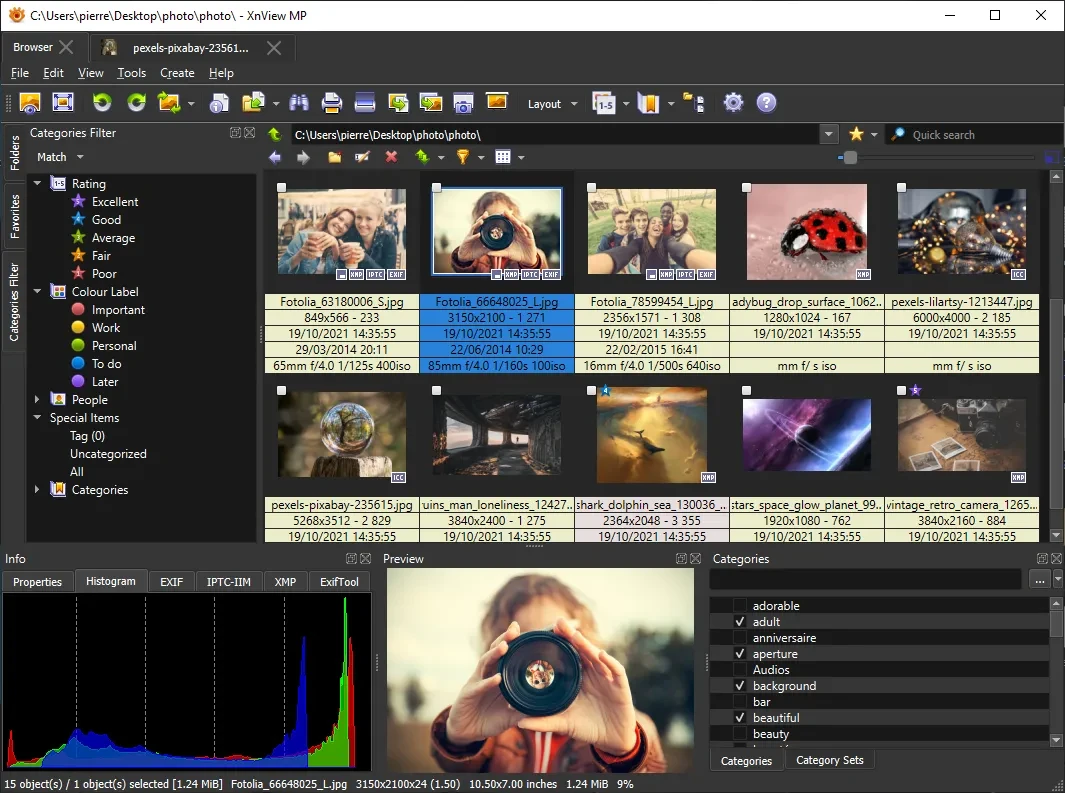
XnView MP 1.11.6
Powerful and easy-to-use image viewer, manager and editor.

Image Sort 2.14.8
Efficient, accurate, and intuitive image organizer software.
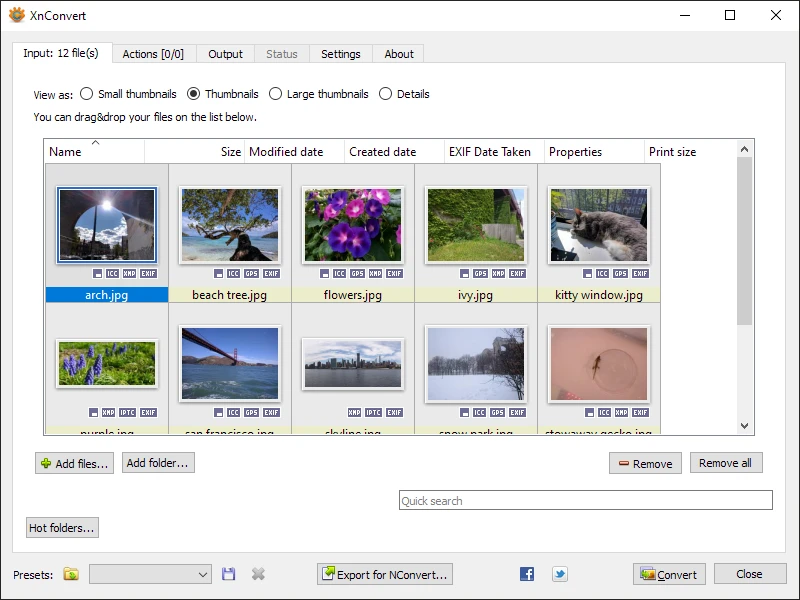
XnConvert Portable 1.112.0
Free and cross-platform software for batch image conversion and editing.
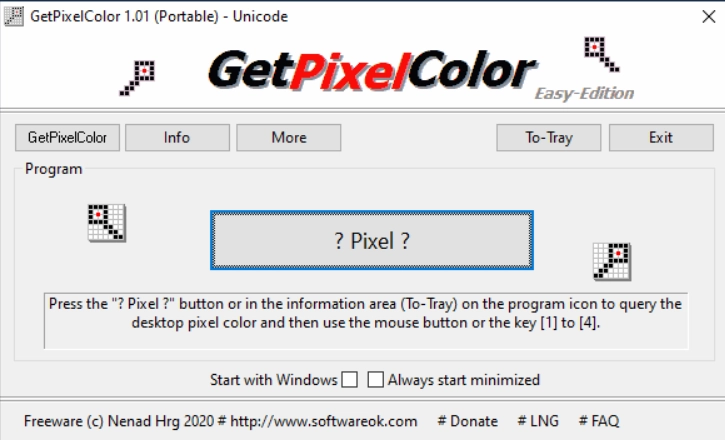
GetPixelColor 3.55
Small utility for Windows aimed at capturing the exact color of any pixel displayed on the screen.
XnView MP Portable 1.11.5
Portable version of XnView MP. Software that allows for viewing, organizing, and converting images.
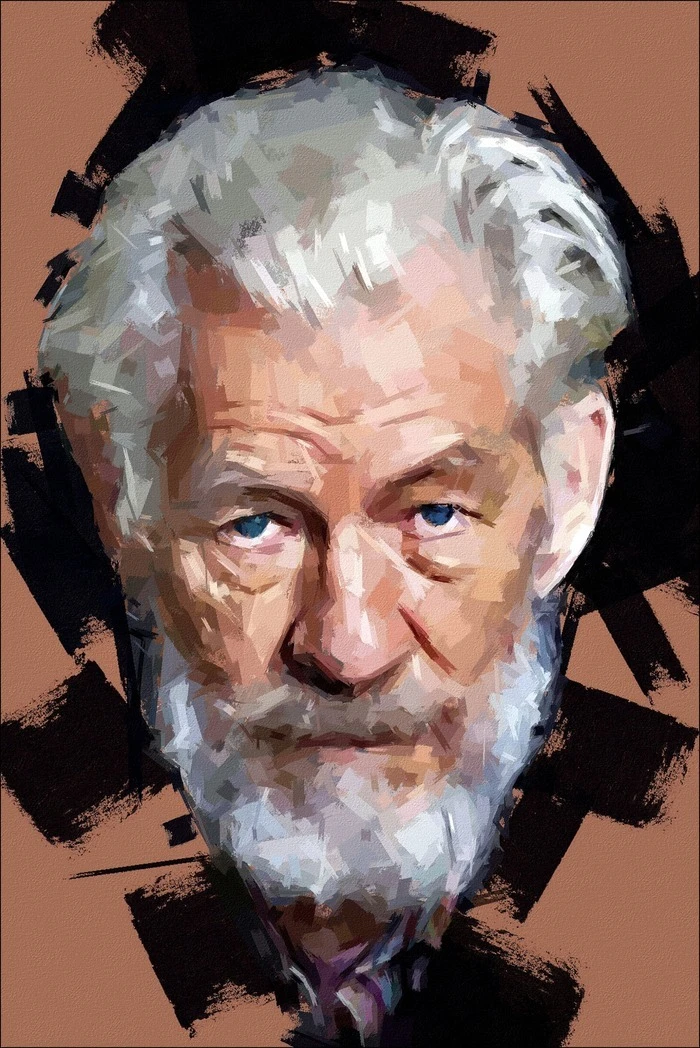
FotoSketcher 4.0
Free program for Windows that automatically transforms your digital photos into works of art with just a few clicks.
PhotoResizerOK 3.48
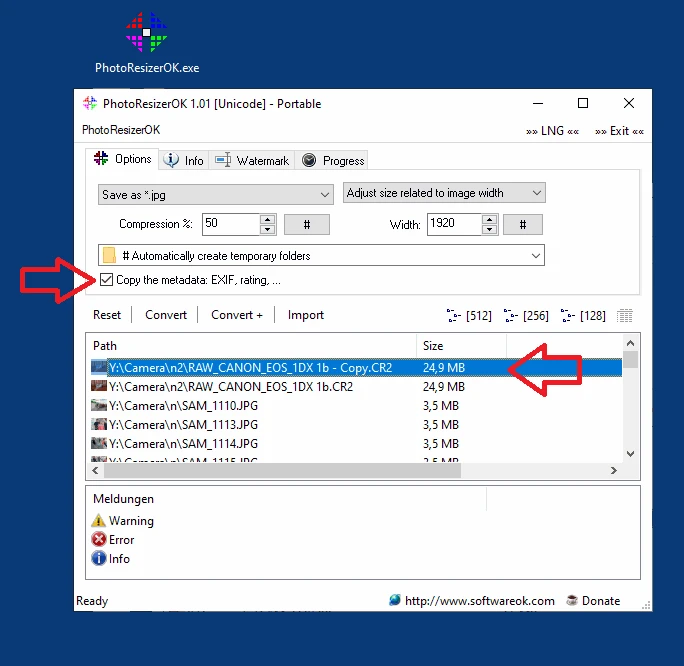
Free utility for Windows aimed at those who need to reduce the size of photos quickly and easily.