

BlueStacks is an Android emulator for Windows computers that allows you to run mobile apps directly on your desktop.
BlueStacks is based on Android 4.4.2 (KitKat) and allows you to run apps from the Google Play Store as well as third-party apps.
It also offers a variety of features, such as support for multi-instance gaming, Root mode, keyboard and mouse support, Xbox controller support, Google Play Store support, and much more.
BlueStacks offers advanced key mapping features, allowing users to fully customize keyboard and mouse controls for games and apps.
It also comes with its own web browser, the BlueStacks Browser, which allows users to easily browse the web.
Old versions
File security
0/71 engines flagged the file in the recorded scan.
Scan date: 03/11/2026
SHA-256: b12282665c19a05806046d509f3017dcde0b492a91d6e50be952a15cf53bbbf9
Found a problem on this page?Tell the team about broken links, versions or incorrect information.
Related
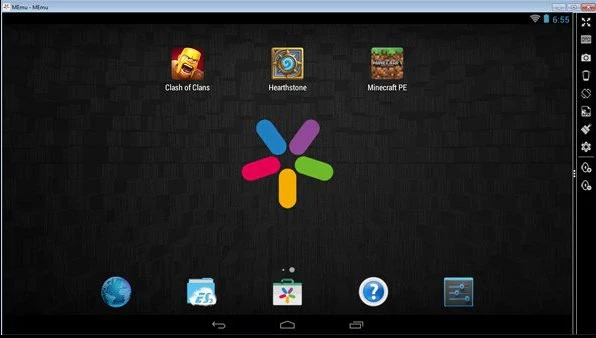
MEmu 9.3.3
Software that lets you run Android apps and games on Windows.
LDPlayer 9.2.7.0
Free Android emulator for PC that allows running mobile apps and games on Windows.
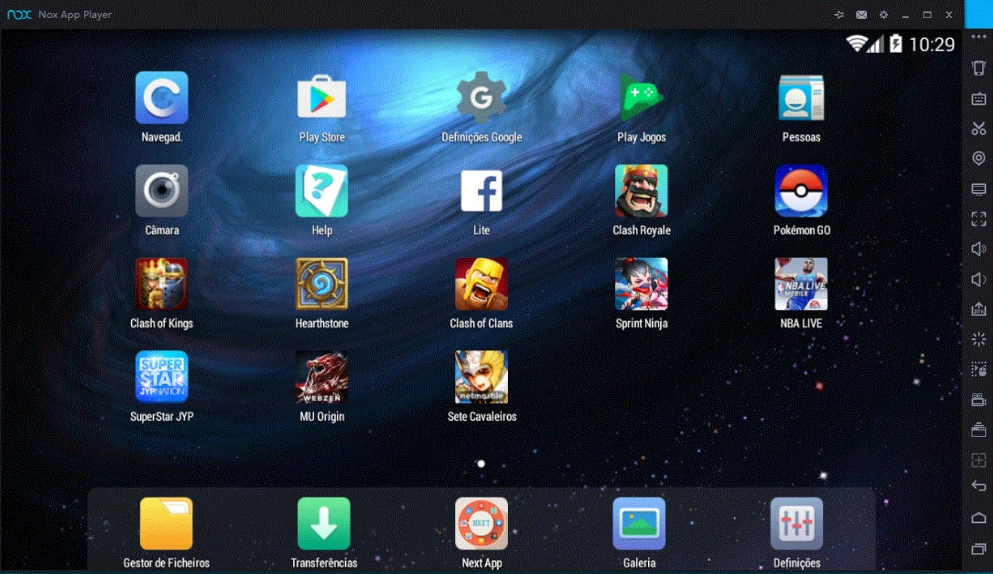
NoxPlayer 7.0.6.2
Run Android apps and games directly on your Windows computer.
MSI App Player 5.21.151.6303
Powerful Android emulator that promises to provide a smooth and high-performance gaming experience on your PC.
Windroy 4.0.3
Android emulator for Windows that allows you to run Android apps and games directly on a Windows computer.