

Just Color Picker 6.1
Software that offers a practical and quick way to capture, save, and combine colors.
Just Color Picker is software developed especially for graphic designers, digital artists, and webmasters, offering a practical and quick way to capture, save, and combine colors. Created by a designer for other professionals in the field, it stands out for its simplicity and efficiency in daily use. Here are the main features:
Support for Multiple Color Code Formats: Works with formats such as HEX, RGB, HSB/HSV, HSL, HWB, CMY, CMYK, and TColor.
Refined Color Sampling: Color sampling is adjusted to reduce noise, making it easier to capture colors accurately.
Magnification Lenses: The software offers 3x, 9x, and 15x magnification, with keyboard control, allowing greater accuracy in color capture.
Screen Freezing: It is possible to freeze the screen to sample colors from elements that change when hovered over.
Lock Point: Allows monitoring of the color of a fixed point on the screen, regardless of cursor movement.
Pixel Distance Calculation: Facilitates calculating the distance between specific points on the screen.
Color List: Users can save, catalog, and reuse captured colors in a handy list.
Compatibility with Adobe Photoshop and GIMP Files: Allows for opening, editing, and saving color palettes in the .aco (Photoshop) and .gpl (GIMP) formats.
Interaction with Windows and macOS Color Dialogs: Integrates with the standard color dialogs of the operating systems.
Comments and Notes: It is possible to add notes and comments to selected colors.
Hexadecimal and RGB Code Conversion: Converts hexadecimal and RGB color codes to their visual representations.
Color Wheels: Offers RGB, CMY, and RYB color wheels with highlighted triads and complementary colors.
Harmonic Color Scheme Generator: Creates harmonious color schemes to facilitate the selection of visual combinations.
Color Editing Tools: RGB, HSV, and HSL color editors for detailed adjustments to colors.
Gradients: Creates smooth transitions between two colors, generating a range of intermediate shades.
Text Tool: Assesses the readability of text and background color combinations.
Ready-to-Use CSS Codes: Generates color codes ready for use in HTML, PHP, and other web pages.
Always on Top Behavior: Optionally, the software can remain always visible above other windows.
Configurable Hotkeys: Users can set hotkeys to capture colors, freeze the screen, and lock points.
Color Capture by Mouse Click: Exclusive functionality for Windows that allows color capturing with a click.
Automatic Color Code Copying: The color code can be copied to the clipboard automatically or with a click.
High DPI and Multi-Monitor Support: The software is optimized for high-resolution monitors and setups with multiple monitors.
Light and Dark Modes: The interface automatically adapts to the system theme settings.
Portable and No Installation Needed: Just Color Picker is a portable application, capable of running directly from a USB drive.
In summary, Just Color Picker offers a comprehensive range of tools that make capturing, organizing, and editing colors extremely simple and fast, focusing on efficiency and usability for creative professionals.
File security
0/71 engines flagged the file in the recorded scan.
Scan date: 02/13/2025
SHA-256: e8602e85bc9350e187e5f5fcf216f91b2678141dd4b80527aadb63e6b8ffa10a
Found a problem on this page?Tell the team about broken links, versions or incorrect information.
Related

ImageMagick 7.1.2-31
Open-source software to handle images with many functionalities.
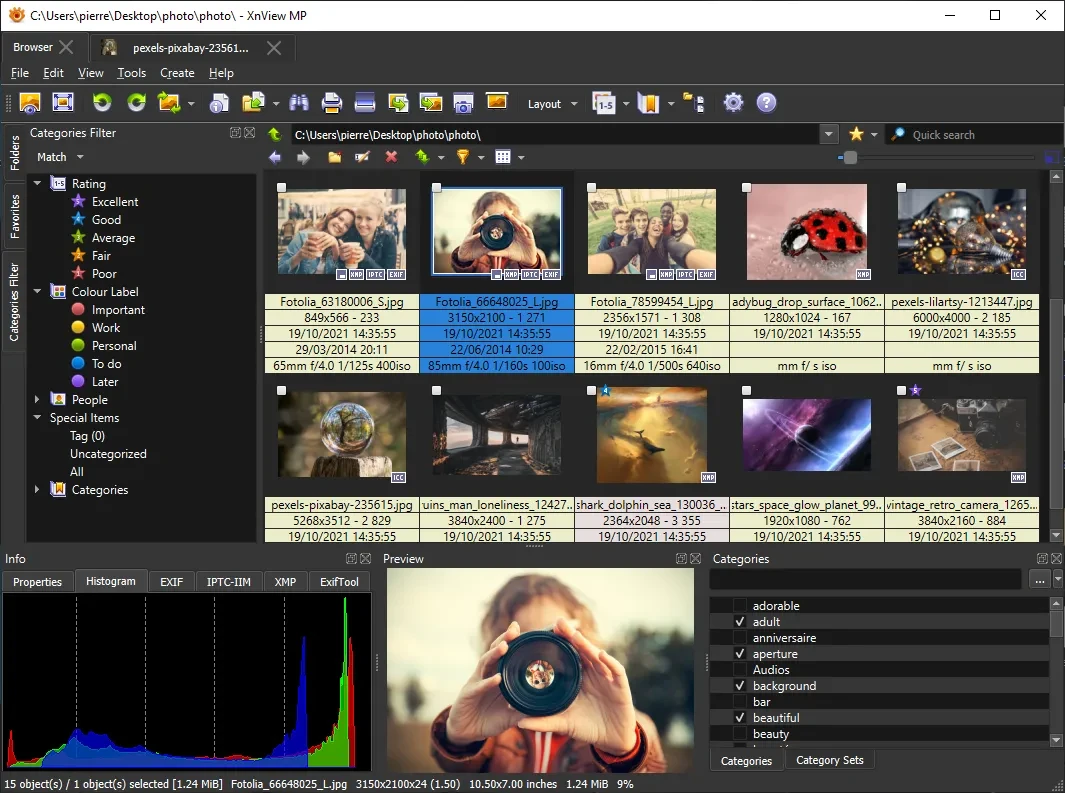
XnView MP 1.11.6
Powerful and easy-to-use image viewer, manager and editor.

ScreenToGif 2.43.2
Utility that allows you to record an area of the screen and export it as a GIF.

Image Sort 2.14.8
Efficient, accurate, and intuitive image organizer software.
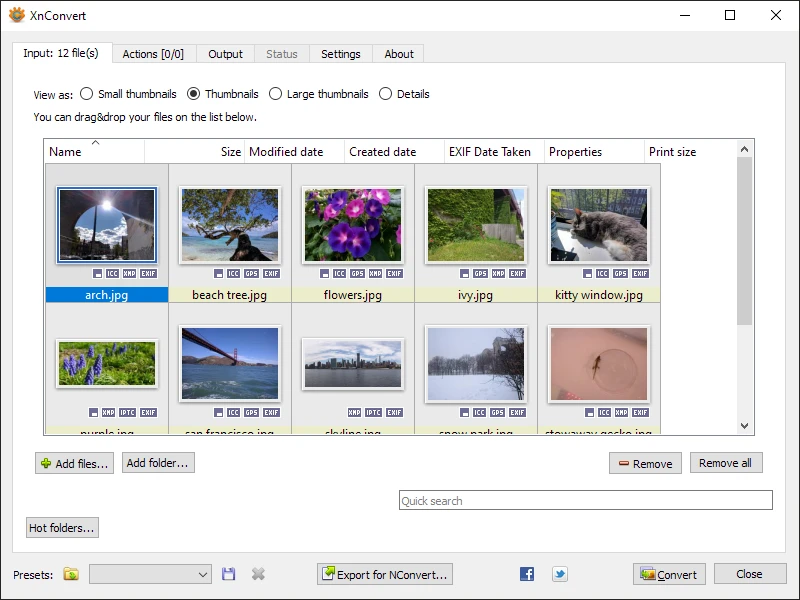
XnConvert Portable 1.112.0
Free and cross-platform software for batch image conversion and editing.
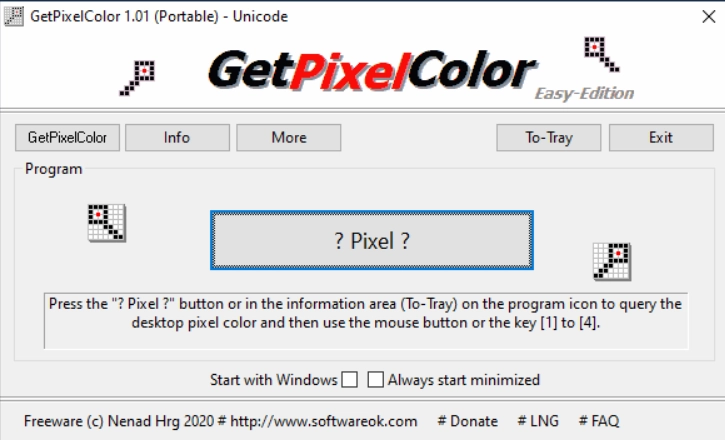
GetPixelColor 3.55
Small utility for Windows aimed at capturing the exact color of any pixel displayed on the screen.
XnView MP Portable 1.11.5
Portable version of XnView MP. Software that allows for viewing, organizing, and converting images.
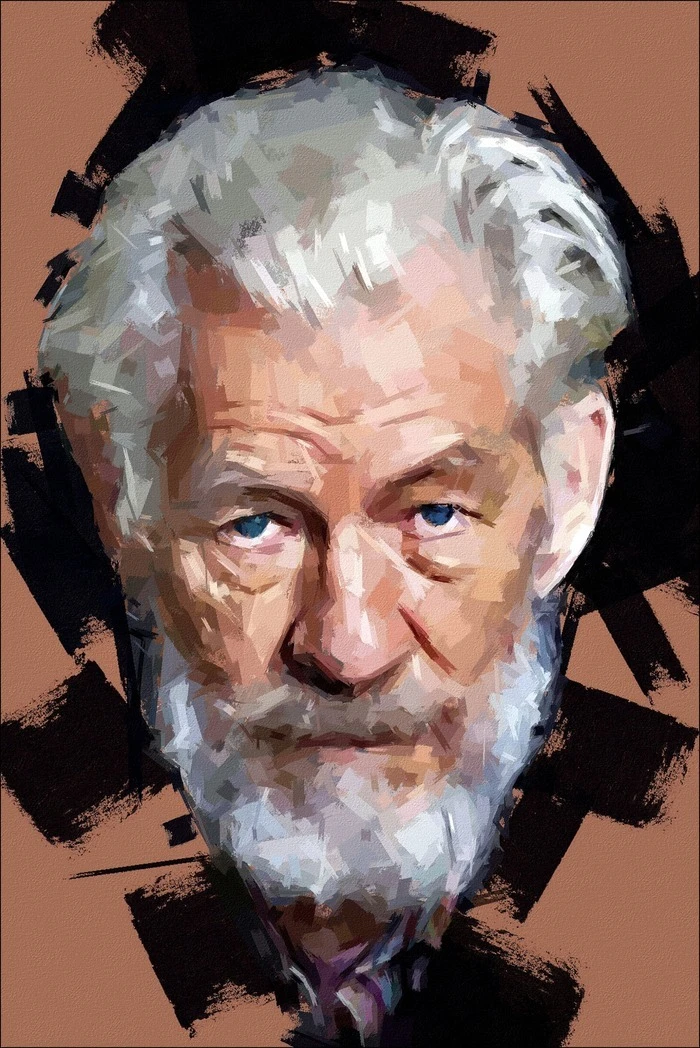
FotoSketcher 4.0
Free program for Windows that automatically transforms your digital photos into works of art with just a few clicks.