
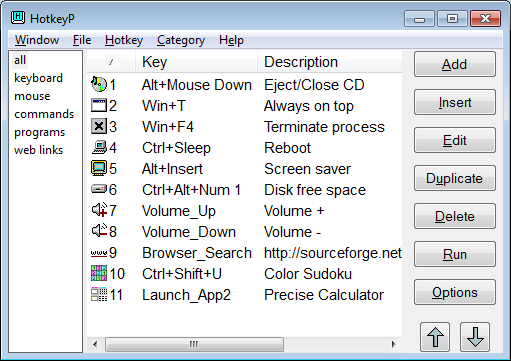
HotkeyP 4.11
Free program for Windows focused on creating and managing keyboard, mouse, and joystick shortcuts to execute commands in the system.
HotkeyP is a free program for Windows focused on creating and managing keyboard, mouse, and joystick shortcuts to execute commands in the system. It allows you to configure key combinations to open programs, execute system actions, control windows, and automate recurring tasks.
Main features
- Creation of custom shortcuts to open applications, files, and specific commands.
- Support for system actions, such as shutting down, restarting, or controlling computer power.
- Definition of advanced parameters, including process priority, window state, and confirmation before execution.
- Compatibility with mouse, remote controls, and joystick to trigger actions.
- Organization of shortcuts into categories with notes for easier management.
Functioning
HotkeyP acts as a central shortcut manager. After creating a key combination, each command can be edited individually, defining behavior, arguments, and execution mode. There is also an option to start automatically with Windows and keep active monitoring in the background.
Portability and performance
HotkeyP does not require traditional installation: just run the file and use it normally, even from a USB drive. Resource consumption is low, allowing the program to remain active without a noticeable impact on system performance.
Who it makes sense for
- Those who work with many repetitive tasks in Windows
- Those who prefer to control the system with the keyboard
- Those who want to automate simple actions without writing scripts
File security
SHA-256: 6dd4817f3d9b2efdac21f35bf0c6ba53d93a20a33232affc749f4dd12c9d886a
Found a problem on this page?Tell the team about broken links, versions or incorrect information.
Related

NTLite 2026.09.12209
Software that allows customization of Windows installations.
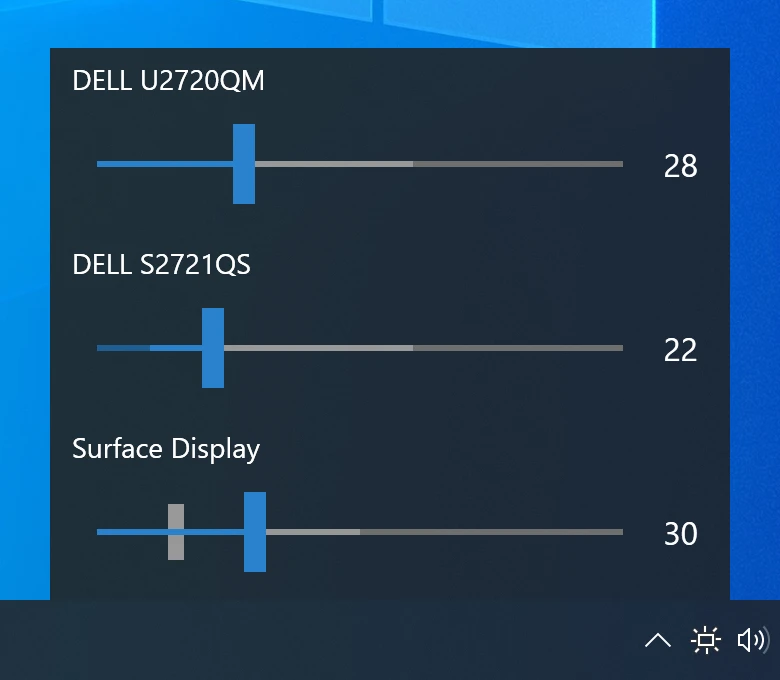
Monitorian 4.16.1
Utility for Windows that allows you to adjust the brightness of multiple monitors.

Fastfetch 2.69.0
Command-line tool that provides system information.
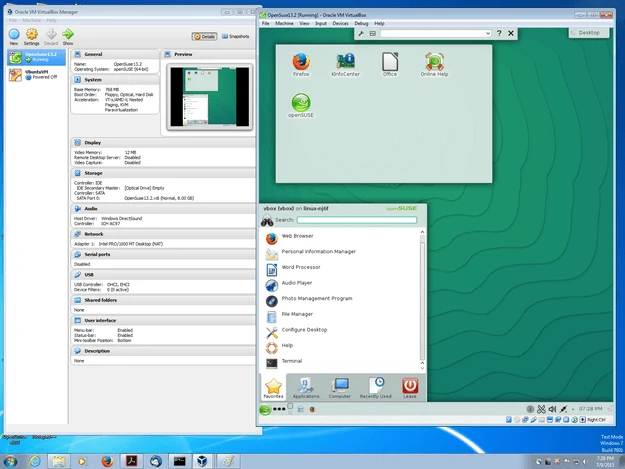
VirtualBox 7.2.20
Software that allows you to virtualize one operating system within another.

Grub2Win 3.0.4.0 Build 2015
Tool that facilitates the installation of multiple operating systems.

RisohEditor 6.2.1
Resource editor for Windows that allows you to create and modify resource files.

QontrolPanel 2.5.0
Custom audio panel for Windows that replaces or complements the system's standard sound controls.
CareUEyes 2.6.3.0
Software that protects user's eye health by adjusting system brightness.