
Greenshot 1.3.304
Free software for Windows that facilitates quick and efficient screen capture and editing.
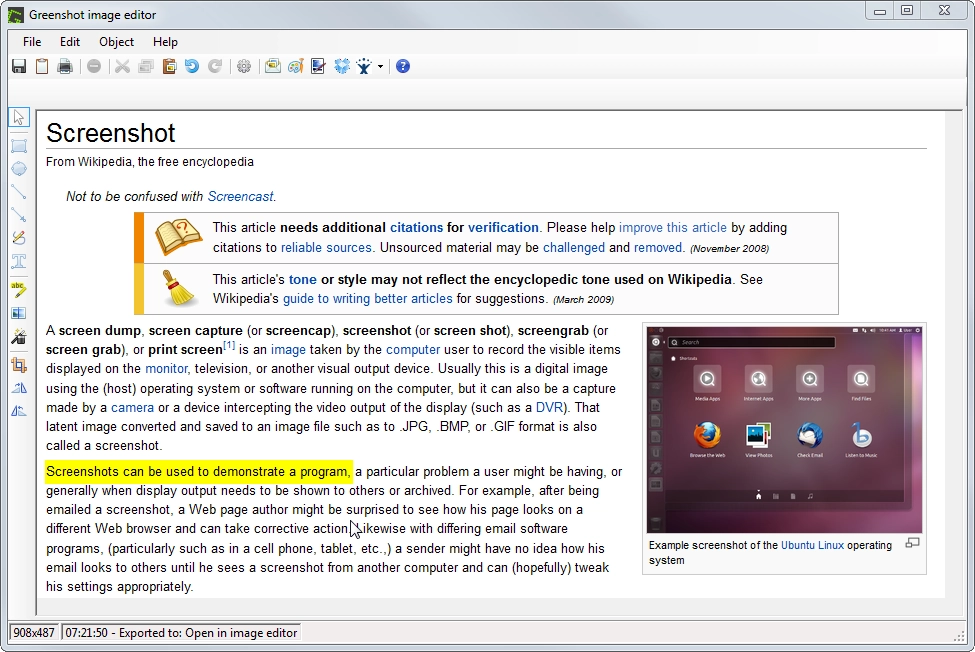
Greenshot is a free and open-source software for Windows that makes capturing and editing screenshots quick and efficient.
It allows you to capture the entire screen, an active window, or a selected region, as well as reuse the last captured area. The program includes an integrated editor where you can add arrows, texts, and shapes, as well as highlight or blur parts of the image to conceal sensitive information.
Captures can be exported in various ways: saved to a file, copied to the clipboard, printed, or sent as an email attachment. Greenshot can also be integrated with other programs and services.
It offers configurable keyboard shortcuts to streamline your work and allows you to set custom export destinations. Being distributed under the GPL-3.0 license, it can be used, modified, and redistributed freely.
It is an excellent option for those who need to produce tutorials, documentation, reports, or any visual material that involves screenshots, combining lightness, practicality, and efficiency in daily use.
Found a problem on this page?Tell the team about broken links, versions or incorrect information.
Related

ImageMagick 7.1.2-31
Open-source software to handle images with many functionalities.
XnView MP 1.11.6
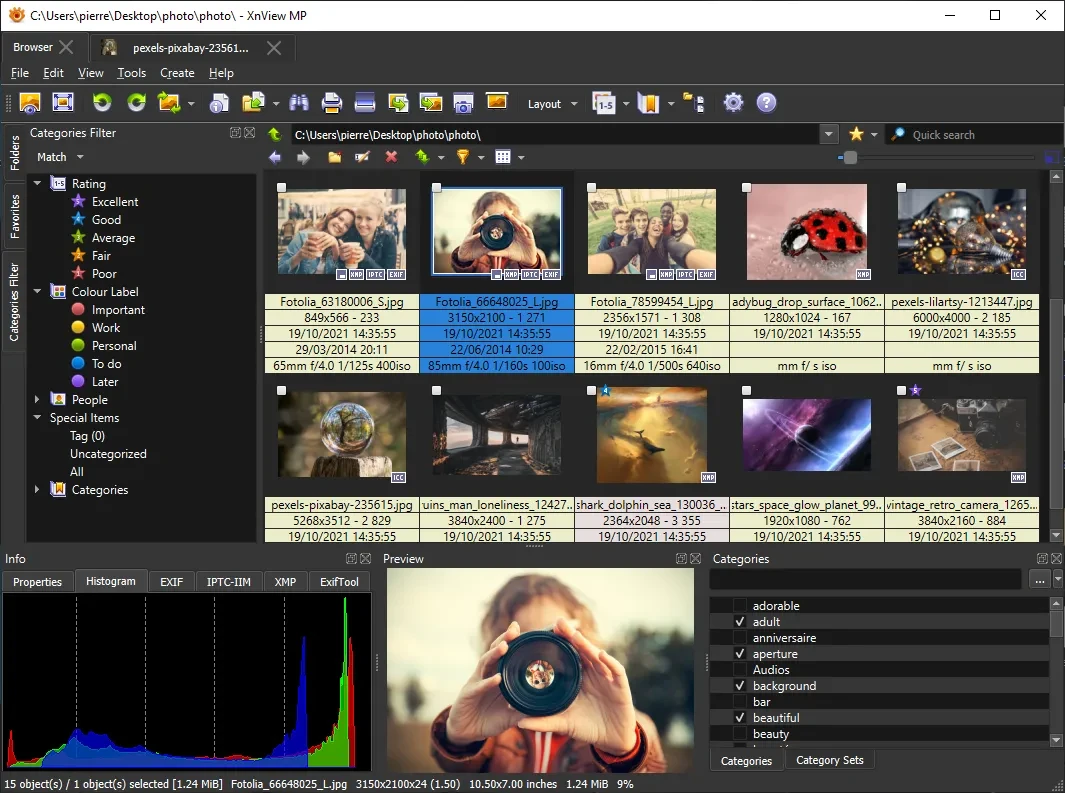
Powerful and easy-to-use image viewer, manager and editor.

ScreenToGif 2.43.2
Utility that allows you to record an area of the screen and export it as a GIF.

Image Sort 2.14.8
Efficient, accurate, and intuitive image organizer software.
XnConvert Portable 1.112.0
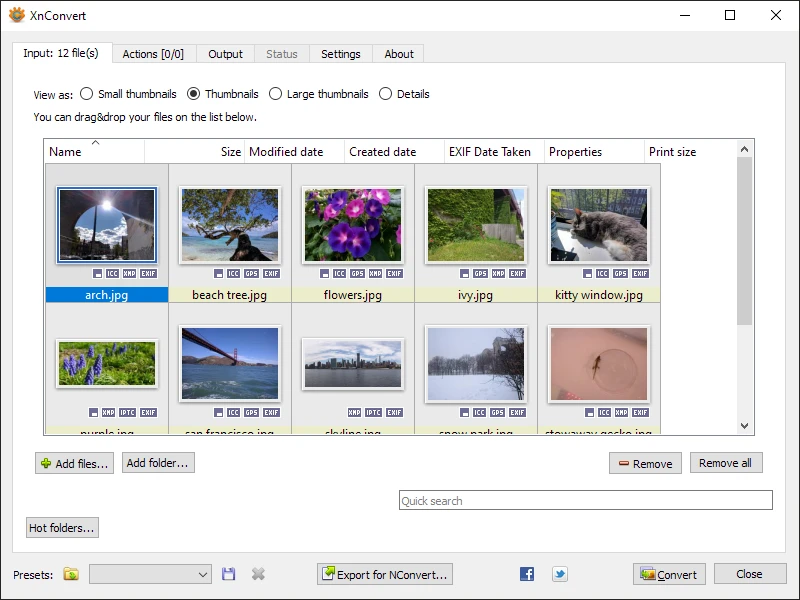
Free and cross-platform software for batch image conversion and editing.
GetPixelColor 3.55
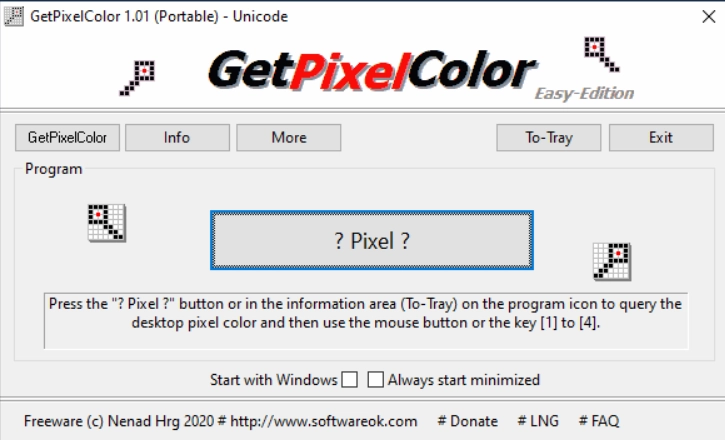
Small utility for Windows aimed at capturing the exact color of any pixel displayed on the screen.
XnView MP Portable 1.11.5
Portable version of XnView MP. Software that allows for viewing, organizing, and converting images.
FotoSketcher 4.0
Free program for Windows that automatically transforms your digital photos into works of art with just a few clicks.