

Epic Pen is a utility for Windows that adds an annotation layer directly over the screen, allowing you to write, draw, highlight, or make visual markings in real time, regardless of the program that is open. The annotations appear over system windows, browsers, video players, editing software, slide presentations, or any other running application.
The operation is based on a floating tool palette, organized in a practical way, that can be displayed or hidden at any time. From it, you can choose pens, text markers, basic geometric shapes, and an eraser, adjusting color and thickness as needed. There is also the option to activate the "click-through" mode, which allows you to interact normally with the programs beneath the annotation without needing to close Epic Pen.
The software is widely used in presentations, recorded or live classes, software demonstrations, visual reviews of documents, and technical explanations, as it allows you to highlight important points on the screen while the content is being displayed. The annotations follow the screen in real time, without requiring prior image capture or later editing.
Another relevant feature is the ability to save the annotations made on the screen as image files, allowing for later reuse, email sending, or archiving. There is also support for keyboard shortcuts, facilitating quick tool switching during continuous use.
Epic Pen does not permanently alter any content displayed on the screen, functioning only as a temporary overlay. When clearing the markings or closing the program, everything returns to its original state, ensuring safety in use during demonstrations and explanations.
Old versions
File security
0/67 engines flagged the file in the recorded scan.
Scan date: 01/26/2026
SHA-256: c259332e6974a292697870702906308350f0dcdd4dff267b605b3c7d70165e64
Found a problem on this page?Tell the team about broken links, versions or incorrect information.
Related

ImageMagick 7.1.2-31
Open-source software to handle images with many functionalities.
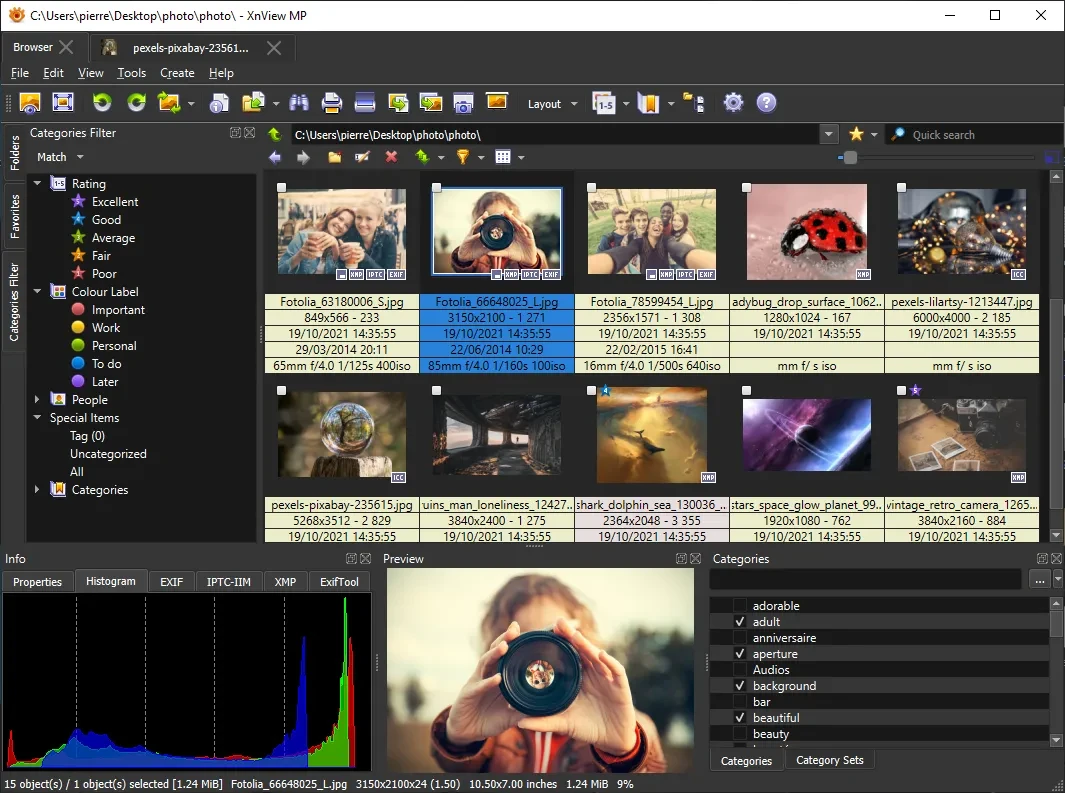
XnView MP 1.11.6
Powerful and easy-to-use image viewer, manager and editor.

ScreenToGif 2.43.2
Utility that allows you to record an area of the screen and export it as a GIF.

Image Sort 2.14.8
Efficient, accurate, and intuitive image organizer software.
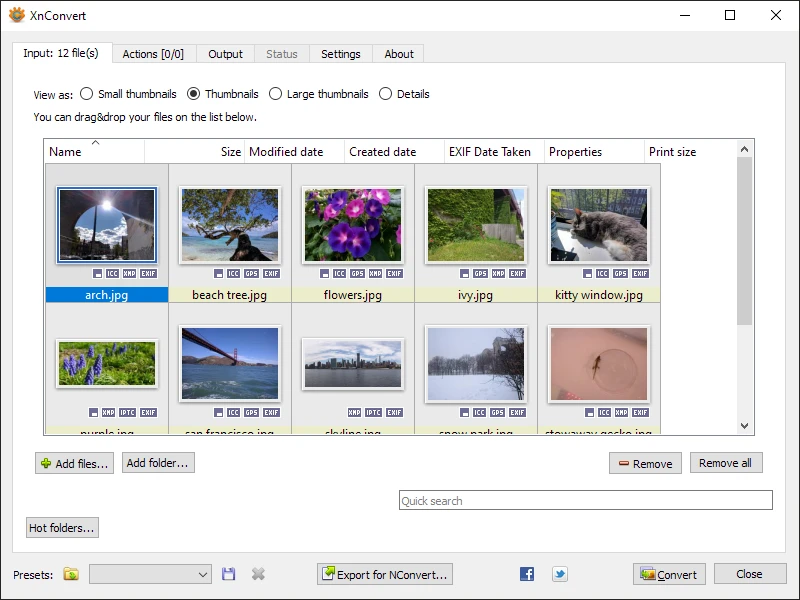
XnConvert Portable 1.112.0
Free and cross-platform software for batch image conversion and editing.
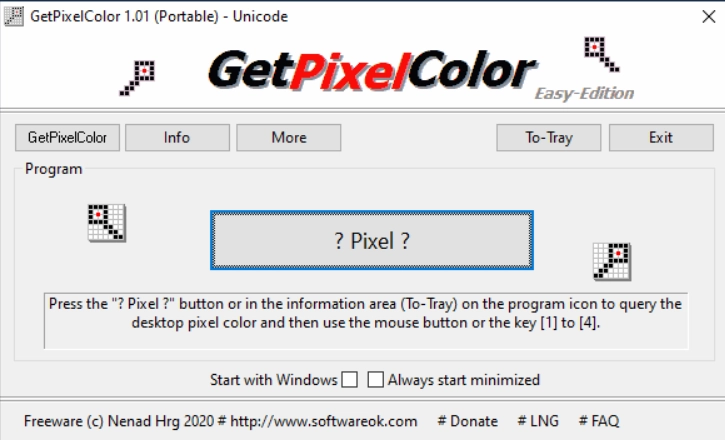
GetPixelColor 3.55
Small utility for Windows aimed at capturing the exact color of any pixel displayed on the screen.
XnView MP Portable 1.11.5
Portable version of XnView MP. Software that allows for viewing, organizing, and converting images.
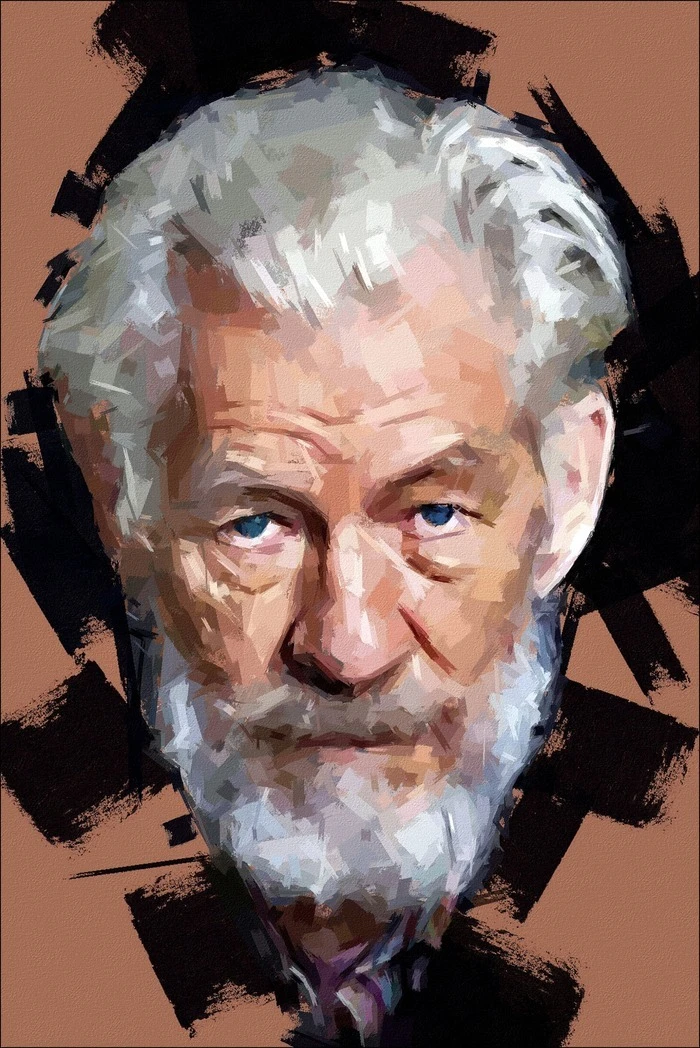
FotoSketcher 4.0
Free program for Windows that automatically transforms your digital photos into works of art with just a few clicks.