

Dell OS Recovery Tool 2.4.2.2193
Tool developed to assist in creating a personalized recovery media for Dell computers.
Dell OS Recovery Tool is a tool developed to assist in creating a customized recovery media for Dell computers. It allows you to download the recovery image of the operating system specific to your device and write it to a USB flash drive, facilitating the reinstallation of the operating system or the recovery of the computer in case of failures.
Prerequisites for using the Dell OS Recovery Tool:
- Dell computer service tag: Required to identify the exact model of your device.
- Computer with Windows 10 or Windows 11: The tool is only compatible with these operating systems.
- Empty USB flash drive with at least 16 GB of free space: It will be used to create the recovery media.
- Microsoft .NET Framework 4.8.1 or higher: Requirement for the proper functioning of the tool.
- Administrator rights and at least 16 GB of available hard drive space: Necessary for downloading the recovery image.
Steps to use the Dell OS Recovery Tool:
- Download and installation: Download the Dell OS Recovery Tool through the download button above. After downloading, run the installer and follow the on-screen instructions to complete the installation.
- Creating the recovery media: Open the installed tool and enter your Dell computer's service tag. Select the option "For this computer" to create the recovery media for the device itself or "For another computer" for another Dell device. Choose the desired recovery image and follow the instructions to write it to the USB flash drive.
- Using the recovery media: With the created USB flash drive, insert it into the computer that needs recovery. Restart the computer and, during startup, press the F12 key to access the boot menu. Select the USB drive as the boot device and follow the on-screen instructions to restore the operating system.
It is important to emphasize that the recovery image of Dell's operating system should be used exclusively on Dell computers, as it was not designed or tested for use on devices from other brands.
File security
0/71 engines flagged the file in the recorded scan.
Scan date: 02/12/2025
SHA-256: a405e234df58bf4db3be5bb859ff91d0a4230a4b8c0f8763dcde9bfbbed056da
Found a problem on this page?Tell the team about broken links, versions or incorrect information.
Related
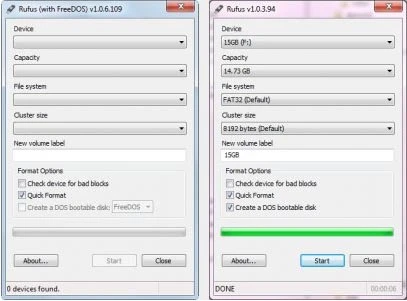
Rufus Portable 4.15
Utility that allows you to create bootable USB disks with DOS.
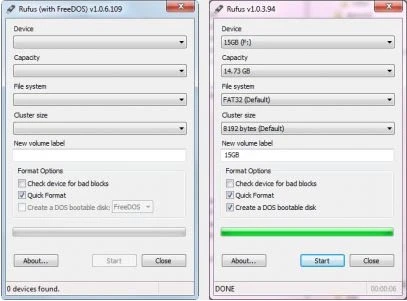
Rufus 4.15
Utility that allows you to create DOS bootable USB disks.
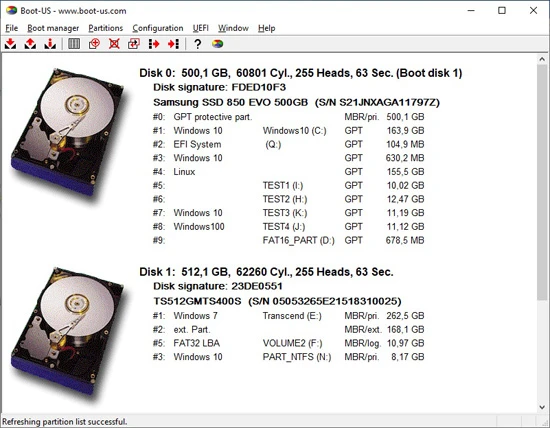
Boot-US 4.2.3
Universal boot manager that allows you to use your existing operating systems completely independently.
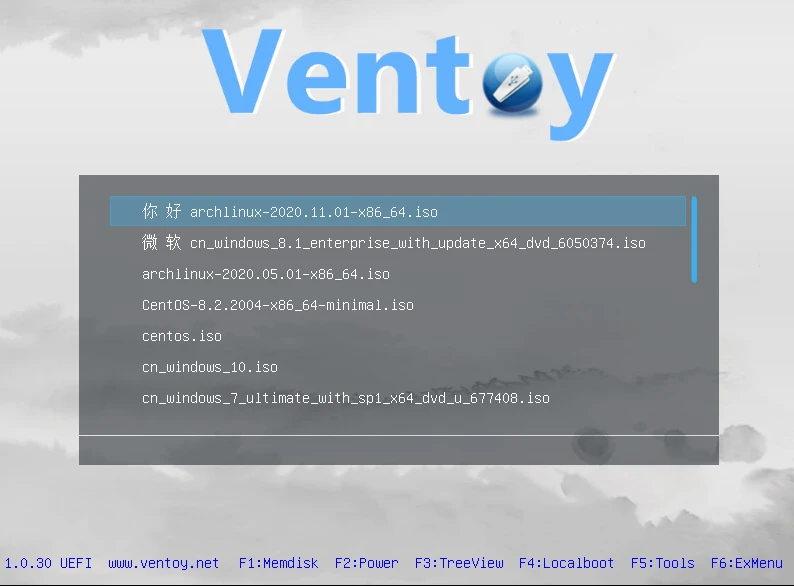
Ventoy 1.1.07
Tool that allows creating bootable USB drive for ISO/WIM/IMG/VHD(x)/EFI files.
BootIt Bare Metal 2.05
Tool that allows you to manage partitions, handle multi-boot configurations, and create disk images.
balenaEtcher 2.1.3
Free software that allows you to record operating system images onto SD cards and USB drives in a simple and secure way.
balenaEtcher Portable 2.1.2
Portable version of the popular software balenaEtcher, it allows you to write operating system images to SD cards and USB drives.

YUMI 2.0.9.4
Utility that allows you to create bootable USB sticks.