

ClickMonitorDDC 7.2
Software that allows you to directly control the settings of monitors compatible with the DDC/CI standard, without needing to access the physical buttons of the equipment.
ClickMonitorDDC is software for Windows that allows direct control of the settings of monitors compatible with the DDC/CI standard, without needing to access the physical buttons of the equipment. It runs in the background and adds quick controls to the system notification area.
ClickMonitorDDC makes it possible to adjust brightness, contrast, volume, and select the video input source of the monitor, such as HDMI, DisplayPort, DVI, or VGA, depending on the supported model. The changes are applied in real-time, facilitating precise adjustment of the settings for each screen connected to the computer.
The program supports multiple monitors, allowing you to control each display independently. It is easy to identify which monitor is being adjusted, as well as to quickly switch between them when more than one screen is connected.
Another relevant feature is the support for customizable keyboard shortcuts. You can define key combinations to increase or decrease brightness, change contrast, or perform other available actions, speeding up everyday use without interrupting work.
ClickMonitorDDC also includes advanced options, such as turning off the monitor, putting it in power-saving mode, and configuring different brightness profiles for specific situations, such as nighttime use or very bright environments. The software consumes few system resources and maintains stable operation while active.
Compatibility depends on the DDC/CI support of the monitor and the installed video driver. When properly supported by the hardware, ClickMonitorDDC becomes a practical solution for controlling monitors directly through Windows, centralizing adjustments that would normally require physical access to the display.
File security
1/72 engines flagged the file in the recorded scan.
Scan date: 01/27/2026
SHA-256: 25f8df79837977df493ec9afbf653154b7ef46fd04838046ebe5e48328d66df2
Found a problem on this page?Tell the team about broken links, versions or incorrect information.
Related

NTLite 2026.09.12209
Software that allows customization of Windows installations.
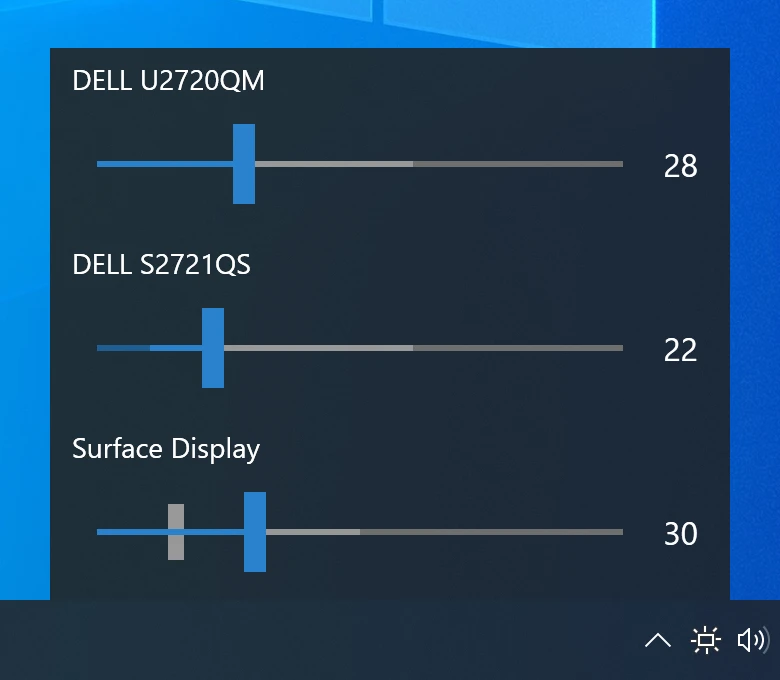
Monitorian 4.16.1
Utility for Windows that allows you to adjust the brightness of multiple monitors.

Fastfetch 2.69.0
Command-line tool that provides system information.
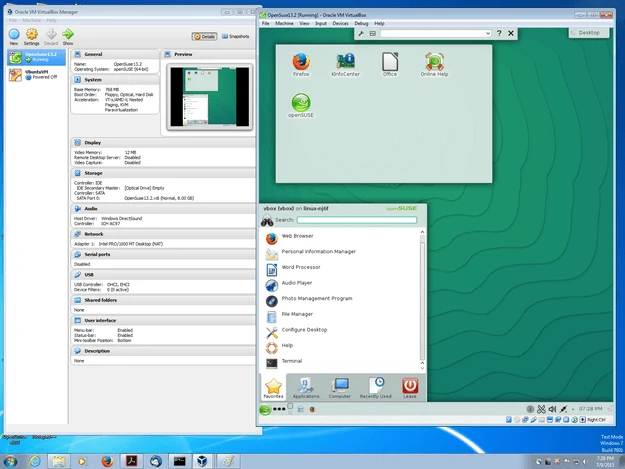
VirtualBox 7.2.20
Software that allows you to virtualize one operating system within another.

Grub2Win 3.0.4.0 Build 2015
Tool that facilitates the installation of multiple operating systems.
RisohEditor 6.2.1
Resource editor for Windows that allows you to create and modify resource files.

QontrolPanel 2.5.0
Custom audio panel for Windows that replaces or complements the system's standard sound controls.
CareUEyes 2.6.3.0
Software that protects user's eye health by adjusting system brightness.