How to choose
- Check the version and supported platform.
- Prefer official sources and review the available scan.
- Read limitations before installing.

Download browsers, download managers, file sharers, messengers, internet utilities and more.
Compare Internet options, check compatibility and review the security information before downloading.

Software that allows you to configure and manage VPN connections based on the V2Ray protocol.
Fast browser, highly customizable, with multiple navigation options.
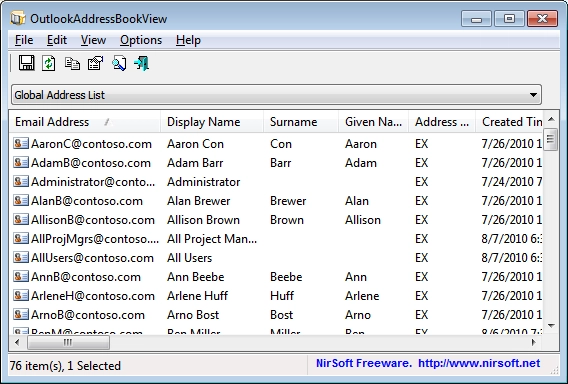
View and export the address book of Outlook.
File manager for Windows that offers a two-panel interface, inspired by the classic Norton Commander.
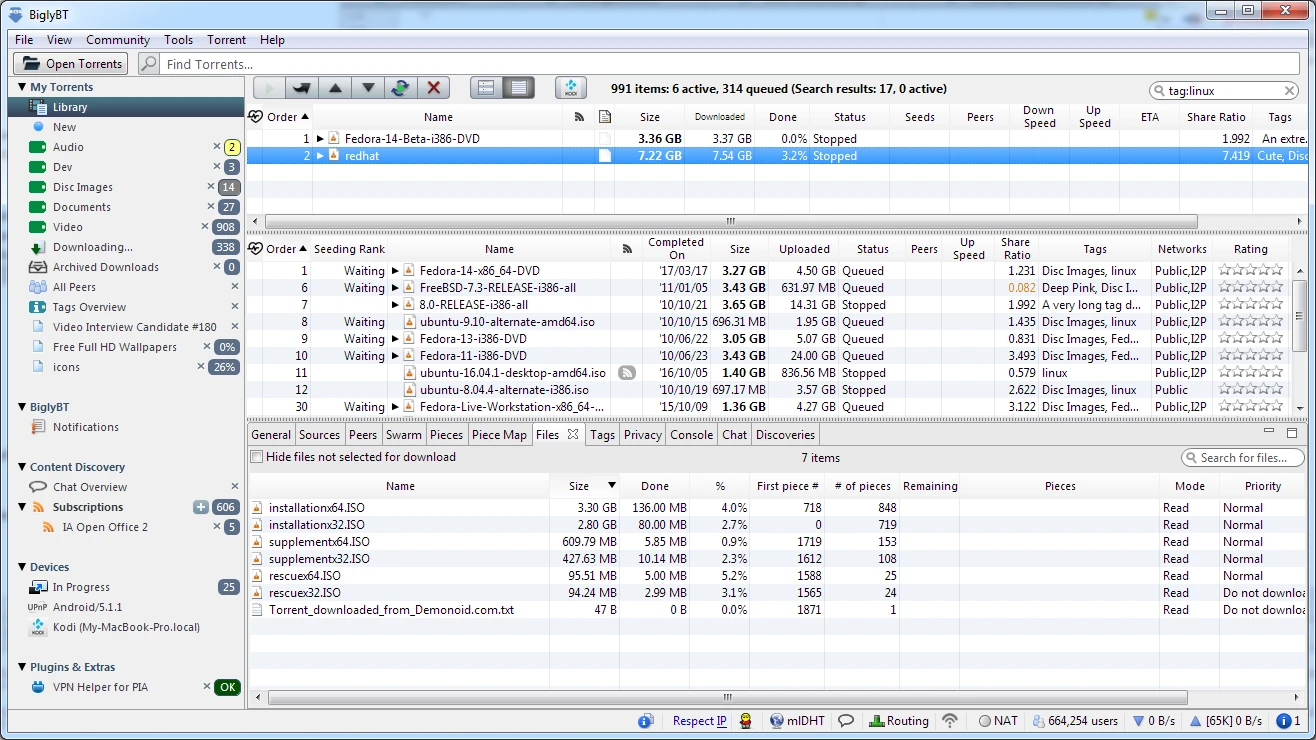
Advanced BitTorrent client that goes beyond traditional download features.
One of the most used communication platforms in China.
Browser based on the Chromium project that brings a series of resources that facilitate navigation.
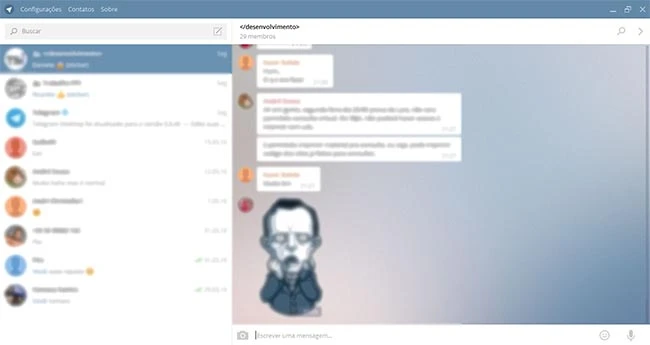
Telegram Client for Windows.
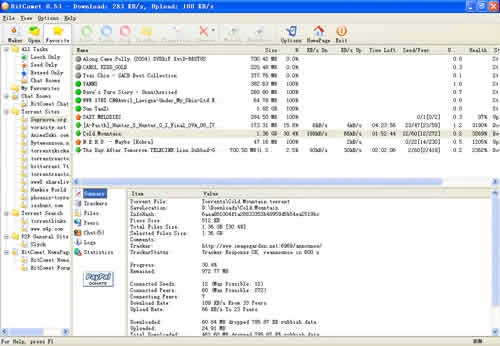
Powerful BitTorrent client.
VPN service that prioritizes security and privacy.

Increase your downloads considerably with this download accelerator.
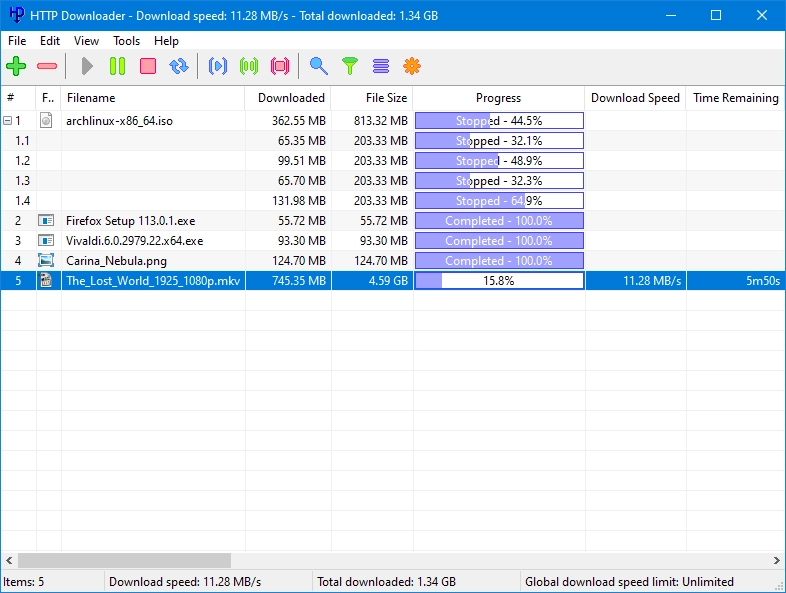
Practical and functional software aimed at managing downloads from the web.
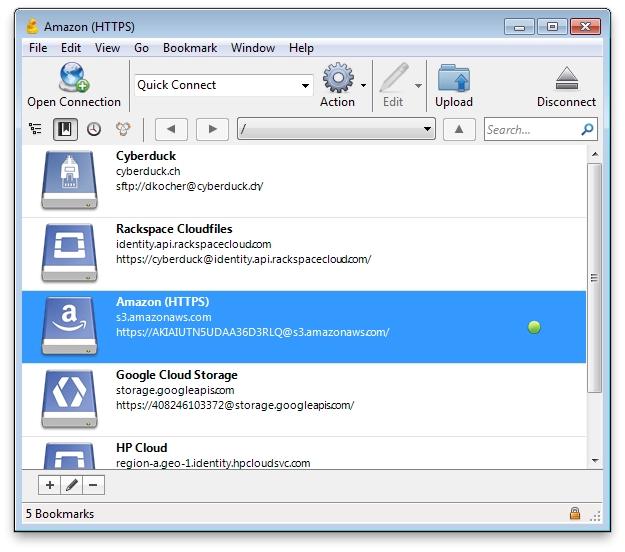
FTP, SFTP, WebDAV, Amazon S3, Google Cloud Storage, Microsoft Azure, Backblaze B2 client and other cloud storage services.
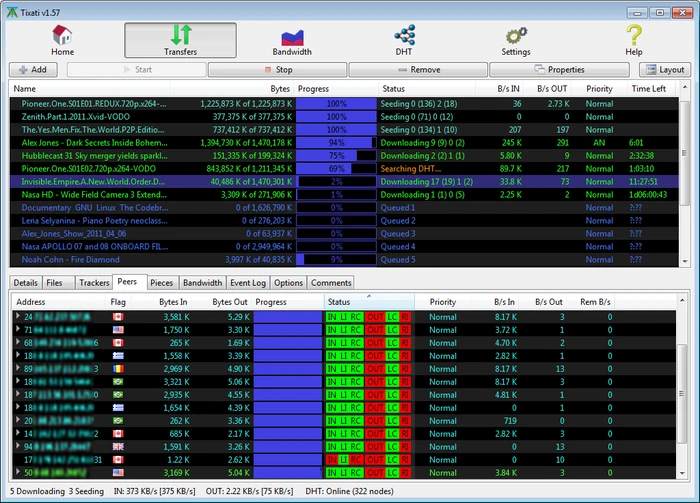
Peer-to-peer file sharing client that uses the popular BitTorrent protocol.
Collaboration platform aimed at improving communication, employee participation, and productivity in the workplace.
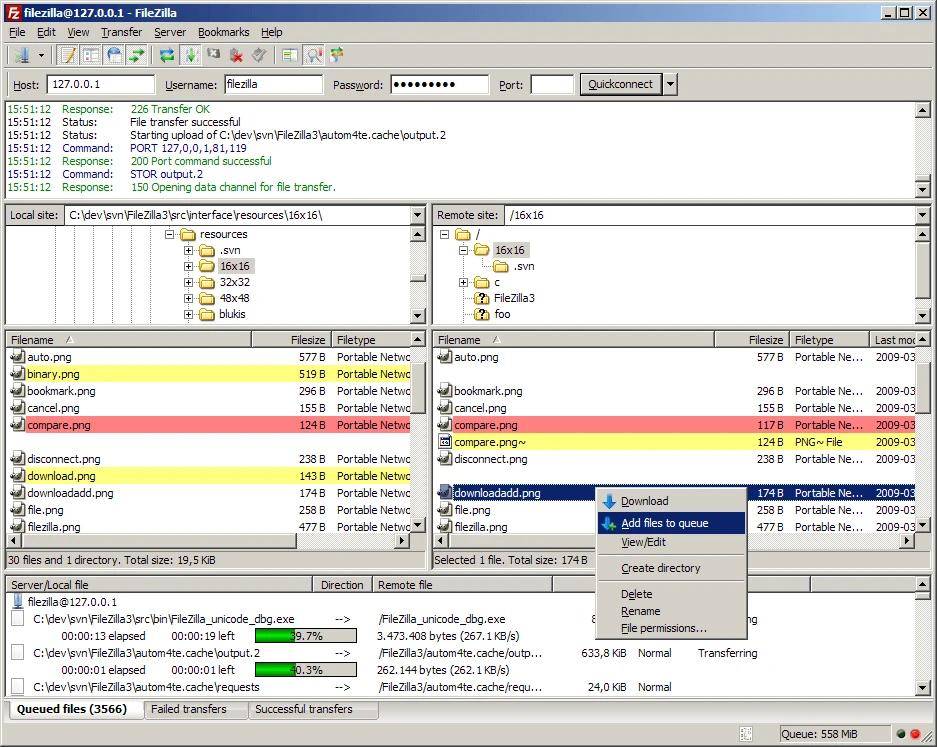
Complete FTP, FTPS and SFTP client.

Utility that allows you to view and delete Google Chrome cookies.
Unofficial app, developed as a variation of GBWhatsApp, a popular mod of WhatsApp.
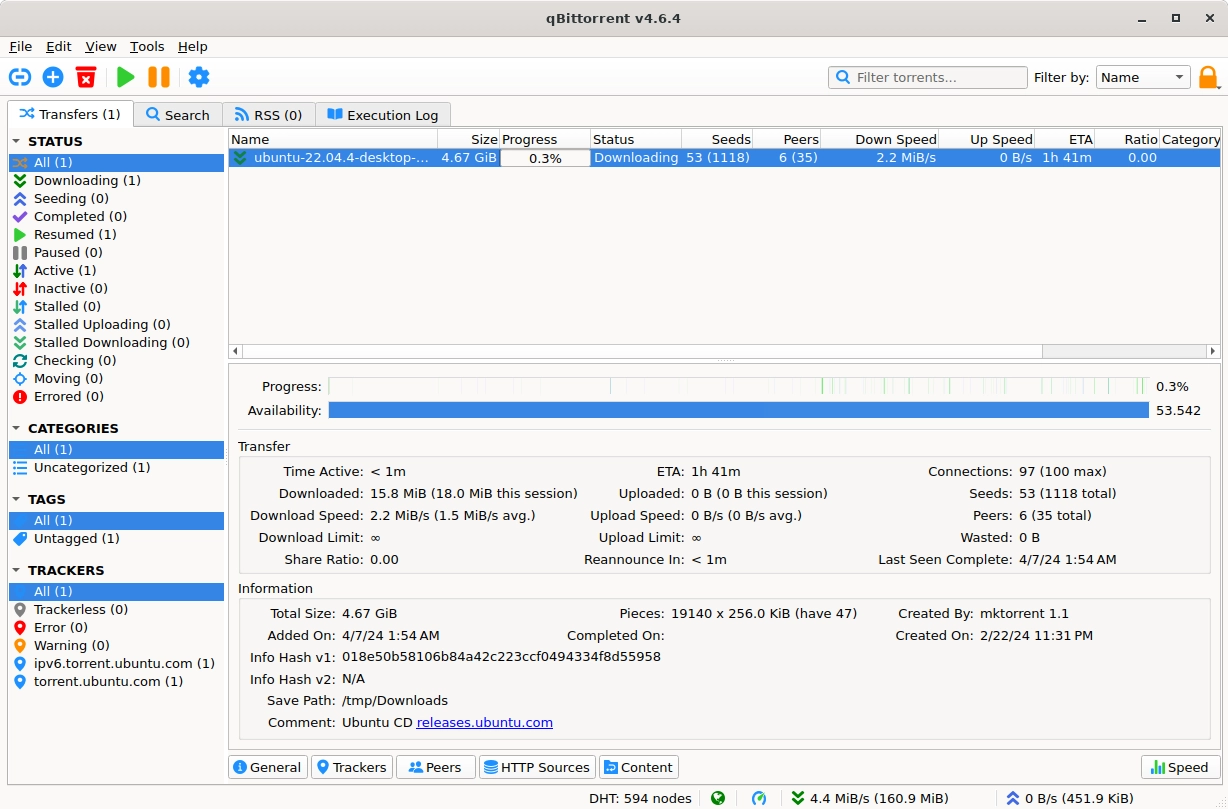
Software for file sharing via BitTorrent protocol.
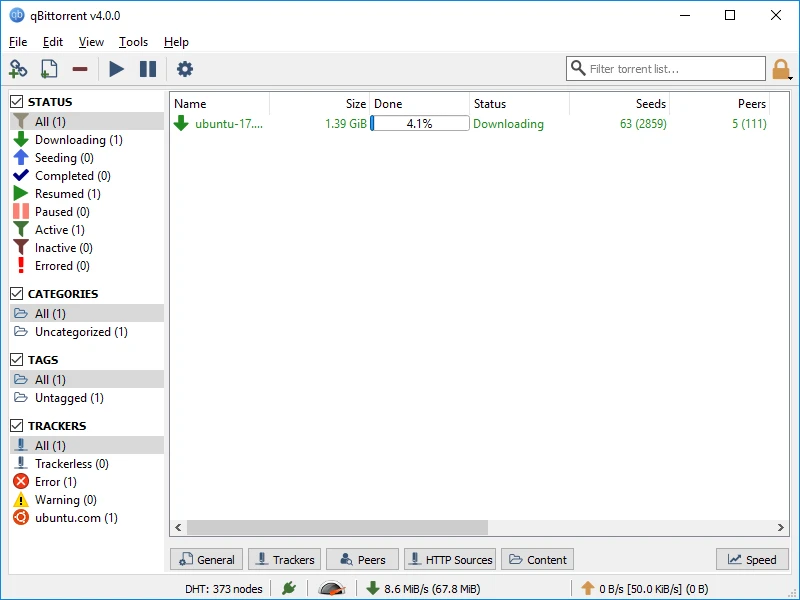
BitTorrent client to download and manage torrents without the need for installation.
Compare features, license, compatibility, update date and file source.
Each page shows the available evidence level, including source, hash and scan when present.