

Blockbench 5.0.4
3D modeling editor focused on creating low-polygon models, especially popular for projects in Minecraft.
What is Blockbench?
Blockbench is a 3D modeling editor focused on creating low-polygon models, being especially popular for projects in Minecraft. It allows you to create, edit, animate, and texture models accurately, offering specific tools for developers and artists working with game-optimized formats.
Main Features
1. Custom Modeling
- Allows you to create detailed 3D models using blocks and simple geometric shapes.
- Ideal for characters, mobs, blocks, and pixel art-style items.
2. Texturing
- Offers tools to apply custom textures directly to the models.
- Supports image file import for use as textures.
3. Animation System
- Has a complete animation editor with timelines and tools for creating complex movements.
- Exports animations compatible with game engines.
4. Export and Compatibility
- Supports export to formats like .json (used in Minecraft Bedrock Edition), .glb, among others.
- Compatible with various game platforms and graphics engines.
5. Plugins and Extensibility
- Allows installation of plugins that expand its functionalities, such as integration with external APIs or specific tools.
6. Collaboration and Multiplatform
- Available in both desktop versions (Windows, Mac, and Linux) and as a web application, allowing collaborative work directly in the browser.
Applications in Minecraft
Blockbench can be used to create custom models for Minecraft Bedrock Edition and Java Edition, enabling the creation of resources for texture packs, add-ons, and mods. Its interface makes it easy to adjust details so that models comply with game standards.
Benefits
- Easy to use: Intuitive tools even for beginners in 3D modeling.
- Lightweight: Requires few system resources to run.
- Active community: Has a large user base, providing tutorials and support.
If you work with game-oriented modeling or want to create custom content for Minecraft, Blockbench is a practical and efficient tool to turn your ideas into 3D models.
Found a problem on this page?Tell the team about broken links, versions or incorrect information.
Related
ImageMagick 7.1.2-31
Open-source software to handle images with many functionalities.
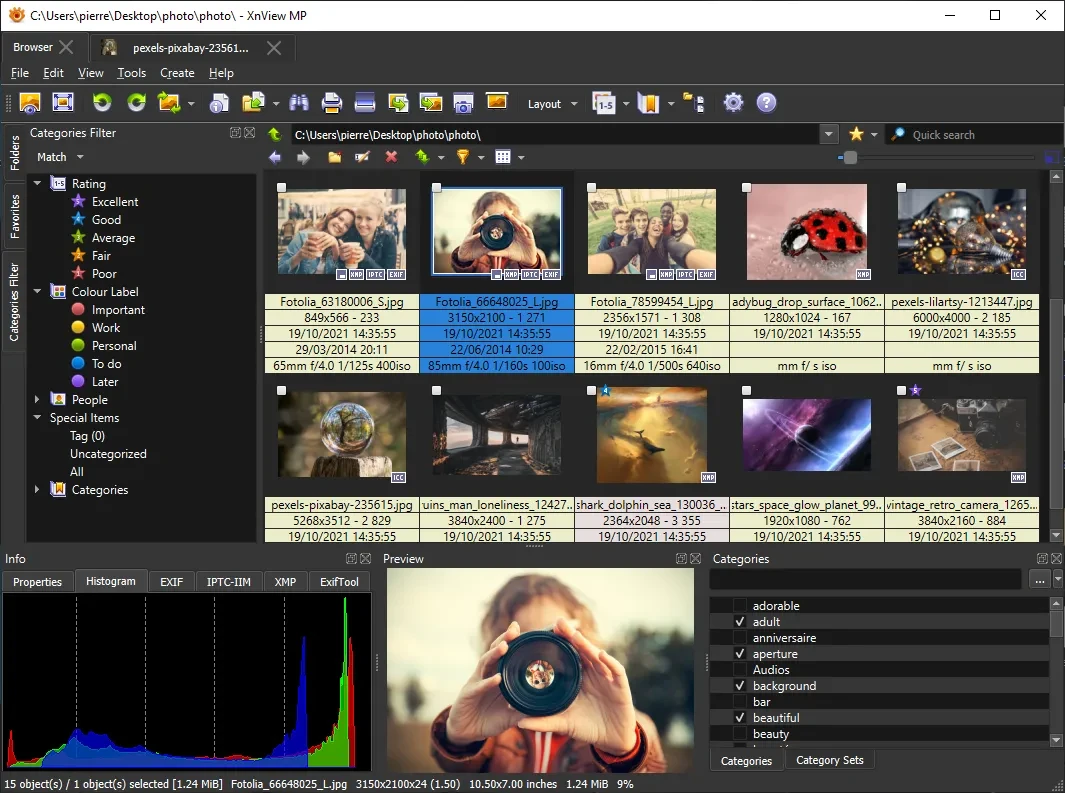
XnView MP 1.11.6
Powerful and easy-to-use image viewer, manager and editor.

ScreenToGif 2.43.2
Utility that allows you to record an area of the screen and export it as a GIF.

Image Sort 2.14.8
Efficient, accurate, and intuitive image organizer software.
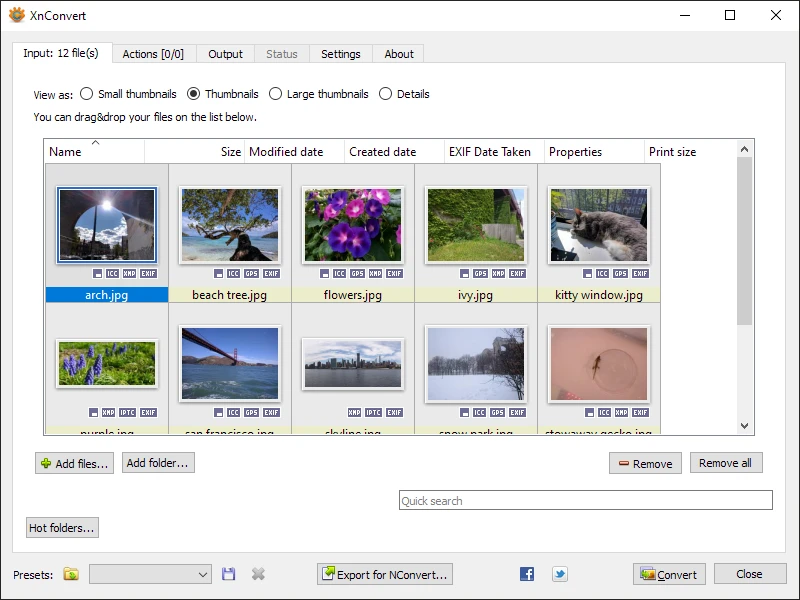
XnConvert Portable 1.112.0
Free and cross-platform software for batch image conversion and editing.
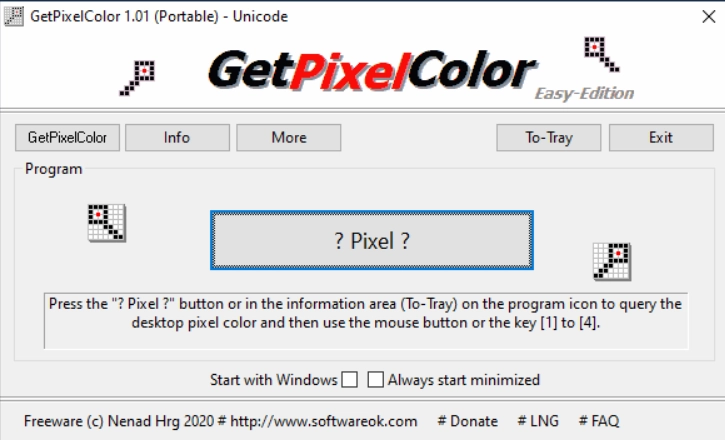
GetPixelColor 3.55
Small utility for Windows aimed at capturing the exact color of any pixel displayed on the screen.
XnView MP Portable 1.11.5
Portable version of XnView MP. Software that allows for viewing, organizing, and converting images.
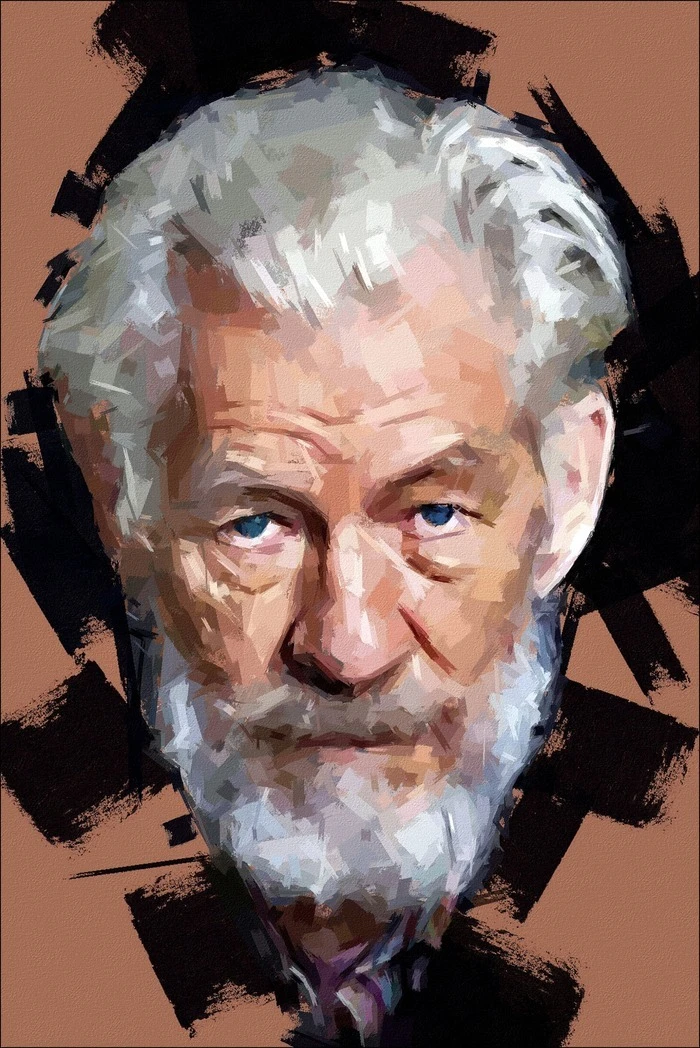
FotoSketcher 4.0
Free program for Windows that automatically transforms your digital photos into works of art with just a few clicks.