

Firmware Installation
- Download the zipped file by clicking the download button above;
- Plug the Memory Stick into your computer's USB port;
- Create the following hierarchy of directories (one folder within another) on the Memory Stick: PSP/GAME/UPDATE (all folders in capital letters);
- Extract the downloaded file and copy the file into the respective version of your PSP. Example: if your PSP is 2000 copy the EBOOT.PBP file from the PSP-1000-2000-3000 folder;
- Paste the download file (EBOOT.PBP) into the last folder (UPDATE);
- Connect the Memory Stick to your powered PSP and select the GAME options > Memory Stick by pressing the "X" button and then select the PSP Update ver . X.XX and finally the "X" button to perform the installation.
File security
0/59 engines flagged the file in the recorded scan.
Scan date: 12/11/2021
SHA-256: 5eacc3c48cfe8ed74d56b055d55b286e6235f2598d293de5052ffc848d6dd352
Found a problem on this page?Tell the team about broken links, versions or incorrect information.
Related
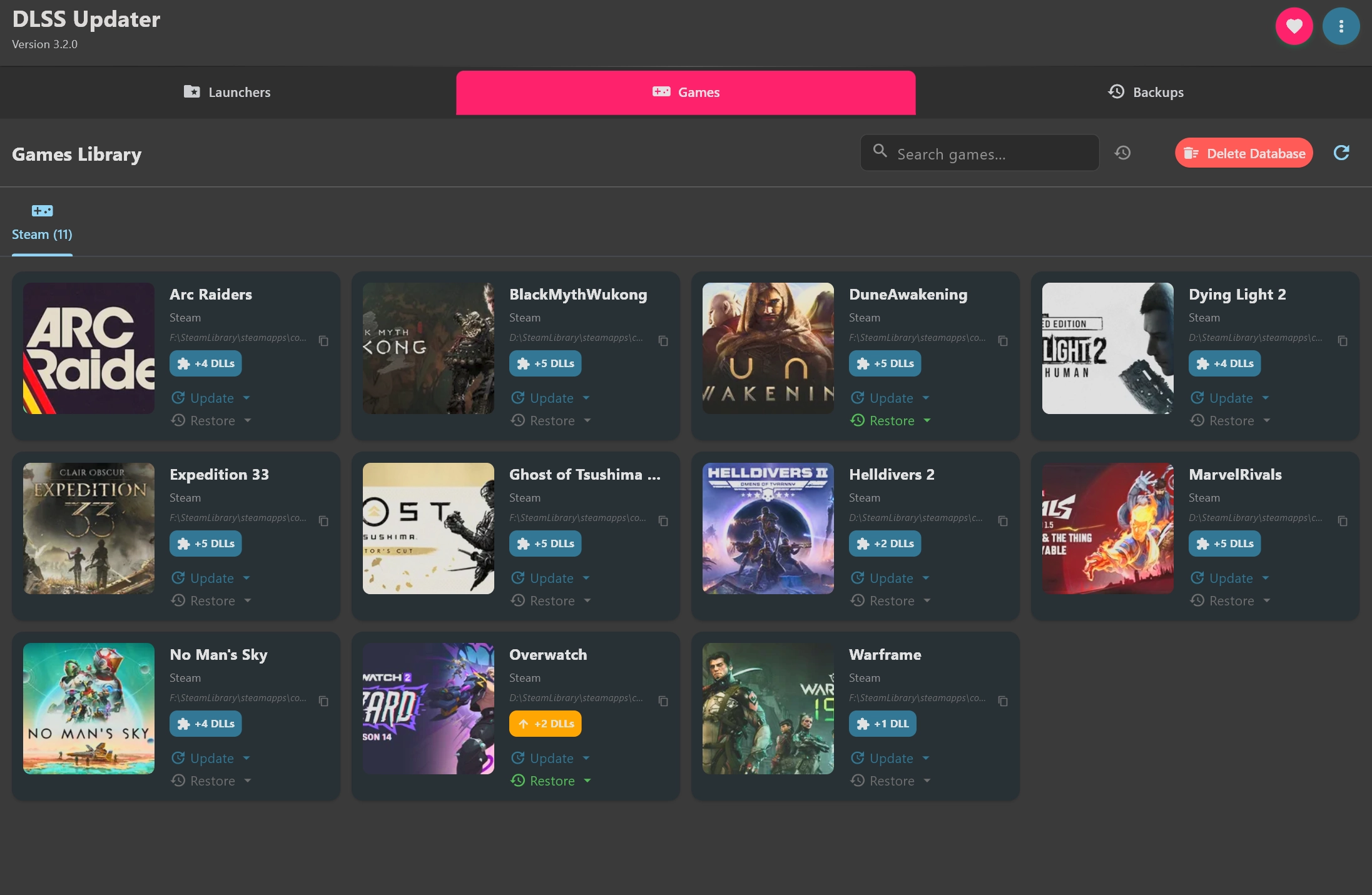
DLSS Updater 5.0.0
Independent tool aimed at PC games that use NVIDIA DLSS.
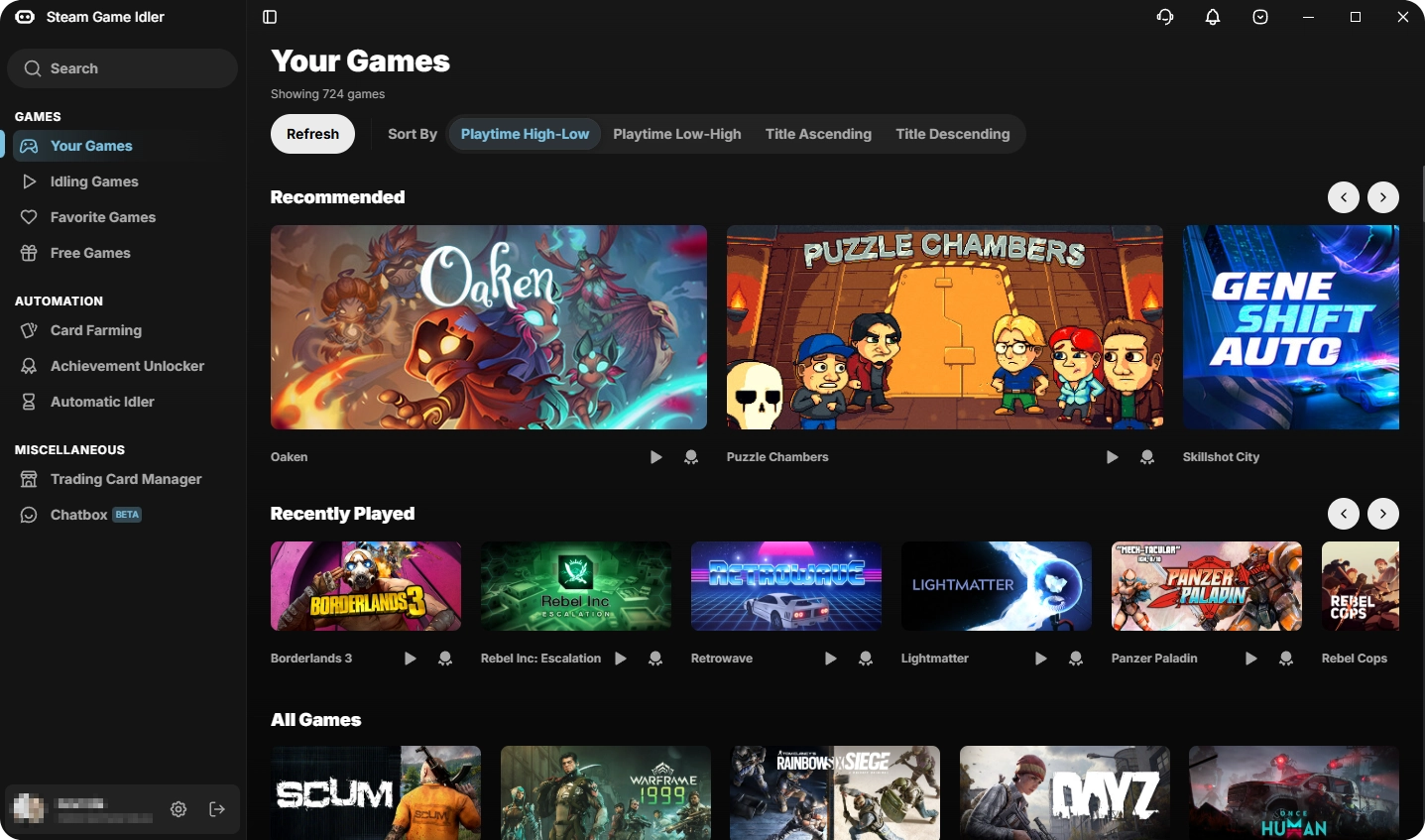
Steam Game Idler 6.2.5
Software used to simulate playtime in Steam titles without the need to keep them open.

Smart Game Booster 6.0.0.1231
Tool developed to optimize the gaming experience on your Windows PC.
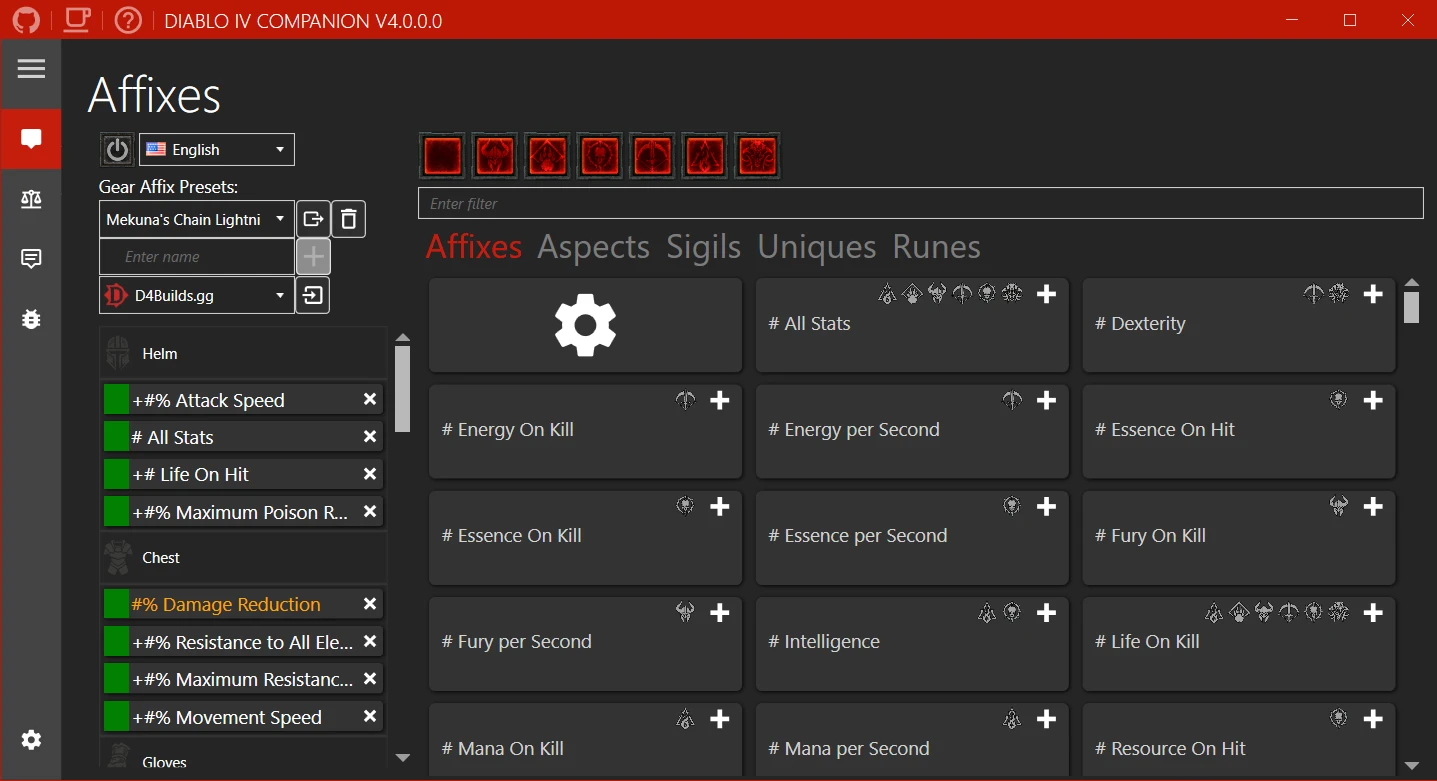
Diablo IV Companion 5.3.7.0
Tool developed to enhance the experience of players in the universe of Diablo IV.

Game Backup Monitor 1.4.5
Utility that allows automatic backups of game saves locally or in the cloud.
Rocrail 6922
Control software for model railways that allows the automation of train layouts.
SteelSeries GG 110.0.0
Platform created to enhance the gaming experience by better connecting players with their devices and games.
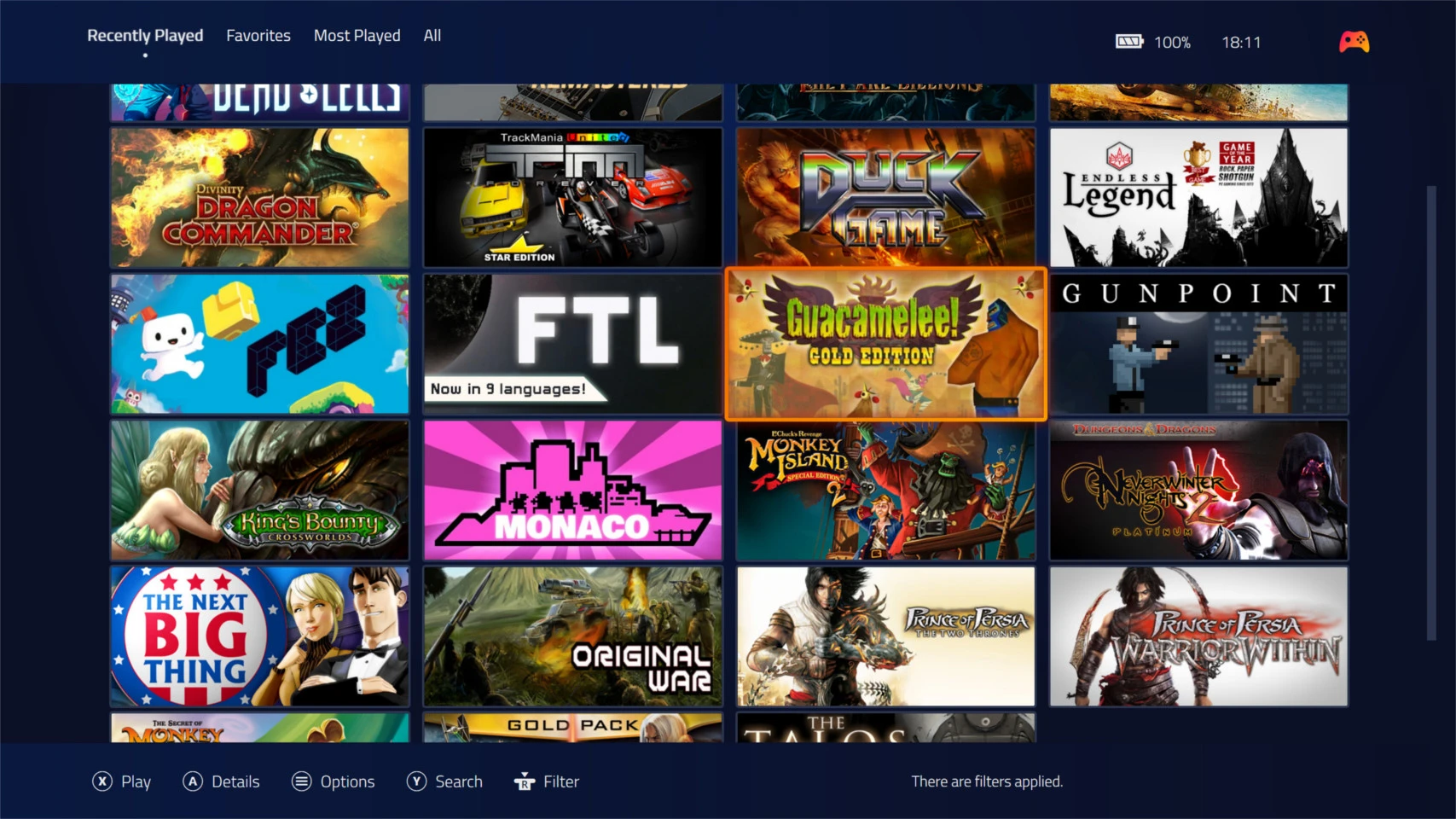
Playnite 10.51
Free and open source software for managing and organizing games.