
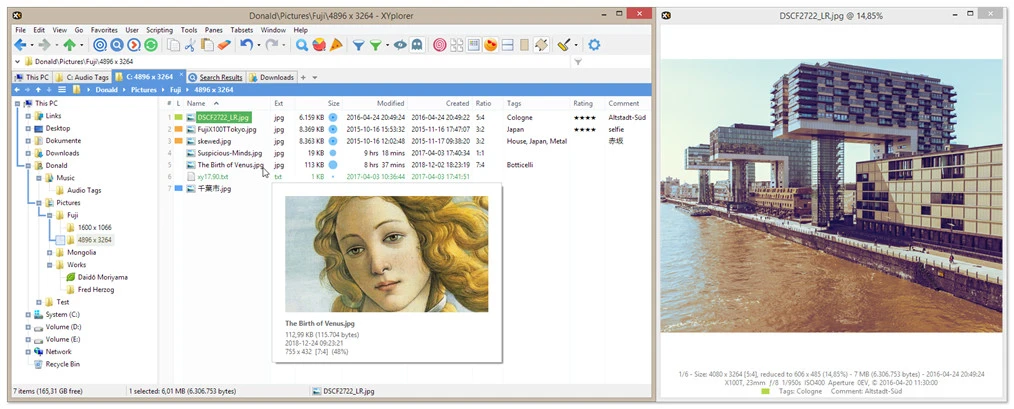
XYplorer is an advanced file manager for the Windows operating system, developed for those seeking a more efficient and customizable alternative compared to the standard Explorer. It offers a range of features, tools, and functions aimed at improving productivity and organization in file and folder management.
Main Features:
- Customizable Interface: XYplorer allows you to adjust the appearance of the interface, including the choice of color schemes and layouts, providing a more adaptable experience.
- Advanced Search: With a powerful search engine, detailed searches can be performed within files, folders, and even in document contents.
- Dual Panels: The dual panel functionality allows you to view and manage files in two folders simultaneously, making it easier to move and copy files.
- Bookmarks and Favorites: The software supports bookmarks and favorite folders for quick access to frequently used locations.
- Tabbed Navigation: You can use multiple tabs, similar to how web browsers operate, for smoother navigation between different folders.
- Viewing and Previewing: XYplorer includes preview features for various file types, such as images and documents, without the need to open external programs.
Advantages:
- Efficiency and Agility: XYplorer is known for its speed and fluidity in file operations, making it the ideal tool for those who need to manage large volumes of data.
- Advanced Features: Unlike standard Explorer, it offers features such as batch renaming, folder comparisons, and directory synchronization.
- Portability: XYplorer can be run without the need for installation, making it ideal for those needing a portable file manager.
Considerations:
- XYplorer is a paid software, although it offers a 30-day trial version.
- Its interface may seem a bit complex for beginner users due to the many customization options and advanced features.
XYplorer is an excellent choice for advanced users looking for a file manager with powerful and personalized capabilities, contributing to a more efficient and organized experience when working with files on Windows.
File security
0/68 engines flagged the file in the recorded scan.
Scan date: 03/26/2026
SHA-256: 7396f9a5381920c31e266044bedd5951a8c59c8adfeb0dc9a7221f6f41911566
Found a problem on this page?Tell the team about broken links, versions or incorrect information.
Related
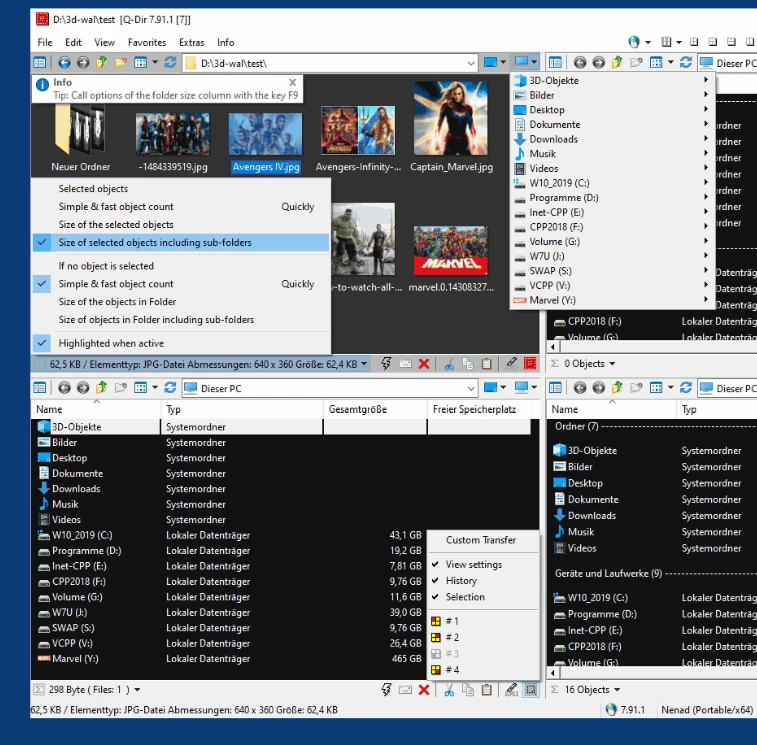
Q-Dir 12.77
Alternative to Windows file manager that brings a number of extra features.
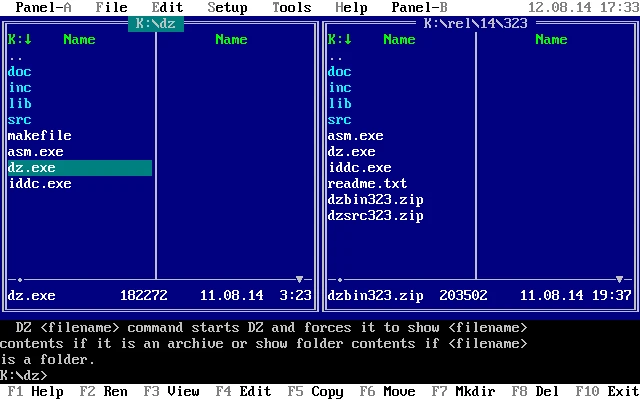
Doszip Commander 3.98
TUI file manager for DOS/Windows with LFN support and integrated ZIP.
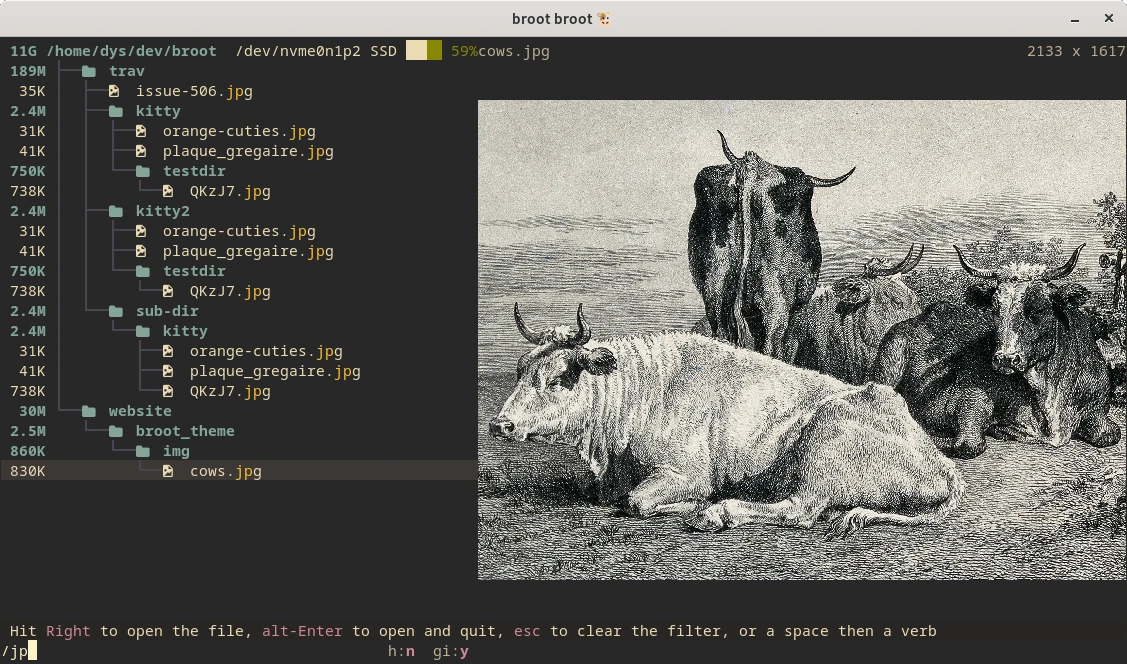
Broot 1.56.3
Open source, fast, secure and lightweight file manager that offers multiple ways to browse and search the file system.

EF Commander 26.02
Complex and multifunctional file manager.
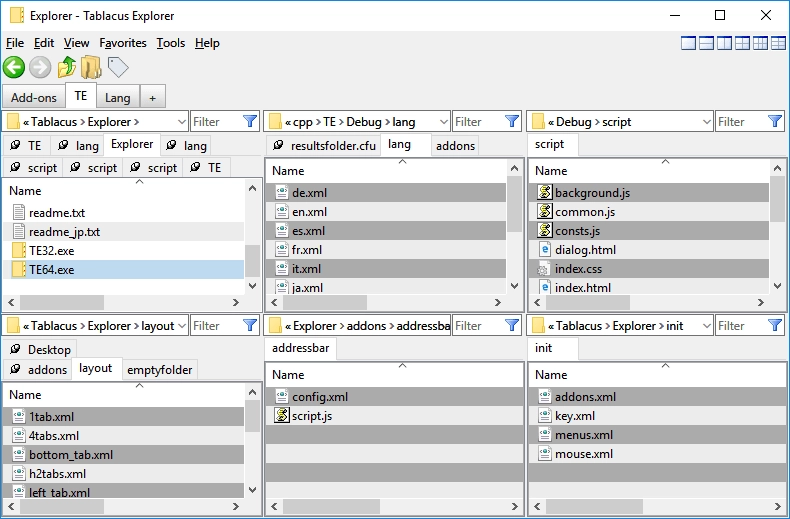
Tablacus Explorer 25.12.22
Lightweight, customizable, and open-source file manager for Windows.
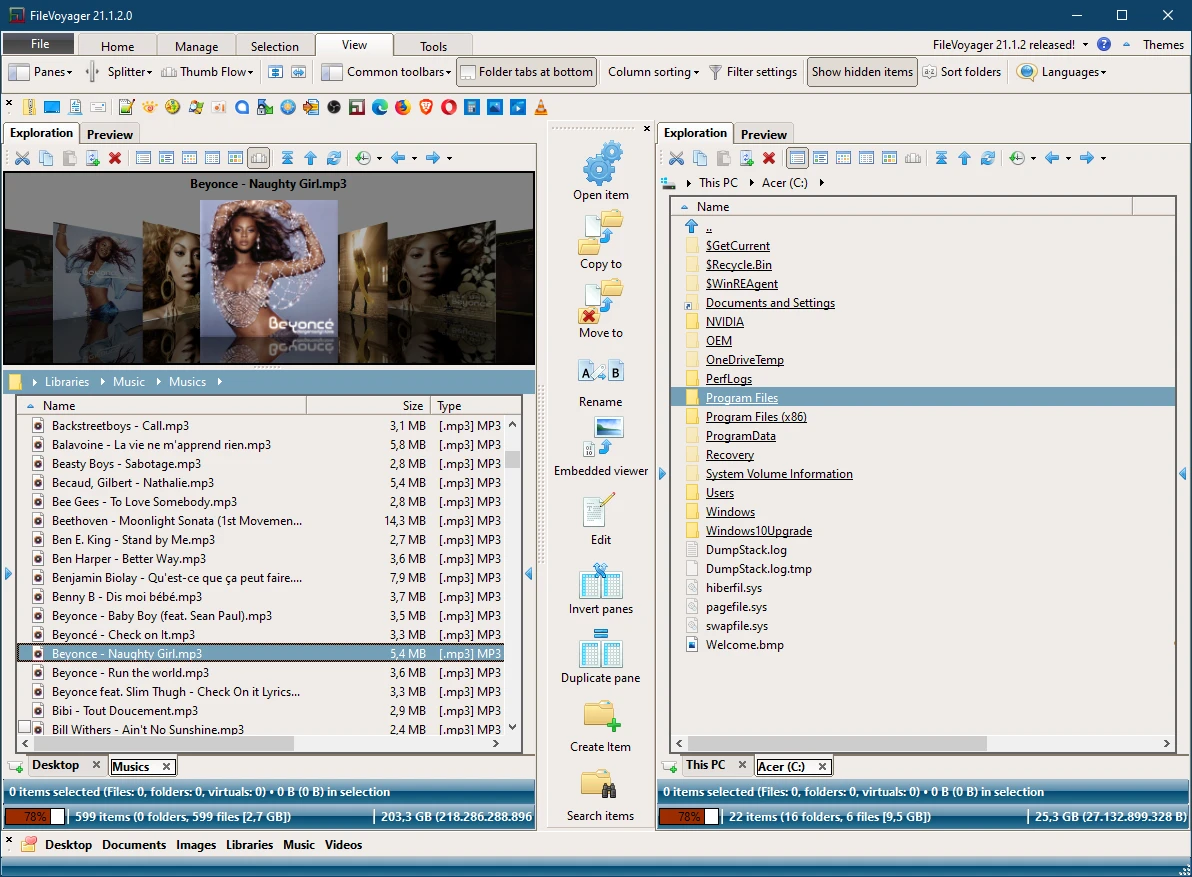
FileVoyager 25.12.5.0
Free Orthodox file manager for Windows.
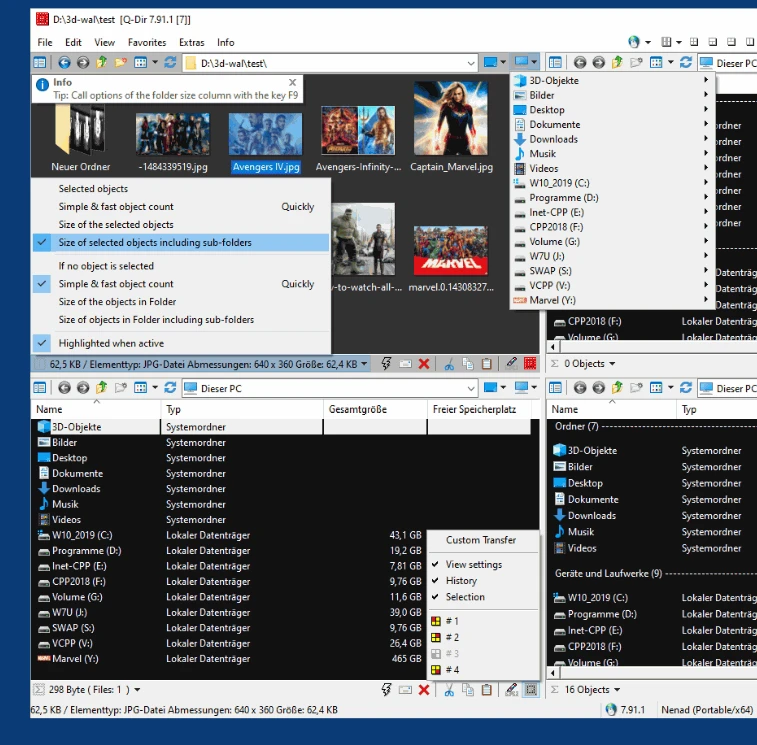
Q-Dir Portable 12.25
Portable version of this excellent alternative to the Windows file manager.
ES File Explorer 4.4.3.1
Free file manager for Android with tons of features.