

Windows10Debloater is a Windows PowerShell script that allows you to easily remove bloatware in order to lighten your Windows. In addition to allowing the removal of these applications, the software also has other features such as installing the .NET Framework, uninstalling OneDrive, among others.
But what are Bloatwares?
Bloatware are those applications that are installed by default, and that are generally not of interest to the user. This "huddled" of applications end up making Windows slower and even more visually polluted.
How to perform the procedure
After downloading the file, extract it, right-click on the Windows10DebloaterGUI.ps1 file and choose the Run with PowerShell option. A screen will pop up with several options.
In the first Customize Blocklist option you can choose exactly which bloatwares you want to remove, after you have selected the save applications and click the Remove Bloatware with custom Blocklist button.
If you want to remove all bloatware just click on Remove All Bloatware option.
If you want to revert the process, just click on the Revert Registry Changes option.
Found a problem on this page?Tell the team about broken links, versions or incorrect information.
Related

Avast Clear 26.8.11125
Utility that allows you to uninstall Avast even if the Windows uninstaller is not working.

Uninstalr 3.2
Fast, lightweight, and efficient uninstaller for Windows.
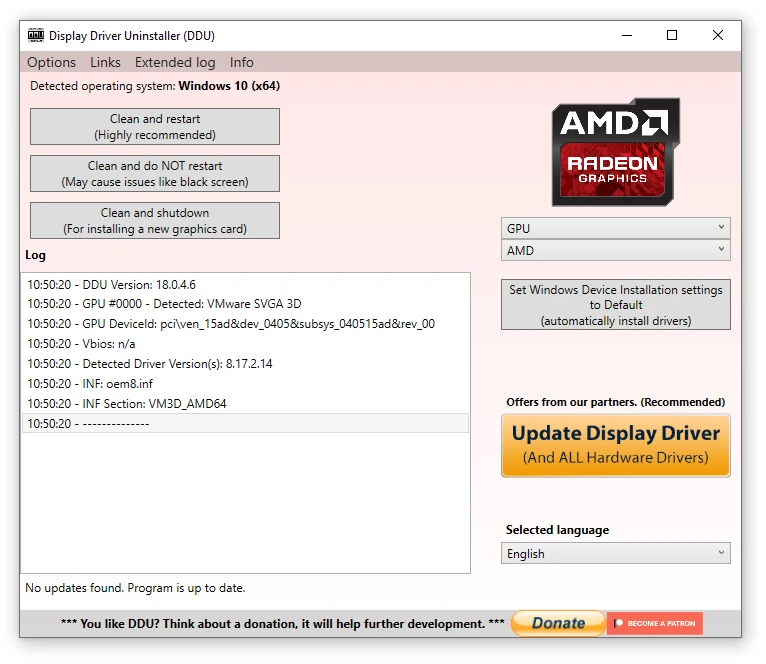
Display Driver Uninstaller (DDU) 18.1.5.1
Completely uninstall video drivers from NVIDIA, AMD and Intel.
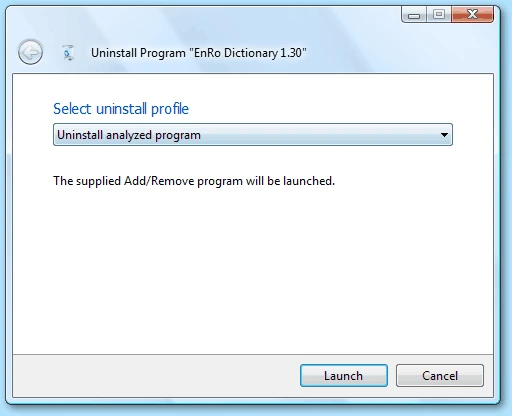
Total Uninstall 7.6.2
Utility that allows the complete uninstallation of programs.
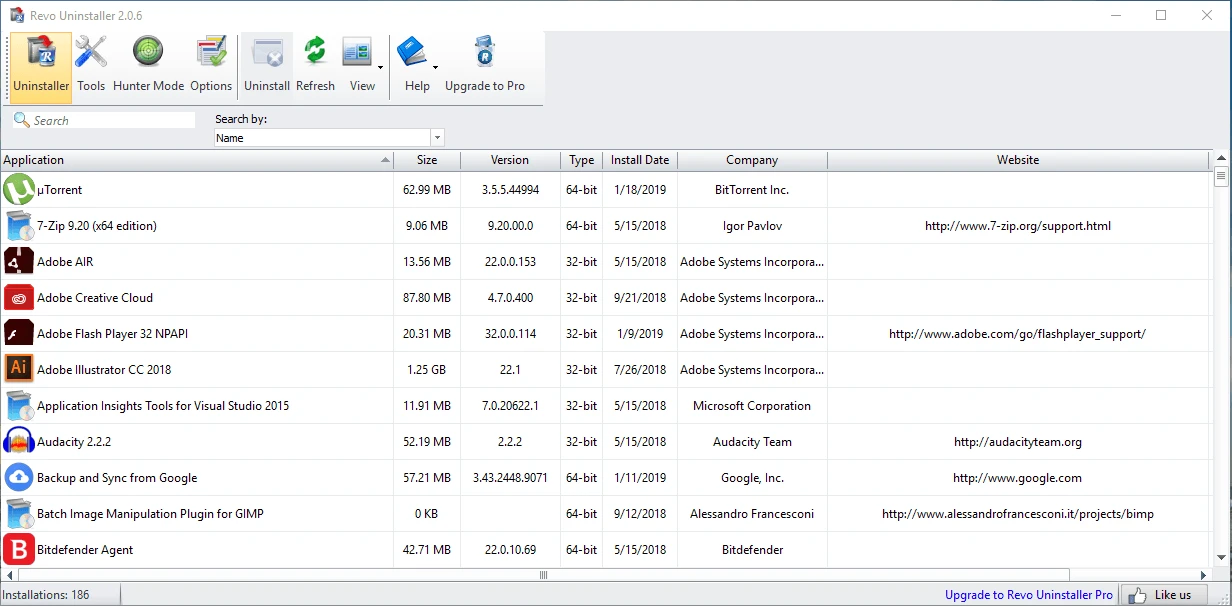
Revo Uninstaller Free 2.6.5
Super complete program uninstaller and with several additional cleaning tools.
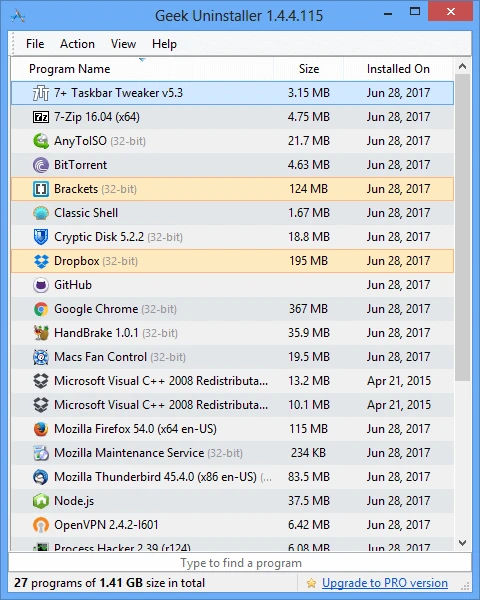
Geek Uninstaller 1.4.10.155
Portable and completely free uninstaller for Windows.
Edge Remover 18.33
A simple utility without a graphical interface that allows you to permanently remove the Microsoft Edge browser from Windows systems.
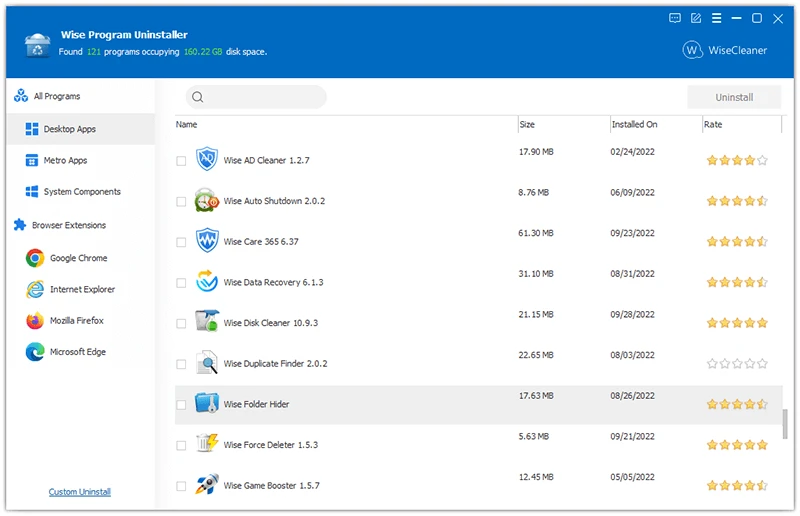
Wise Program Uninstaller 3.2.7.271
Free tool to completely uninstall applications on the Windows system.