

Universal Viewer 6.7.9 Pro
Software developed to meet the need to view and manipulate a wide variety of file formats.
Universal Viewer is software developed to meet the need to view and manipulate a wide variety of file formats, becoming a versatile tool for users dealing with diverse digital data. It is a comprehensive solution for viewing text, images, videos, and even web content, eliminating the need for multiple specialized programs.
Main Features
The Universal Viewer allows you to open and edit files in various formats, including:
- Text and Documents: Supports formats such as plain text, RTF, and UTF-8, as well as OpenOffice and Microsoft Office documents, facilitating access to .docx, .odt, .txt files, among others, without relying on the original software.
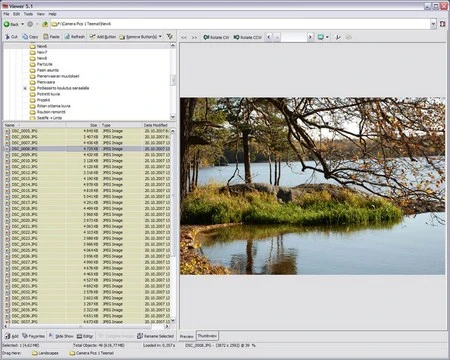
- Images: Offers compatibility with a variety of image formats, such as BMP, ICO, EMF, JPEG, PNG, GIF, RLE, TGA, TIFF, and PSD, making it ideal for graphic designers, students, or any user who needs to quickly view images.
- Videos: Allows playback of formats such as AVI, MPEG, MPV, MOV, QT, MP4, and DivX, although it requires association with an installed media player, such as Windows Media Player, to function fully.
- Web Content: Facilitates viewing of HTML files and other web content, which can be useful for developers who need to test pages offline or view web content without a browser.
In addition, it allows editing of files in binary, hexadecimal, and Unicode formats, an advanced functionality that is particularly valuable for IT professionals, developers, or users who need to inspect files at a deeper level, such as in debugging or data recovery tasks.
Integration and Usability
One of the features that make the Universal Viewer practical is its integration with Windows File Explorer. This means it allows files to be opened directly from the context menu (right-click), saving time and simplifying the workflow. Moreover, it offers customizable keyboard shortcuts, allowing users to create key combinations for frequent actions, which increases efficiency, especially for those who use the software regularly. The configuration options are extensive, allowing the software to be tailored to the specific needs of each user.
Requirements and Security
To install the Universal Viewer, an internet connection is required, a common requirement in modern software to ensure that the latest version is downloaded and to verify the integrity of the files. In terms of security, the software has undergone checks, providing users with peace of mind regarding its reliability and absence of malware, which is essential in an increasingly digital environment concerned about cyber threats.
Final Considerations
The Universal Viewer is a tool designed to simplify the viewing and handling of files, offering a comprehensive solution that combines versatility, integration, and usability. Its ability to handle various formats, from the most common to the more specialized ones, makes it a valuable choice for users of all levels, whether for advanced professional tasks or everyday use.
File security
SHA-256: 195f59a4d27d7a3205cff2512c76c416003bf6872c6b15c906874b2301cea9a2
Found a problem on this page?Tell the team about broken links, versions or incorrect information.
Related
BandiView 7.28
Free image viewing software known for its lightweight, fast, and user-friendly interface.

Memory Pictures Viewer 1.90
Utility that easily allows you to view where a photo was taken.
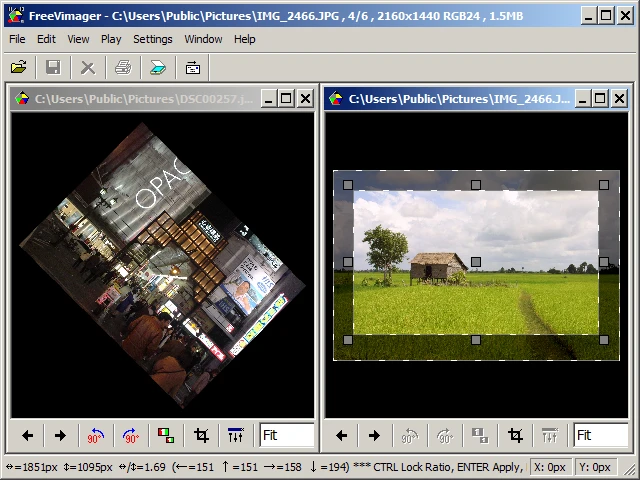
FreeVimager 9.9.27
Image viewer and editor for Windows.
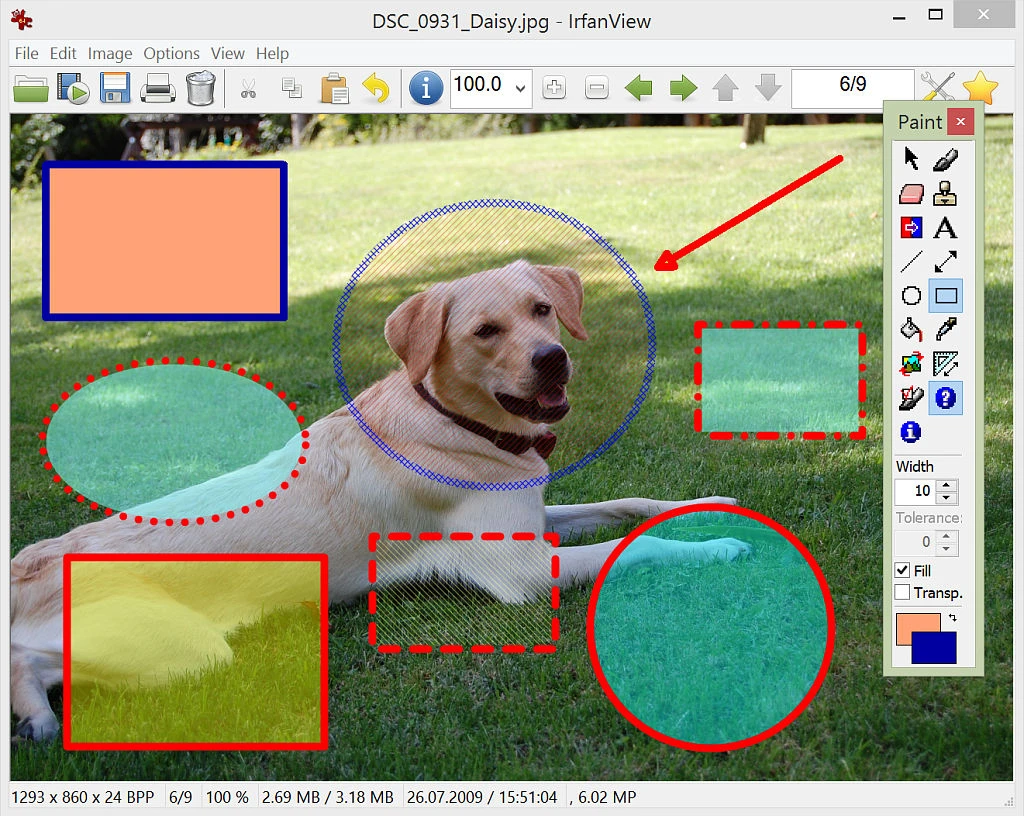
IrfanView Portable 4.72
Portable version of IrfanView. A lightweight, free image viewer packed with features.
IrfanView 4.73
Lightweight, free and feature-packed image viewer.
PicView 4.0.0
Image viewer software on Windows 10 and 11.
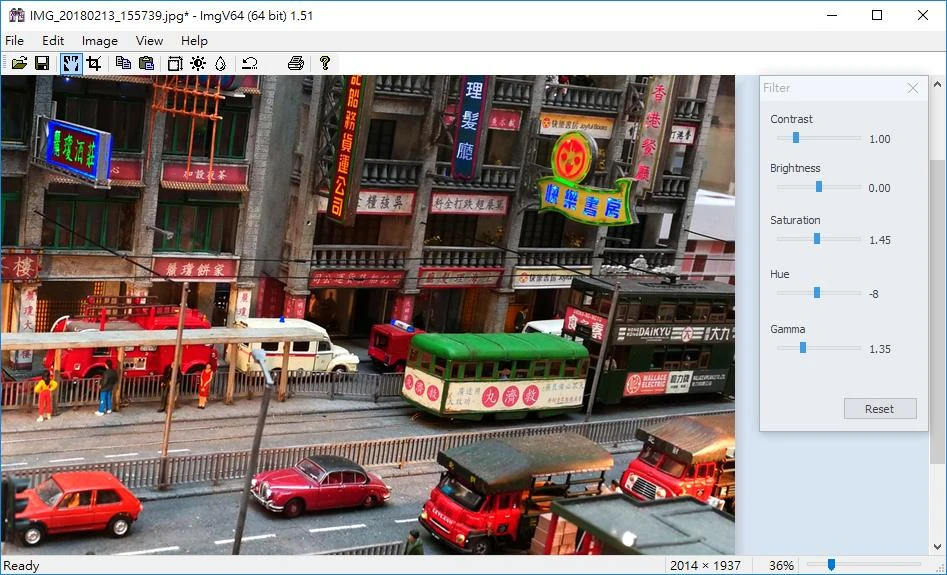
ImgV64 1.90
Free and open-source image viewer software that supports various image formats.
WildBit Viewer 6.18
Easy-to-handle image viewer with many features.