

Stealth Player
Audio player that is so light it doesn't even have a graphical interface.
Stealth Player is an audio player with a remarkable feature that you've probably never seen before, it doesn't have a graphical interface, it only has a notification icon in the system tray.
To change music or increase the volume for example you use keyboard shortcuts (shortcut list below). To add music to the player you must go to the music file or folder and use the Windows context menu to add it to the player.
Shortcut List
"5" key – Play / Pause
"4" key – Previous track
"6" key – Next track
"8" key – Volume up
"2" key – Volume down
"7" key – Go to the previous folder
"9" key – Go to the next folder
"0" key – Exit player
Installation
Stealth Player does not require installation, however you must run the “StealthReg” registry file for the player's settings to become part of the system.
File security
2/60 engines flagged the file in the recorded scan.
Scan date: 11/25/2020
SHA-256: 39eccc0a1c76bb8729138d051da054b20798ed3f97002549eae2a36c2ee14e7d
Found a problem on this page?Tell the team about broken links, versions or incorrect information.
Related
JRiver Media Center 36.0.34
An advanced multimedia center packed with powerful features.
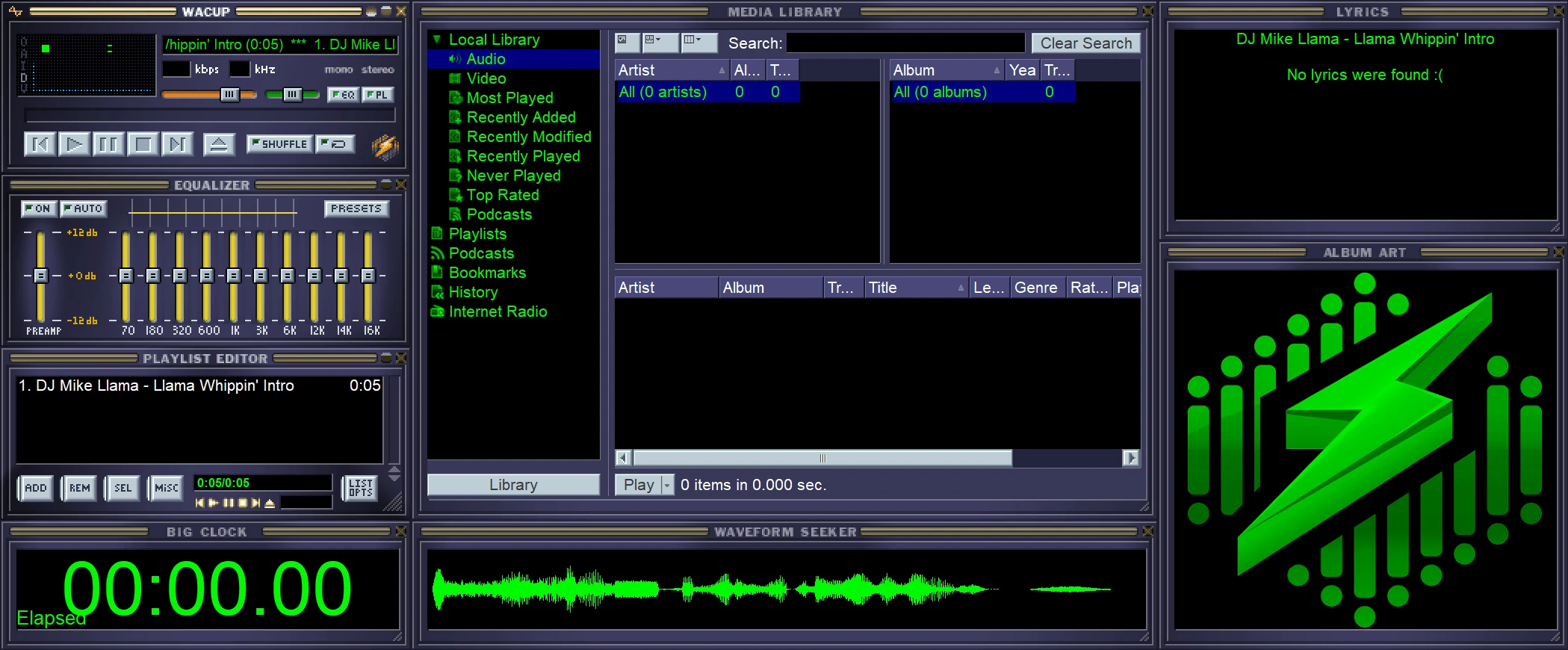
WACUP 1.99.54.24960
Independent project aimed at revitalizing and improving the classic media player Winamp.
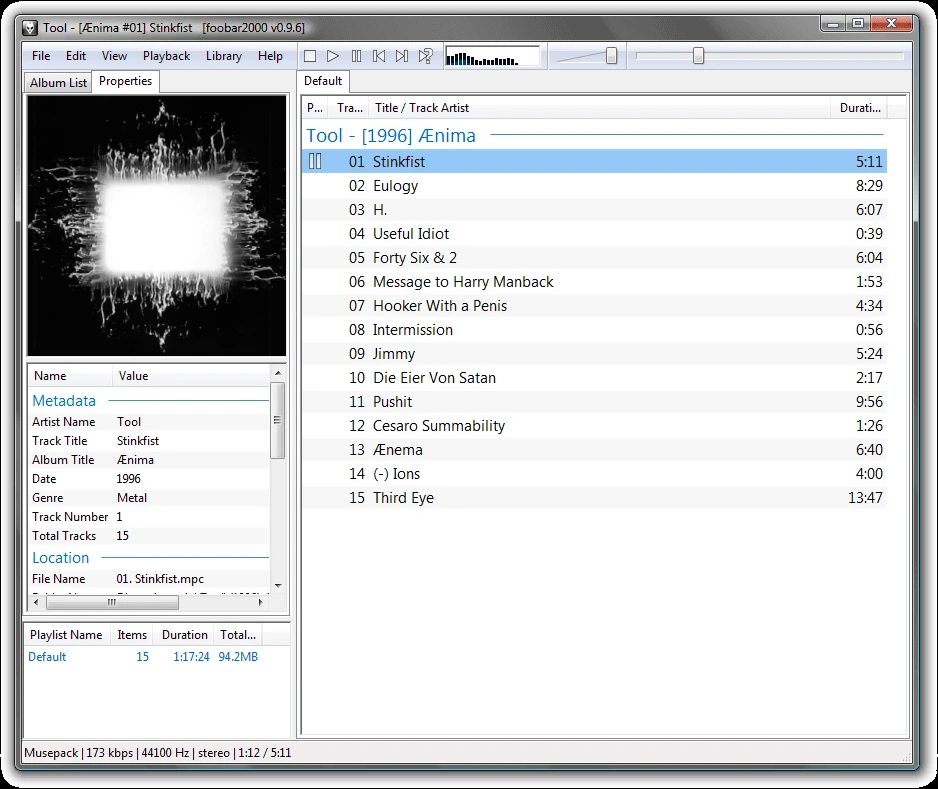
foobar2000 2.25.10 Final
Audio player for Windows with advanced features.

PotPlayer 1.7.23118
Audio and video player with customizable features and high-definition quality.

VUPlayer 4.24
Free audio player for Windows, focused on simplicity and functionality.
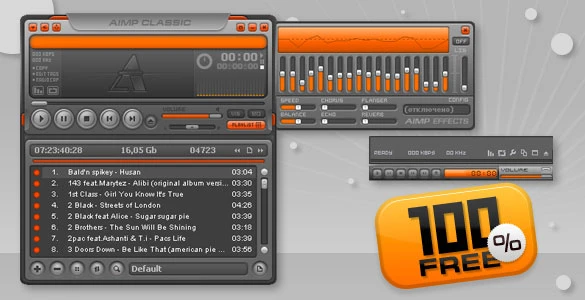
AIMP 5.40 Build 2713
Free, lightweight, and customizable audio player that offers high sound quality and flexibility.
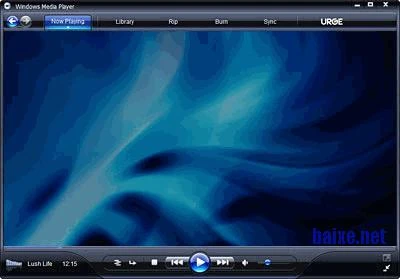
Windows Media Player 11.2601.11.0
Native multimedia player from Microsoft, integrated into Windows, which supports various audio and video formats.

ALLPlayer 9.6
Powerful and easy-to-use multimedia playback software, designed to provide a complete entertainment experience.