

SoundVolumeCommandLine 1.26
Perform various actions related to volume control through the command line.
SoundVolumeCommandLine (svcl.exe) is a console application that allows you to do many actions related to sound volume from command-line, including - set sound volume of devices and applications, mute/unmute devices and applications, increase/decrease volume of devices and applications, set the volume level of specific channel, set the default render/capture device, get the current sound volume level of specific device, and more.
svcl.exe is the console version of the SoundVolumeView tool, and you can use all commands of SoundVolumeView in svcl.exe, with exactly the same syntax. If you want to learn how the use the commands of this tool, simply go to the this page of site developer.
There is also a new command, /Stdout , available only in svcl.exe, which sends information related to the executed command to stdout (see below).
Old versions
File security
0/63 engines flagged the file in the recorded scan.
Scan date: 02/04/2024
SHA-256: c7149e6e5140e03b9fbb387fc3bd6373acca6d2fcd194997451200f123514e72
Found a problem on this page?Tell the team about broken links, versions or incorrect information.
Related
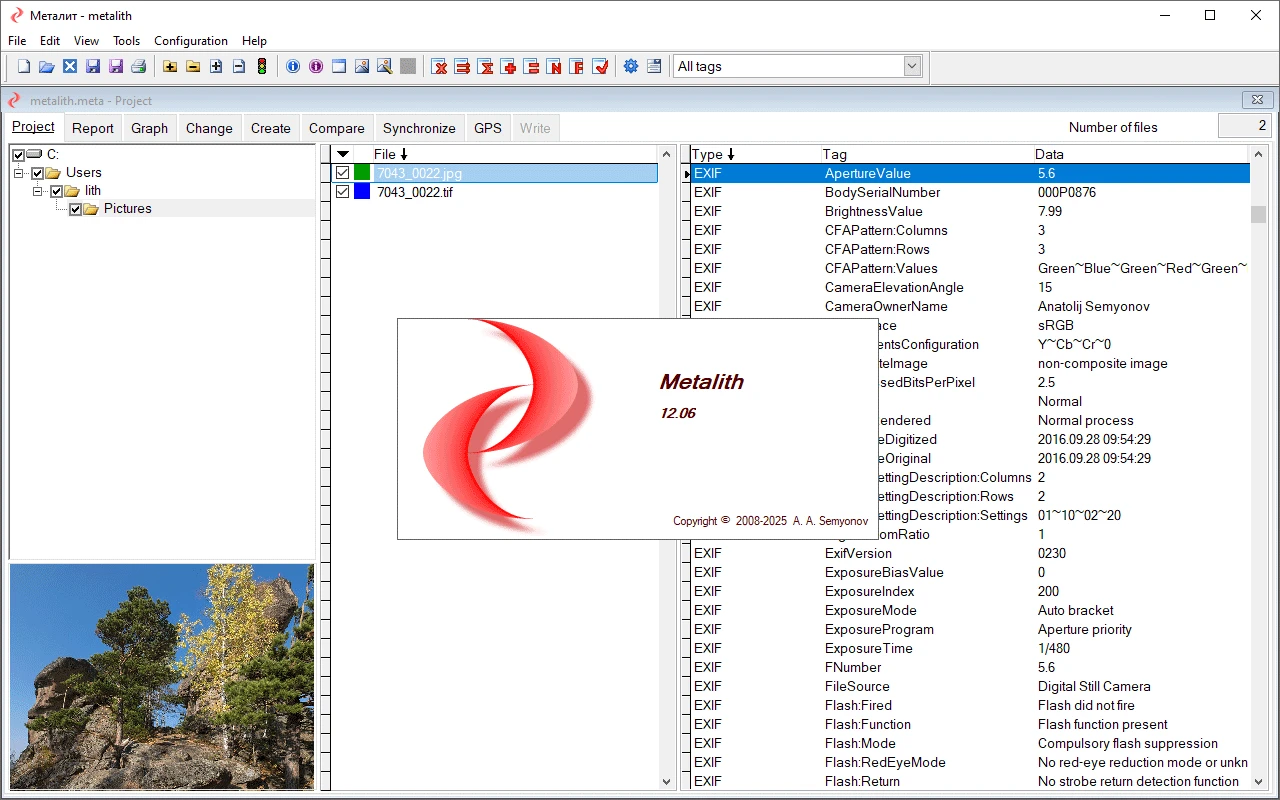
Metalith 14.03
Advanced software aimed at the management and editing of metadata in digital files, especially images.
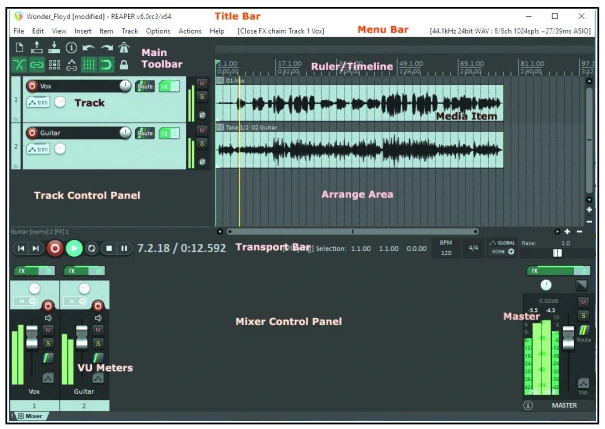
Reaper 7.79
Tool that allows you to record, organize, edit and render multiple audio tracks in wave format.

ExifTool 13.58
Free software for editing metadata in images, videos and audio.
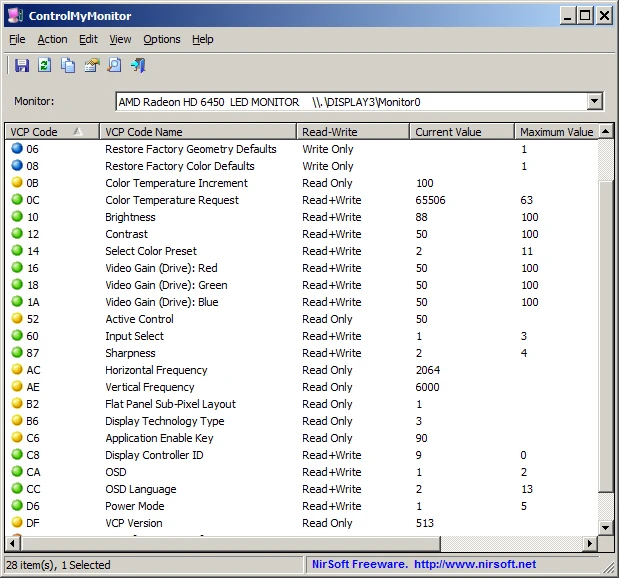
ControlMyMonitor 1.41
Utility that allows you to view and modify monitor settings.
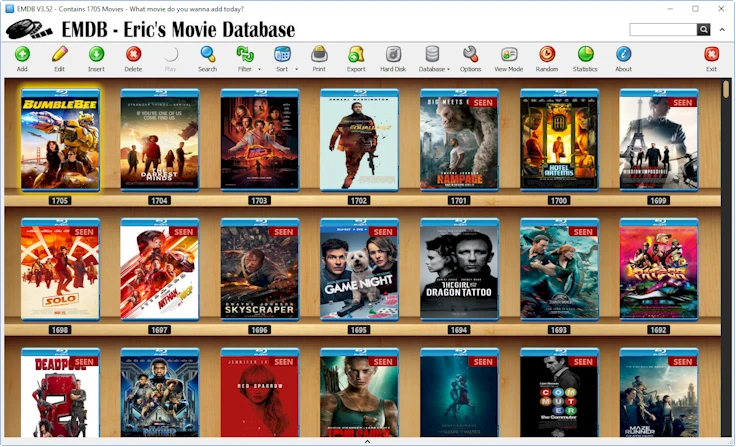
EMDB 5.41
Software that allows you to organize your movie collection.
WIA-Loader 2.9.6.0
Software that allows you to import photos and videos from storage devices to your computer.
DeskFX 7.15
Software to customize and improve the audio quality played through speakers or headphones.

AnyMP4 DVD Ripper 8.1.38
Software for converting and extracting DVDs, allowing you to transform DVDs into over 500 video and audio formats.