
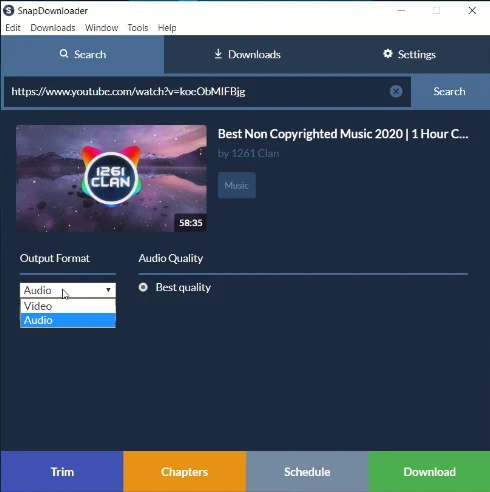
SnapDownloader 1.15.28
Video download software that allows you to download videos from more than 900 sites.
SnapDownloader is a video download software designed to make downloading videos from over 900 sites easier, including popular platforms like YouTube, Instagram, Facebook, Twitter, Vimeo, Reddit, and many others. It is recognized for its ease of use, support for resolutions up to 8K, and a wide range of features that meet the needs of those who wish to download, convert, and edit videos efficiently.
Main Features and Benefits:
High Resolution Support:
Allows downloading videos in resolutions up to 8K, as well as 4K, QHD, 1080p HD, and others.
Ideal for watching videos in the best possible quality on any device.
Compatibility with Over 900 Sites:
Supports a wide variety of platforms, including YouTube, Instagram, Facebook, Twitter, Reddit, Vimeo, Coub, and many more.
One of the most comprehensive tools for video downloading, compared to other options on the market.
Format Conversion:
Converts videos to various formats, such as MP4, MP3, AVI, WMA, AAC, and others.
Allows extraction of audio from videos, transforming them into music or podcast files.
Integrated Video Cutter:
Includes a video cutting tool that allows you to download only specific sections of a video or audio.
Intuitive interface for cutting videos online without complications.
Advanced Features:
YouTube Playlist and Channel Download: Download entire playlists and channels with just a few clicks.
Batch Download: Allows adding multiple videos to the download queue simultaneously.
Download Scheduling: Schedule downloads for specific times, ideal for users with limited connections.
360° Video Support (VR): Downloads virtual reality videos to watch on any device.
Proxy Setup: Allows bypassing geographical restrictions and downloading videos blocked in certain regions.
Download Speed:
Offers high download speed without limits, ensuring videos are downloaded quickly.
How It Works:
The download process is simple and intuitive, carried out in three steps:
Paste the video link: Copy and paste the link of the video you want to download.
Select the format and quality: Choose the output format (MP4, MP3, etc.) and the desired resolution.
Download the video: Click "Download" and the video will be saved to your device.
Found a problem on this page?Tell the team about broken links, versions or incorrect information.
Related
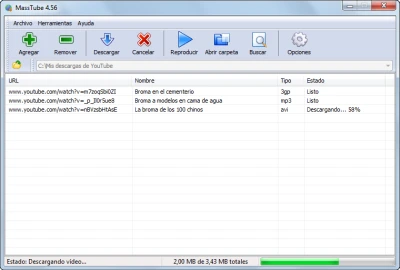
MassTube 22.1.4.221
Download and convert videos in high quality from YouTube.
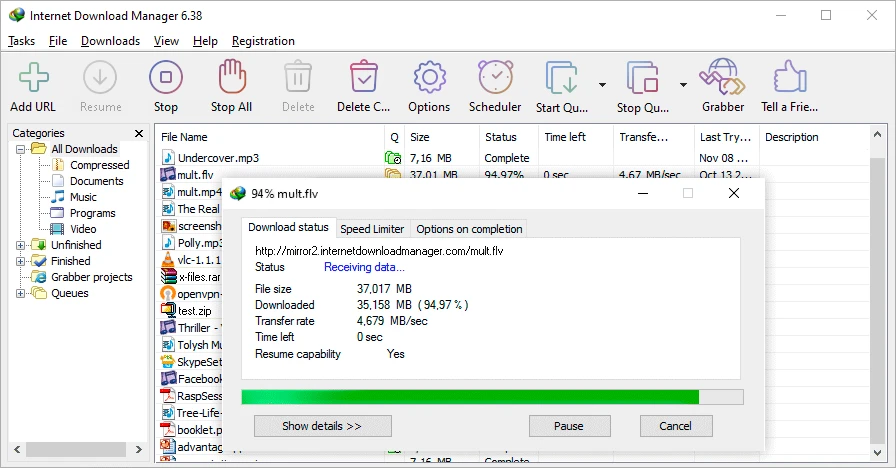
Internet Download Manager 6.43 Build 10
Schedule, restart and speed up your downloads with this download manager.

4K Tokkit 26.0.0
Software that allows you to download videos and audio from TikTok simply and quickly.
Allavsoft 3.29.1.9611
Software that allows you to download videos, music, and playlists from over 1,000 media sharing platforms.
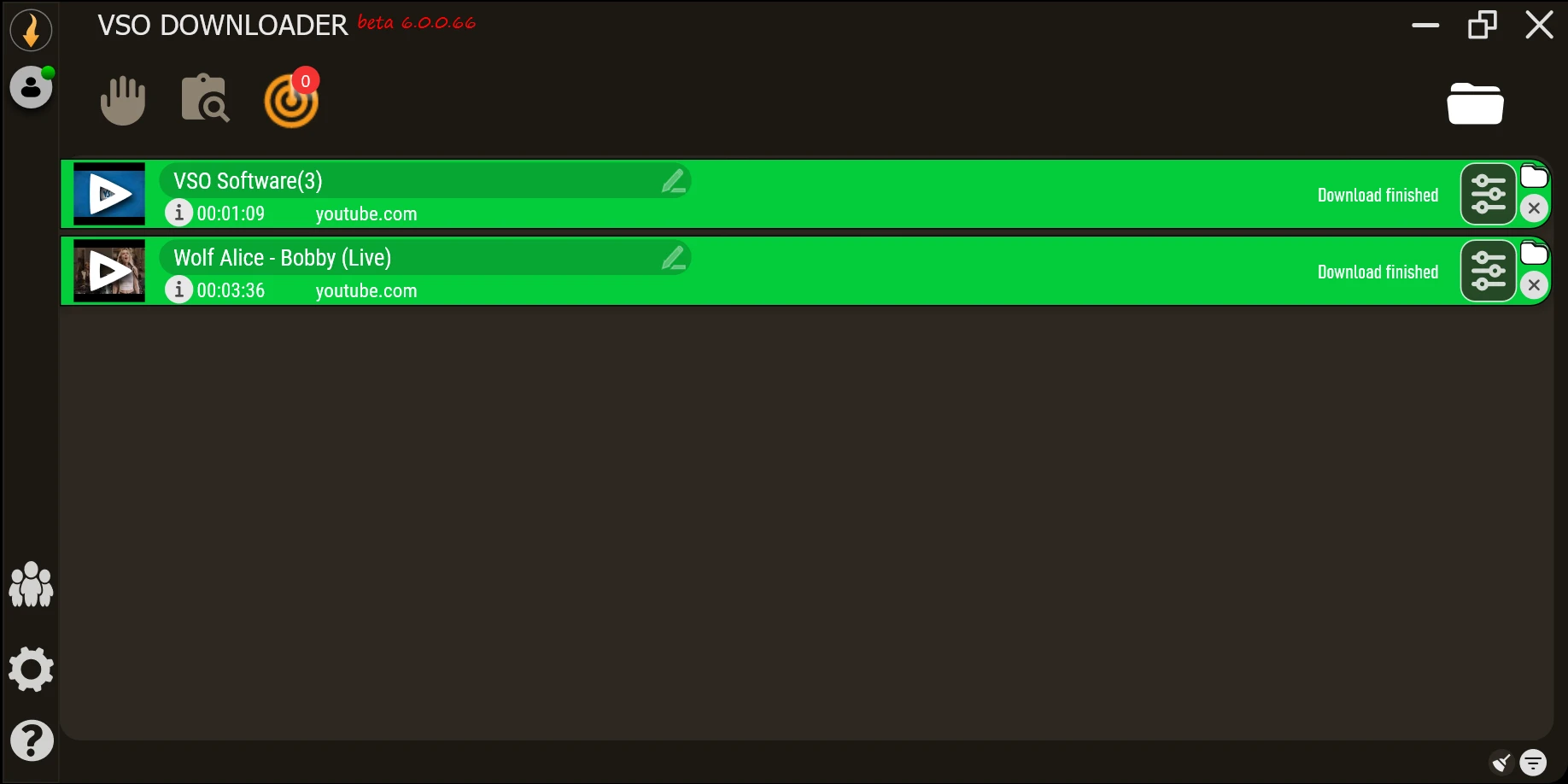
VSO Downloader 6.2.0.154
Download audio and video from thousands of streaming sites, even in high quality.
Gopeed 1.9.3
Download manager for Windows that combines performance and simplicity.
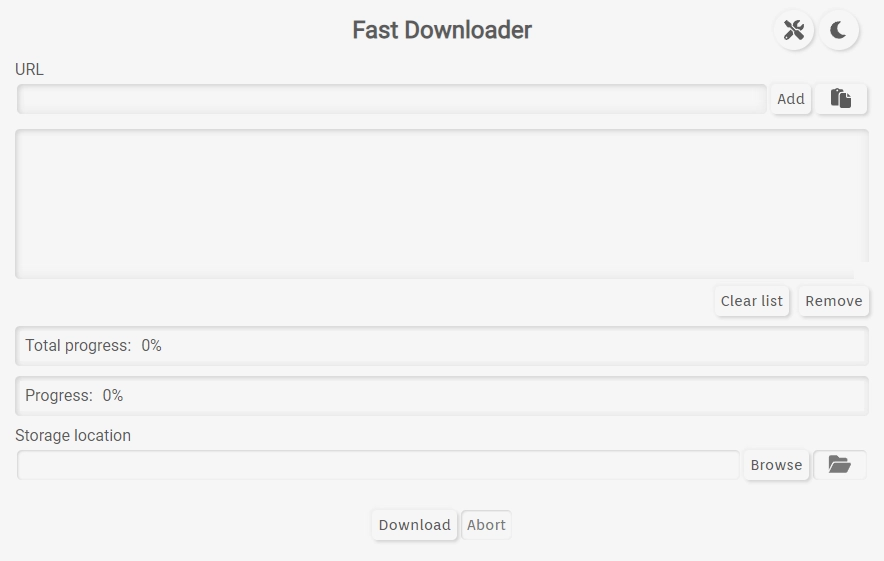
Fast Downloader 0.8.3
Tool that facilitates the download of multimedia content with a simple interface and a focus on usability.
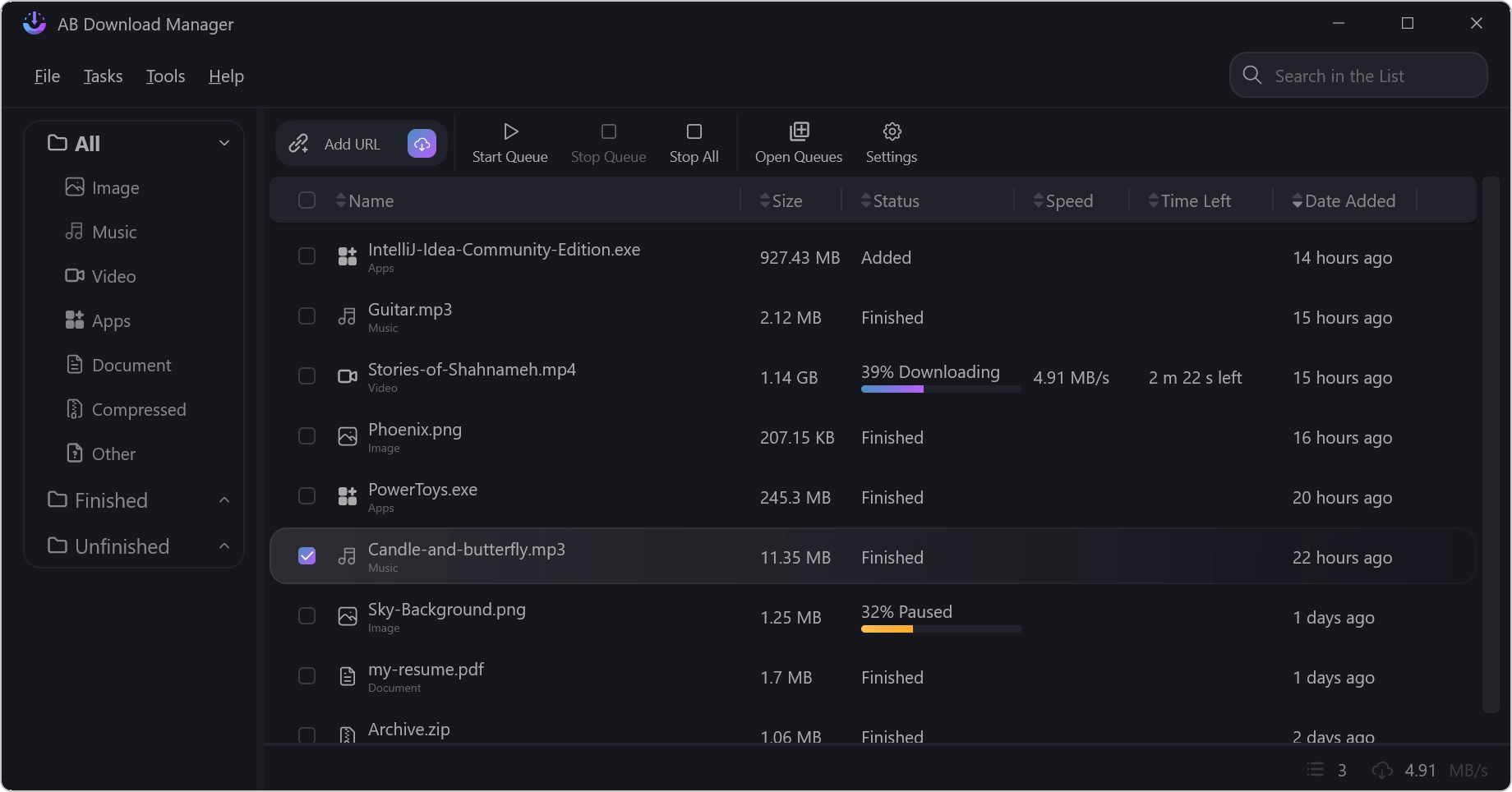
AB Download Manager 1.8.7
Free and open-source software for download management.