

ScanTransfer is a software that has been developed to simplify file transfer between devices, such as smartphones and personal computers. With it, you can move photos, videos, and other files from mobile devices to the computer.
Through an intuitive interface, ScanTransfer allows you to scan a QR code displayed on the computer screen using the corresponding mobile application. This approach eliminates the need to set up complex Wi-Fi connections or deal with USB cables. There is also no need for an additional app, as file transfer is exclusively performed through the ScanTransfer interface.
After the scanning is complete, you can select and transfer the desired files to the computer. The software also enables you to preview images before transferring them, making it easier to select the desired files. It supports the simultaneous transfer of multiple files, streamlining the transfer process.
File security
Scan date: 06/01/2023
SHA-256: 421af5a664ac2581b216f22a36a799436a1f2deaeb72d9d560a970d98d4d266e
Found a problem on this page?Tell the team about broken links, versions or incorrect information.
Related
Rclone 1.75.1
Open source file transfer software for synchronizing data between computers and cloud storage.

Syncovery 12.6.1
File sync, copy, transfer and backup tool.
BUtil 2026.08.27
Incremental backup and file synchronization software.
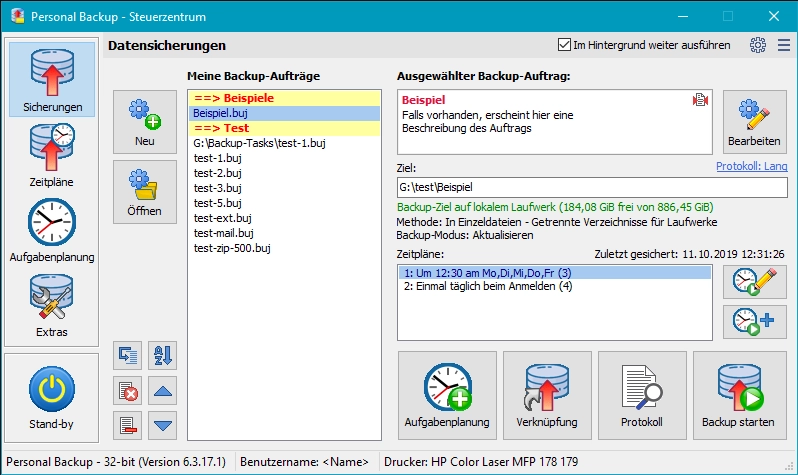
Personal Backup 6.4.13.0
Backup software for Windows that allows you to create backups of files and folders automatically or manually.
GoodSync 12.11.6
Utility that allows you to perform automatic backups.
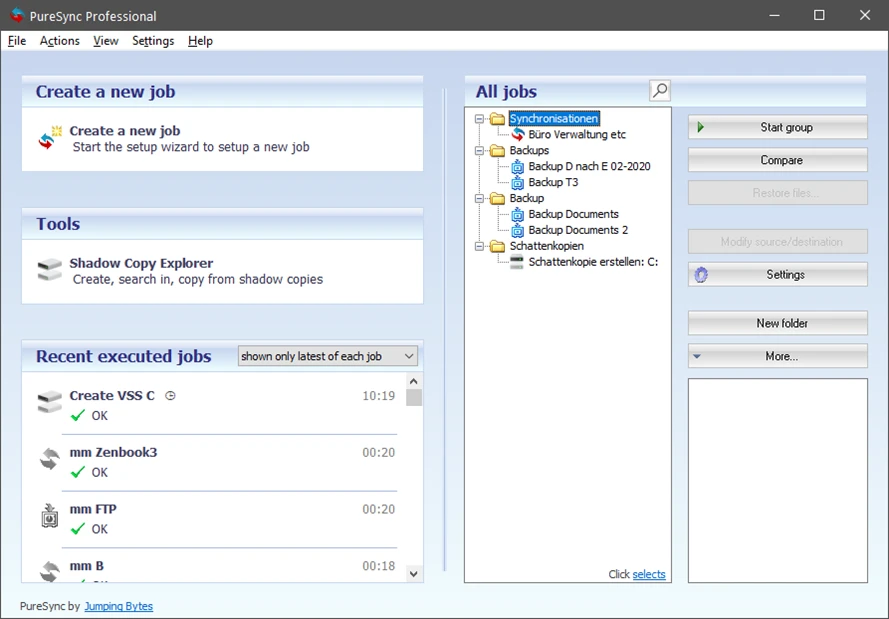
PureSync 8.6.0
File synchronization and backup software for Windows.
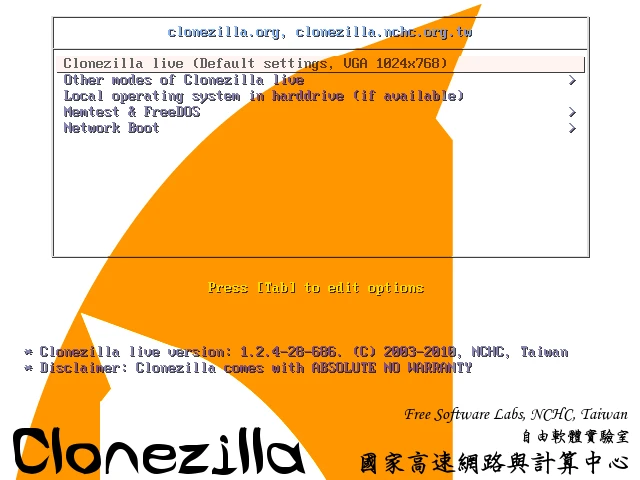
Clonezilla 3.3.3-15
Disk cloning and image creation software.
Easy Backup 2026 14.3
Practical and complete personal backup software.