

ScanDir is a file and folder management software for desktops and laptops. It facilitates file manipulation operations, allowing users to efficiently copy, move, rename, delete, create, and modify selected files and folders. Items on the list are located using an advanced search function, which offers flexibility and accuracy in selection.
Main Features of ScanDir
Advanced search: ScanDir allows for file searches using regular expressions, making it easier to locate specific files in large volumes of data.
Batch renaming: With the ability to rename files in bulk, the program supports performing this operation across multiple drives and directories simultaneously, optimizing the file organization process.
Path manipulation: ScanDir enables the addition of one or more path levels to file names, allowing for simple directory reorganization.
File copying and renaming: The tool preserves the directory structure when copying files, also offering the option to rename them during the process.
Creation of subdirectories with automatic numbering: ScanDir allows for the quick creation of a sequence of subdirectories with automatic numbering, which is useful for efficiently organizing large volumes of files or folders.
Interface and ease of use
ScanDir features a simple and intuitive interface, where the main functions are available through a menu at the top of the window. For added convenience, the program also offers pop-up menus for additional functions, such as configurable search string selection, as well as options for operations on Trees, Lists, Items, Files, and Logs.
Why Use ScanDir?
If you need to manage files and folders quickly and efficiently, ScanDir is an excellent choice. Its advanced search and batch renaming features are ideal for those dealing with large volumes of data. Additionally, the preservation of directory structure and the ability to create multiple subdirectories with automatic numbering make ScanDir a powerful and easy-to-use tool for everyday file management tasks.
File security
3/72 engines flagged the file in the recorded scan.
Scan date: 01/24/2025
SHA-256: e1fb8acddd30dc951616c9588368d2ef0493c5393534b4745cd421daad0a3b34
Found a problem on this page?Tell the team about broken links, versions or incorrect information.
Related

Zero Install 2.29.3
Package management system that allows you to install and run programs without the need for installation or file administration.
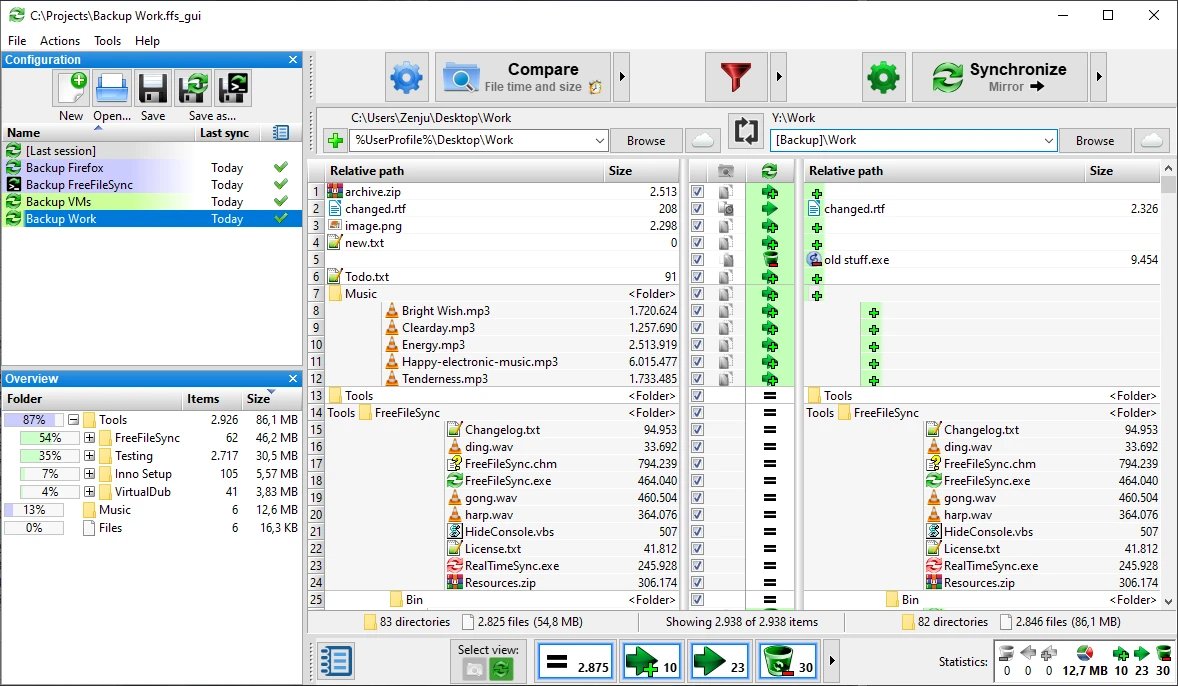
FreeFileSync 14.11
File synchronization software for comparison and updating.
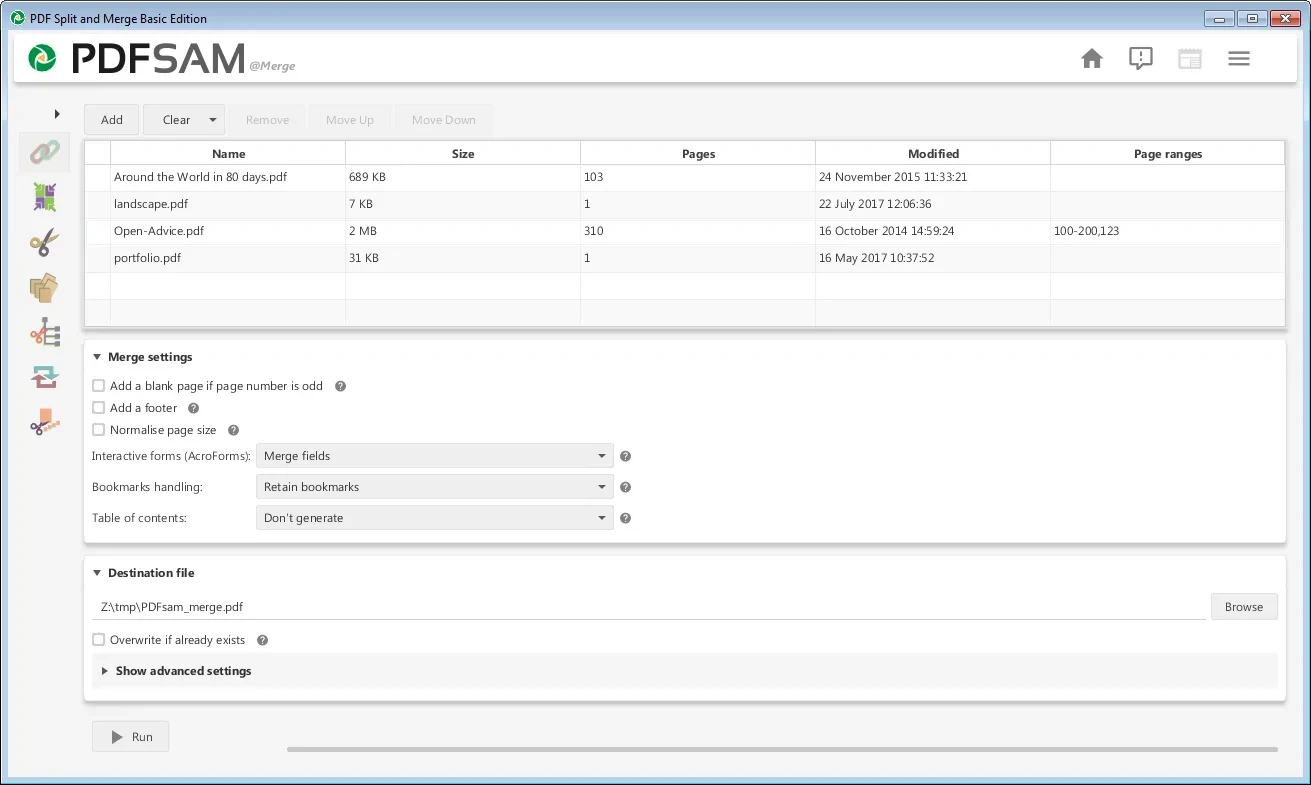
PDFsam 6.0.5
Free utility with multiple features to work with PDF files.
WinDirStat 2.8.0
Graphically observe the usage of your HD.
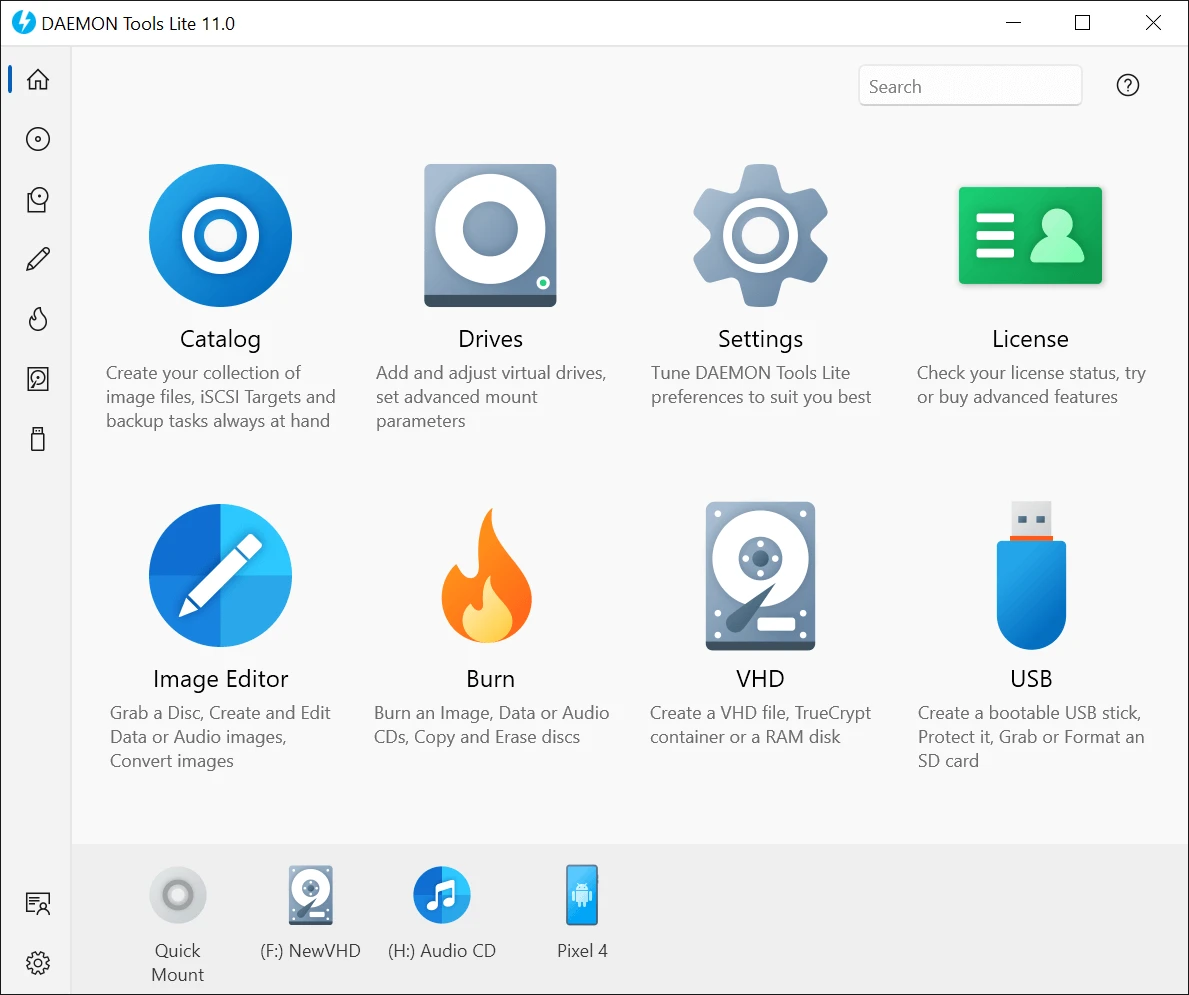
DAEMON Tools Lite 12.6.0.2461
Program to create virtual drives from CDs and DVDs.
CrystalDiskInfo Portable 9.9.2
Portable version of CrystalDiskInfo. Utility for testing the read and write speed of hard and mobile disks.
TeraCopy 4.0.3.2
Copy large amounts of files to other directories quickly.

HashMyFiles 2.51
Utility that allows you to calculate the MD5/SHA1/CRC32 hashes of your files.