

Rename Us is a Windows software designed to simplify the mass renaming and copying of files. With customizable rules, it allows for quick and intuitive file organization, catering to basic needs as well as complex renaming strategies.
Main Features:
1. Dynamic Renaming Rules:
Prefixes and Suffixes: Add or remove text at the beginning or end of file names.
Text Transformation: Change letter cases (uppercase/lowercase), capitalize the first letter, or replace specific parts of the name.
Numbering and Extensions: Insert sequential numbers into names or modify file extensions.
Advanced Customization: Create complex rules using metadata (e.g., creation date, size, MP3 tags) and mathematical operations for personalized organization.
2. Intelligent Batch Processing:
Flexible Sorting: Sort files automatically or manually by name, date, type, or random order before renaming.
Pro Feature (Merging): In the Pro version, merge multiple files into a single file.
3. Risk-Free Preview and Testing:
Real-Time Preview: See changes before applying them to ensure accuracy.
Simulation Mode: Test the renaming process without modifying original files.
4. Data Export:
Generate detailed file lists in formats like Excel (XLSX) or HTML for analysis or record-keeping.
Use Cases:
Music Libraries: Automatically rename MP3s using ID3 tags (artist, album) for organized playlists.
Photo Collections: Batch rename images by date or event for easy identification.
Document Management: Standardize file names in large sets for professional organization.
Why Choose Rename Us?
Rename Us combines power and simplicity, making it ideal for both casual and professional users. Its customizable rules, non-destructive testing mode, and export options make it essential for organizing music libraries, photos, documents, or any project requiring bulk adjustments. Save time, reduce errors, and transform chaotic files into organized systems with just a few clicks.
Final Considerations
Whether for organizing personal photos or managing corporate data, Rename Us offers precision and flexibility, ensuring your files are always structured exactly as you need.
Old versions
File security
0/64 engines flagged the file in the recorded scan.
Scan date: 03/11/2025
SHA-256: 0bdc91098fdea128436d246f6ea3bfb192e35d803afe908e09596c54c0e1bf73
Found a problem on this page?Tell the team about broken links, versions or incorrect information.
Related

Zero Install 2.29.3
Package management system that allows you to install and run programs without the need for installation or file administration.
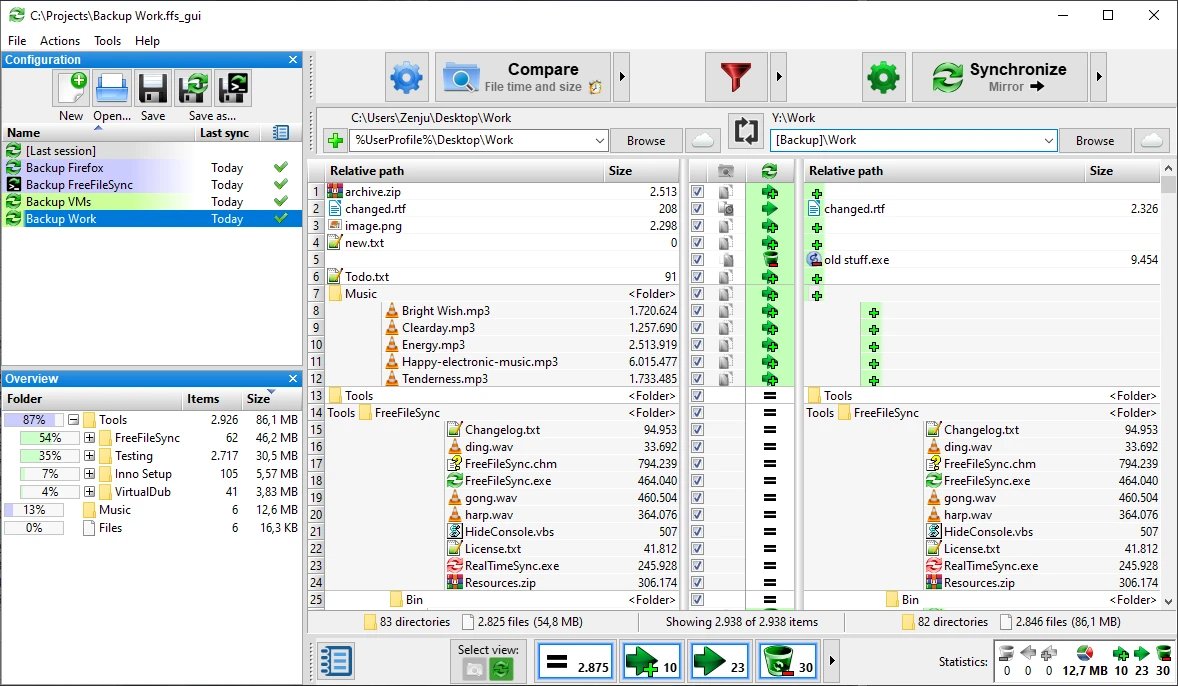
FreeFileSync 14.11
File synchronization software for comparison and updating.
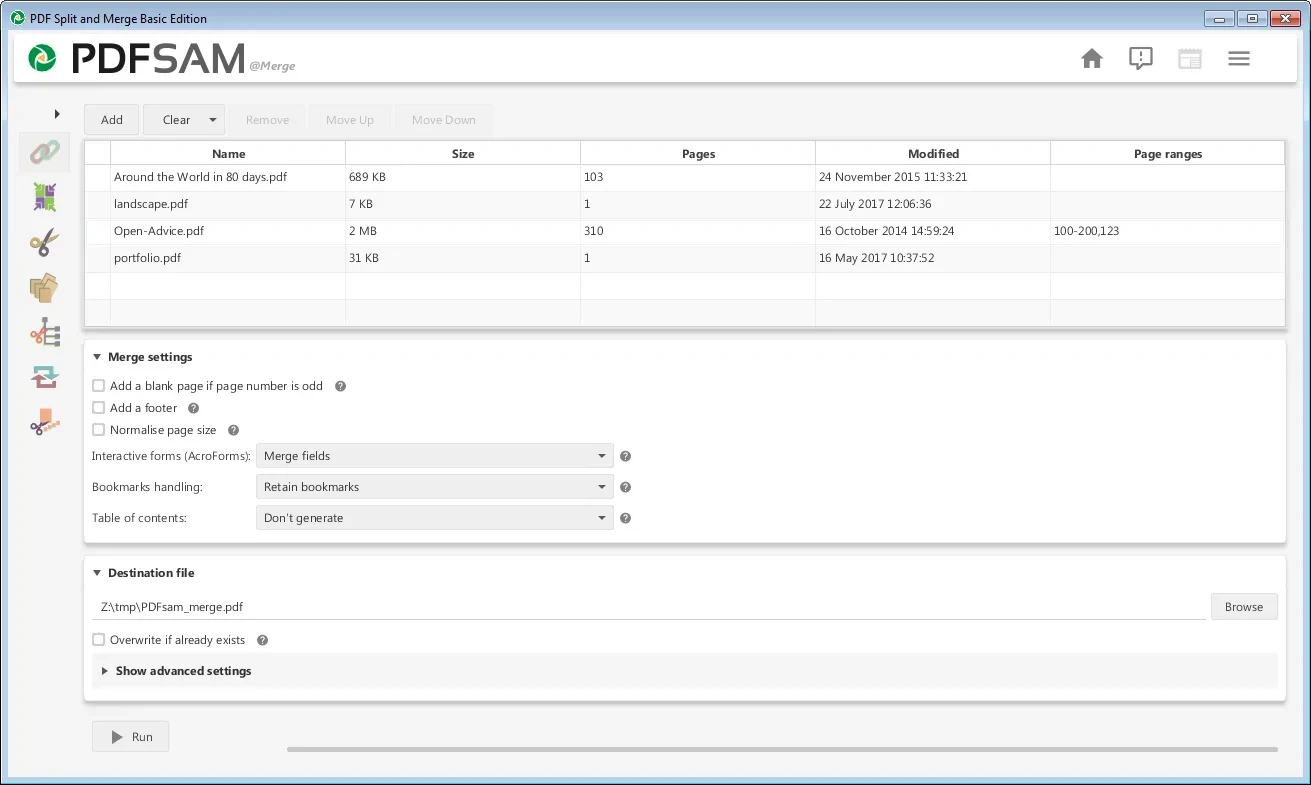
PDFsam 6.0.5
Free utility with multiple features to work with PDF files.
WinDirStat 2.8.0
Graphically observe the usage of your HD.
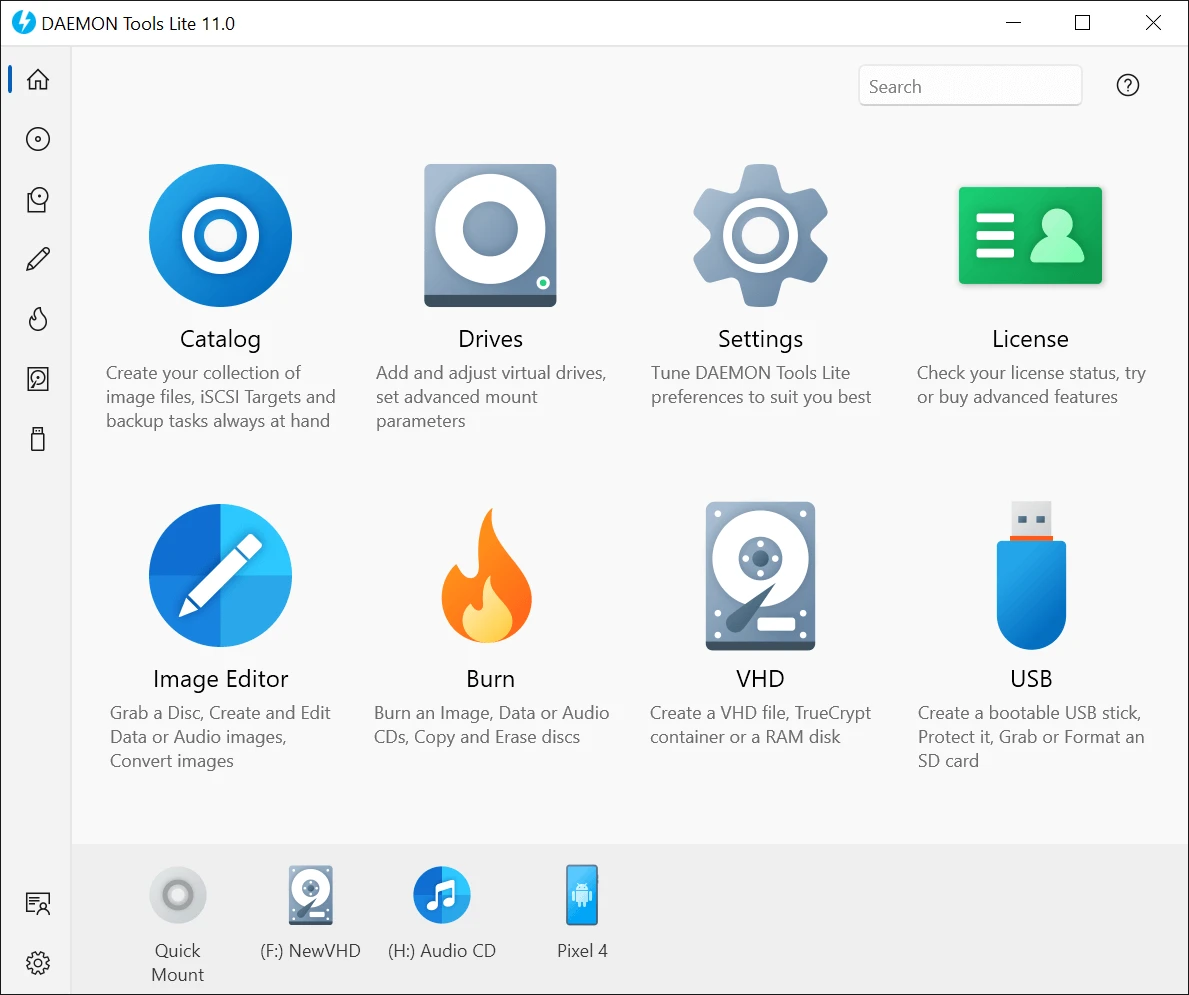
DAEMON Tools Lite 12.6.0.2461
Program to create virtual drives from CDs and DVDs.
CrystalDiskInfo Portable 9.9.2
Portable version of CrystalDiskInfo. Utility for testing the read and write speed of hard and mobile disks.
TeraCopy 4.0.3.2
Copy large amounts of files to other directories quickly.

HashMyFiles 2.51
Utility that allows you to calculate the MD5/SHA1/CRC32 hashes of your files.