
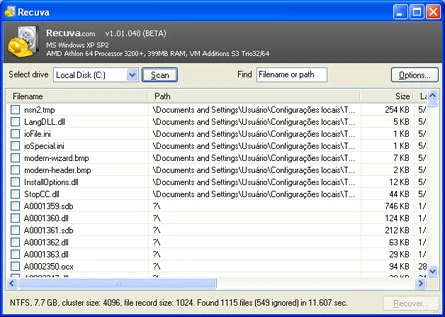
Forgot to save an important file before formatting your computer? Don't worry, Recuva can solve your problem!
When you delete a file from your computer, it is not actually literally removed from the disk, it will remain on the disk until another file fills its data block. Therefore, not all files can be recovered, only those that have not been overwritten yet.
Recuva has a very simple and organized interface which makes it very easy to use for any level of user. To start the search for deleted files, just select the drive where the program should scan or the directory where they were stored.
Portable Version Available: Recuva Portable
Old versions
File security
0/67 engines flagged the file in the recorded scan.
Scan date: 05/25/2025
SHA-256: dbf0895d886b428c8465ee57aea56a7e7b6e4c003efd04ca00d216a2d821eac9
Found a problem on this page?Tell the team about broken links, versions or incorrect information.
Related

Zero Install 2.29.3
Package management system that allows you to install and run programs without the need for installation or file administration.
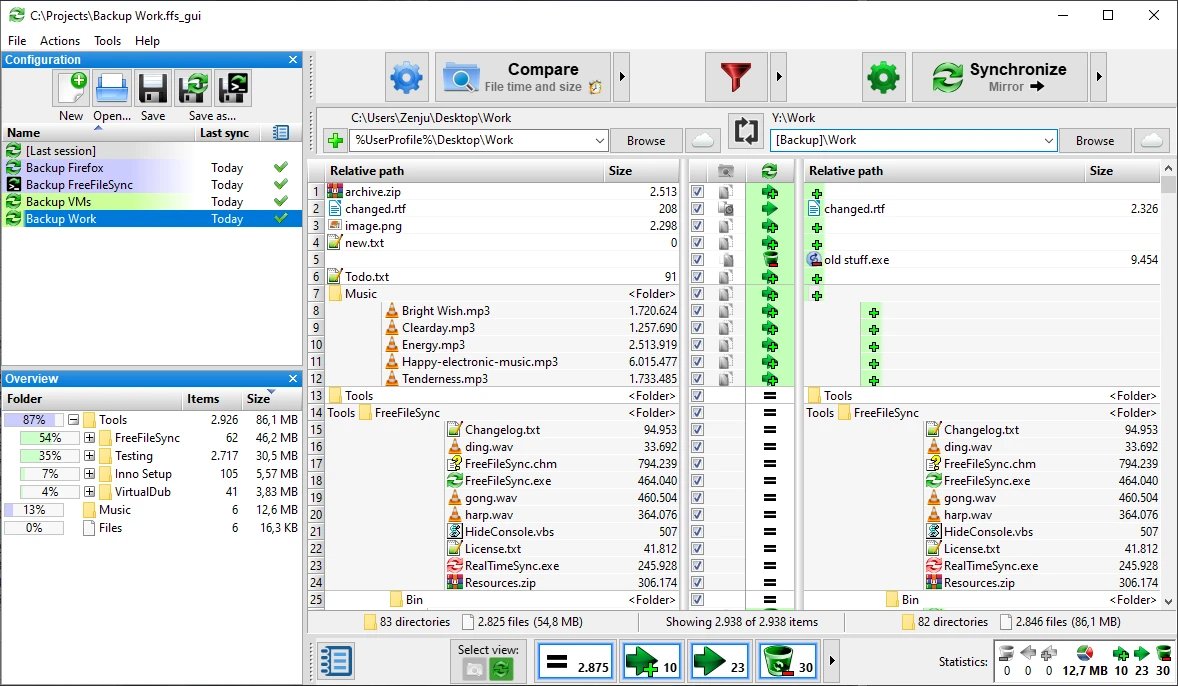
FreeFileSync 14.11
File synchronization software for comparison and updating.
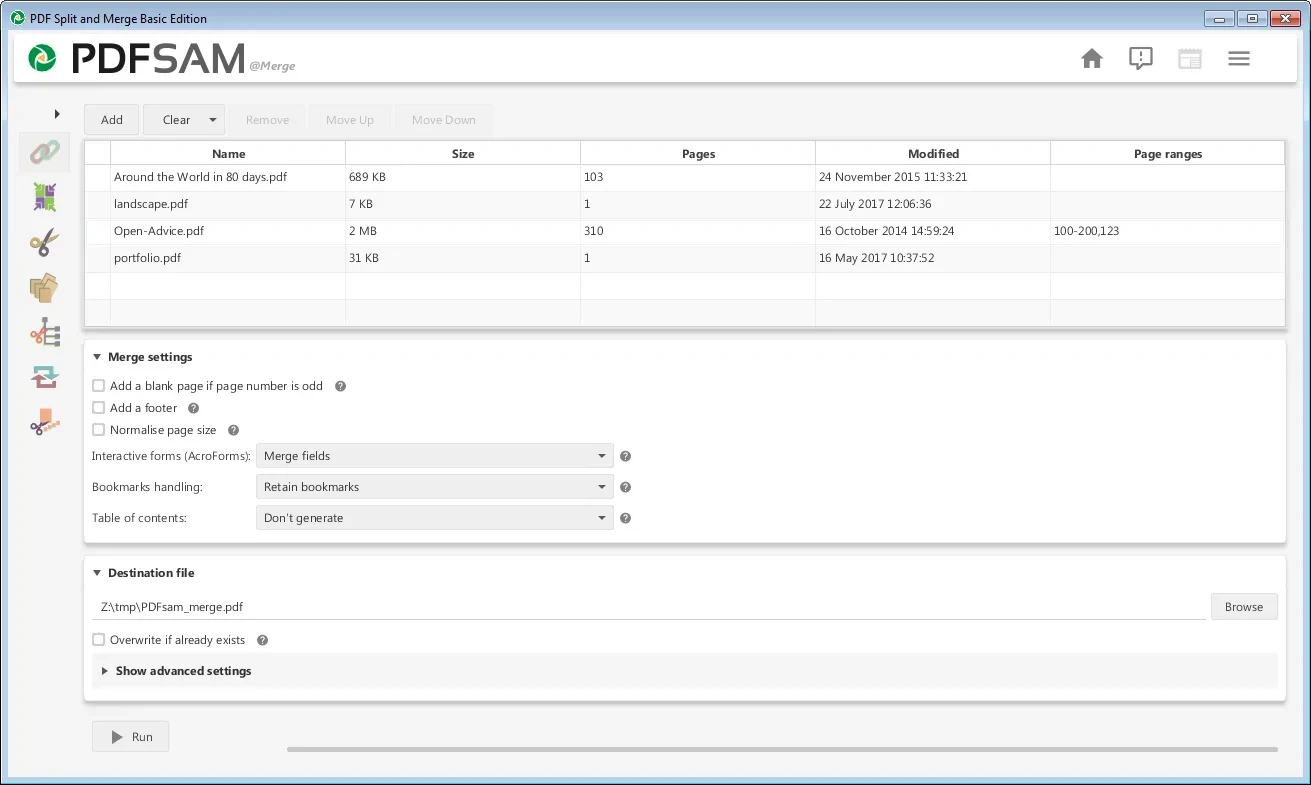
PDFsam 6.0.5
Free utility with multiple features to work with PDF files.
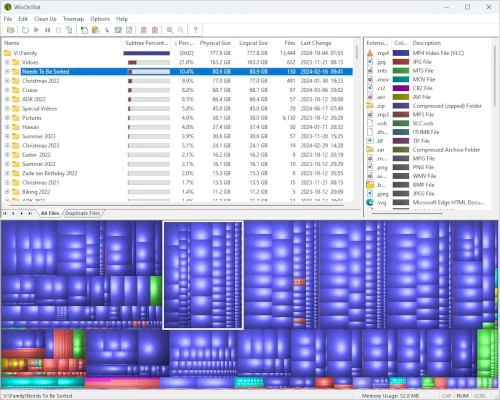
WinDirStat 2.8.0
Graphically observe the usage of your HD.
DAEMON Tools Lite 12.6.0.2461
Program to create virtual drives from CDs and DVDs.
CrystalDiskInfo Portable 9.9.2
Portable version of CrystalDiskInfo. Utility for testing the read and write speed of hard and mobile disks.
TeraCopy 4.0.3.2
Copy large amounts of files to other directories quickly.

HashMyFiles 2.51
Utility that allows you to calculate the MD5/SHA1/CRC32 hashes of your files.