

Quopia is a free program for making backups. Some features of Quopia:
- It is free, easy to set up and use;
- It is available in Brazilian Portuguese or European Portuguese;
- The help file is detailed, with various usage examples;
- Wizard to create tasks, with predefined tasks such as email, favorites, address book, etc;
- Wizard to create, edit or delete schedules;
- Configurable interface using included themes or other external ones;
- Backups can be made on hard drives, USB devices in general, computers on a local network, and can be sent to an email address;
- Ability to set up to 4 different destinations for backups, including an email address;
- Configurable compression level (none, low, normal or high);
- Ability to specify which types of files will not be compressed, only added to the zip file;
- Option to choose start and end dates to facilitate the inclusion or exclusion of files;
- Allows the inclusion or exclusion of folders, files and file extensions;
- It is possible to shut down, hibernate or suspend the computer automatically after the backup is completed;
- In Express mode, all backups are done with just one click;
- In Scheduled mode, all backups are done automatically;
- Using Express Restore, multiple files can be restored at once;
- Creation and restoration reports with information and configurable maximum size, with information separated by tasks, with date, time, mode and result for each file.
File security
2/68 engines flagged the file in the recorded scan.
Scan date: 04/14/2022
SHA-256: ef2a02ae5947e457f2926915e012b9c02596aac8f89d6ba7ae3539a0b4c1dfa9
Found a problem on this page?Tell the team about broken links, versions or incorrect information.
Related

Rclone 1.75.1
Open source file transfer software for synchronizing data between computers and cloud storage.

Syncovery 12.6.1
File sync, copy, transfer and backup tool.
BUtil 2026.08.27
Incremental backup and file synchronization software.
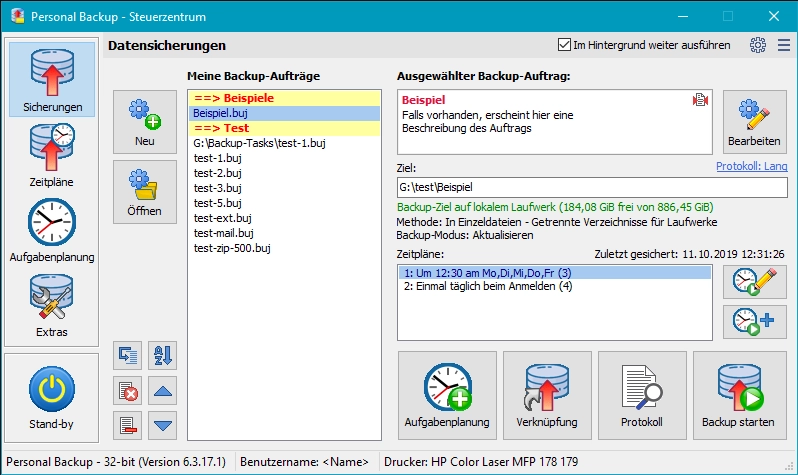
Personal Backup 6.4.13.0
Backup software for Windows that allows you to create backups of files and folders automatically or manually.
GoodSync 12.11.6
Utility that allows you to perform automatic backups.
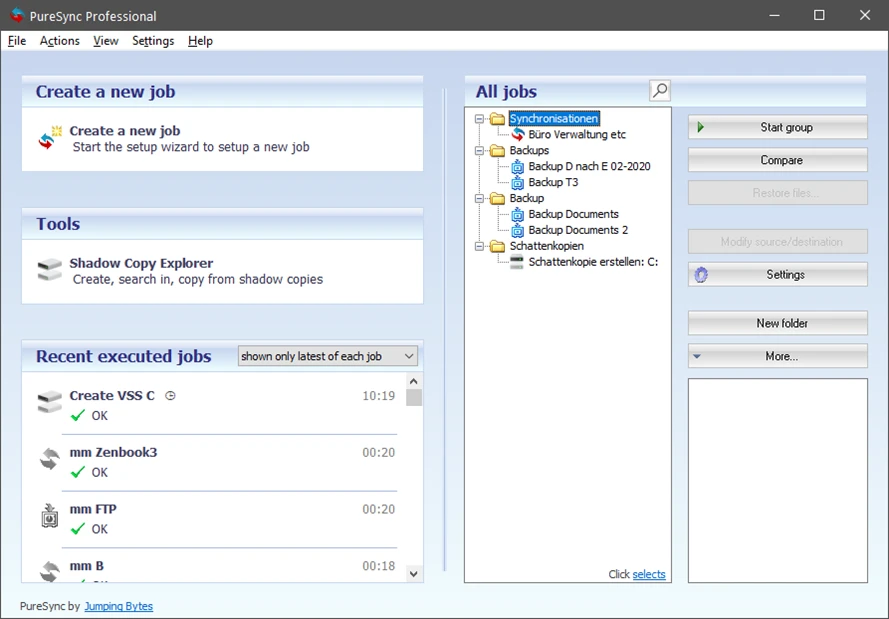
PureSync 8.6.0
File synchronization and backup software for Windows.
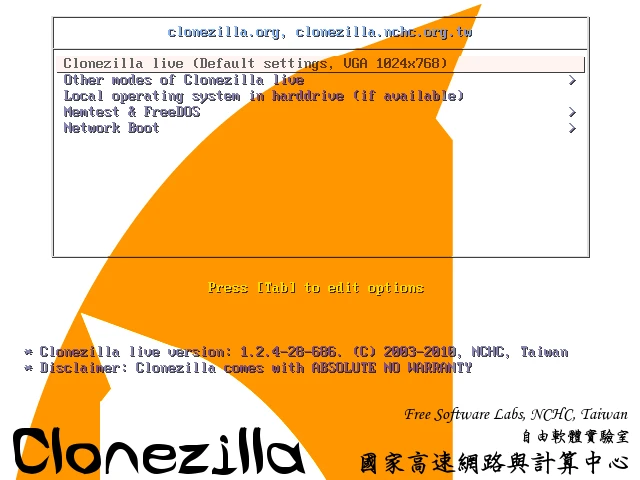
Clonezilla 3.3.3-15
Disk cloning and image creation software.
Easy Backup 2026 14.3
Practical and complete personal backup software.