

PDF Arranger 1.12.1
Software that allows you to organize, edit, and manage pages of PDF documents.
PDF Arranger is an open-source, lightweight, and free software designed for manipulating PDF files. It allows users to organize, edit, and manage pages of PDF documents in a visual and intuitive way. Its main features include:
- Page Reorganization: Drag and drop pages to reorder them within a PDF or between different PDFs.
- PDF Merging: Combine multiple PDF files into a single document.
- PDF Splitting: Separate specific pages from a PDF to create new files.
- Rotation and Cropping: Rotate pages by 90°, 180°, or 270° and crop unwanted areas.
- Page Deletion: Remove unnecessary pages from a document.
- Basic Editing: Add blank pages or duplicate existing pages.
PDF Arranger is based on the PDF-Shuffler project and uses the PyPDF2 library for PDF manipulation. With a simple and user-friendly interface, it is ideal for users who need a practical tool for managing PDFs without complex functionalities.
File security
0/58 engines flagged the file in the recorded scan.
Scan date: 06/11/2025
SHA-256: ae817d97290fd3400bd410b9f1b937343d077c3492a18c51c59c26202f081c5d
Found a problem on this page?Tell the team about broken links, versions or incorrect information.
Related
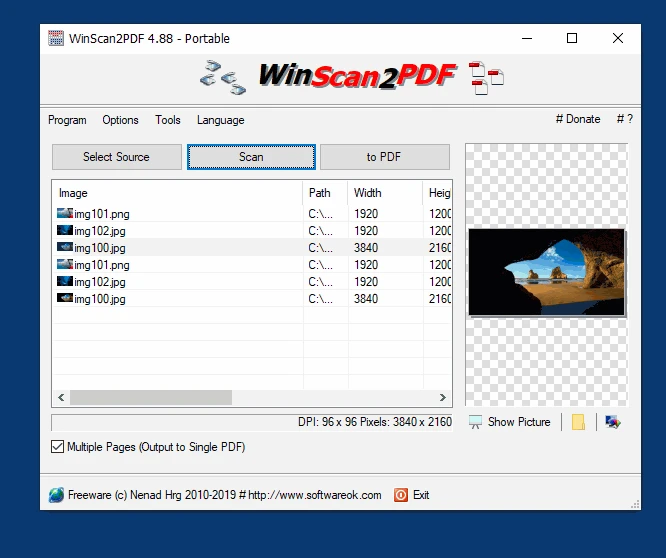
WinScan2PDF 9.55
Free software for Windows that allows scanning and saving documents in PDF format.
anyPDF 1.5.0.0
Create, edit, convert, and view PDF documents.
SepPDF 3.95
Small utility that allows you to easily split pages of PDF files.
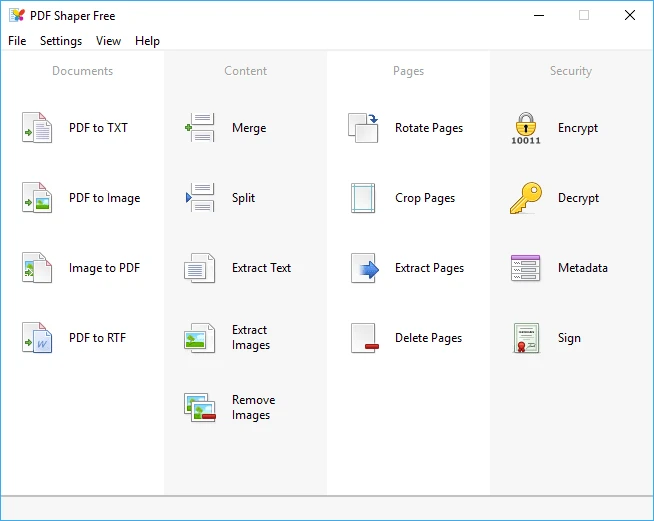
PDF Shaper Free 15.4
Free utility to convert PDF files, extract texts from PDF files, in addition to many other features.
pdfFactory 9.17
Create PDF files from virtually any application.
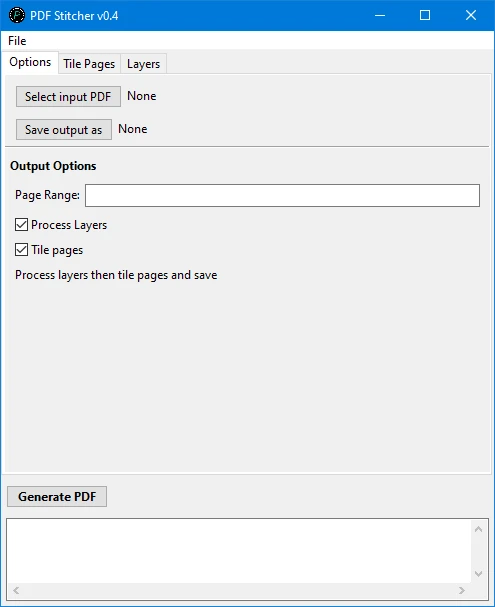
PDFStitcher 1.2
Free software that allows you to merge multiple pages of PDF documents into a single page.
MuPDF 1.26.2
Lightweight, fast, and open-source PDF viewer and toolkit that allows rendering PDF, XPS, and other formats with high fidelity and performance.
Adobe Acrobat Reader DC 2025.001.20428
Adobe Acrobat Reader allows you to view, comment, fill out, and sign PDFs on multiple platforms.