
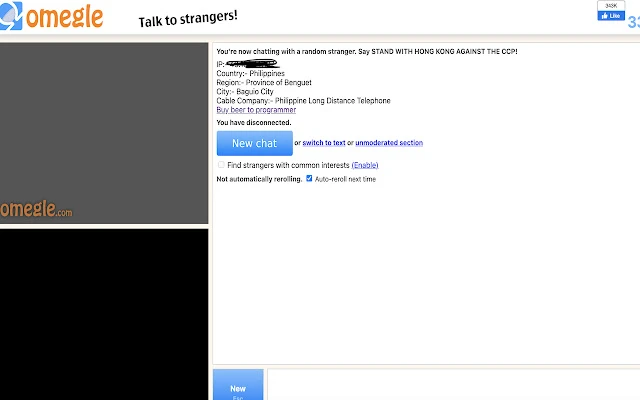
Omegle IP locator is an extension for the Chrome browser that allows you to identify the location of the user you are chatting with.
This is a very interesting way to scare people who get naked in front of the camera.
But how does it work? The site omegle.com forcenes the IP of the person you are chatting with, it is through it that it is possible to locate the data referring to this user's location.
To use it just install the extension and use Omegle normally, the user's location will appear in the chat.
How to install Omegle IP locator extension
This extension must be installed in developer mode, to do so, follow the steps below:
Step 1: Download the extension from the button just above.
Step 2: Open Chrome browser or another browser that supports CRX extensions.
Step 3: Access the browser extensions page. In Chrome, click on the three vertical dots in the upper-right corner, select "More tools" and then "Extensions".
Step 4: Enable "Developer Mode". In the top right corner of the extensions page, enable the "Developer Mode" option.
Step 5: Drag the CRX file to the browser extensions page. Locate the CRX file you downloaded earlier onto your computer and drag it onto the browser extensions page you opened.
Step 6: Confirm the installation. A confirmation message for installing the extension will be displayed. Click "Add Extension" to complete the installation.
Step 7: Check if the extension was installed correctly. Omegle IP locator will appear in the list of installed extensions in your browser.
File security
0/60 engines flagged the file in the recorded scan.
Scan date: 02/04/2023
SHA-256: dbf2d46f5b106e82383255980f93c39945a62c25b7e5ba063ddfdc80adf511e7
Found a problem on this page?Tell the team about broken links, versions or incorrect information.
Related
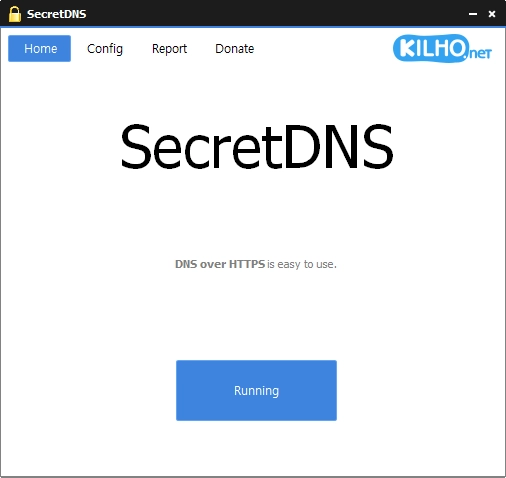
SecretDNS 4.0.2
DNS filtering software designed to provide security, privacy, and internet access control.
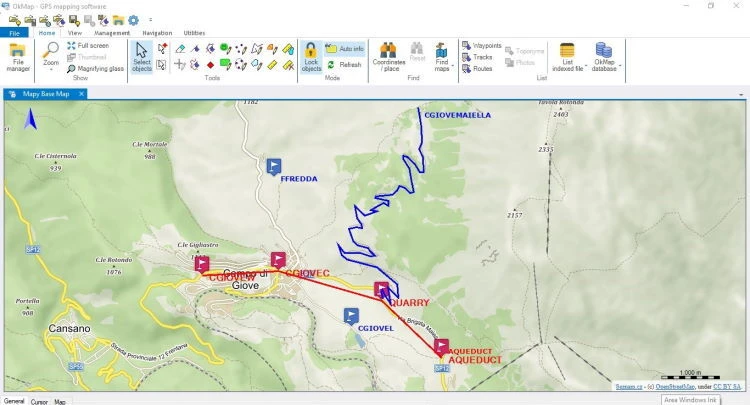
OkMap Desktop 19.8.4
Mapping and GPS software for Windows, with 2D and 3D map visualization, editing, and analysis.
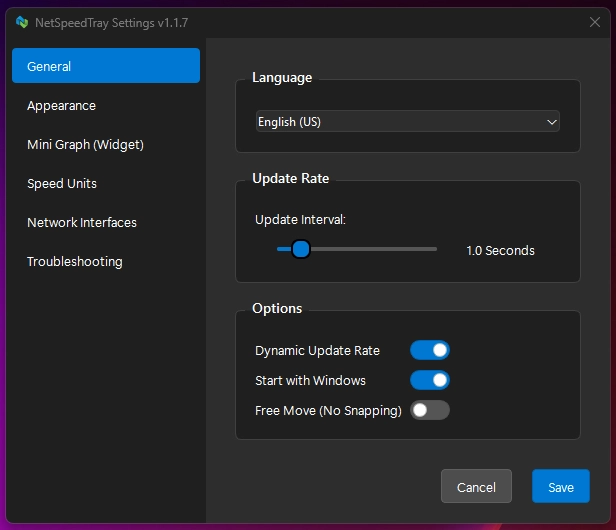
NetSpeedTray 2.1.6
Software for Windows that monitors network speed in real time.

Sandboxie-Plus 1.18.3
Software that creates isolated environments to run applications securely.
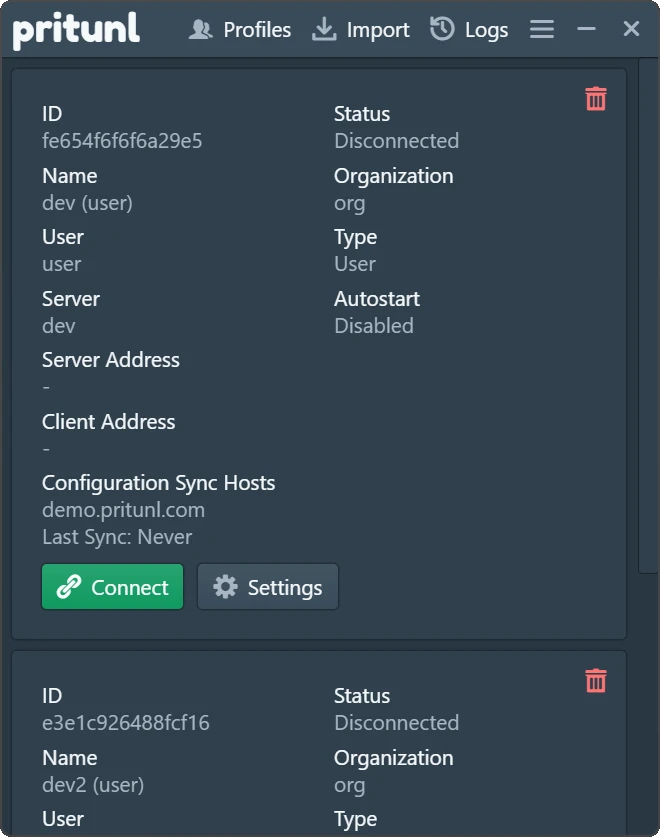
Pritunl 1.3.4729.52
Easy-to-use VPN software that allows users to connect to private networks.

Get My IP 0.23.2
Software that displays detailed information about your computer's IP address and geolocation.
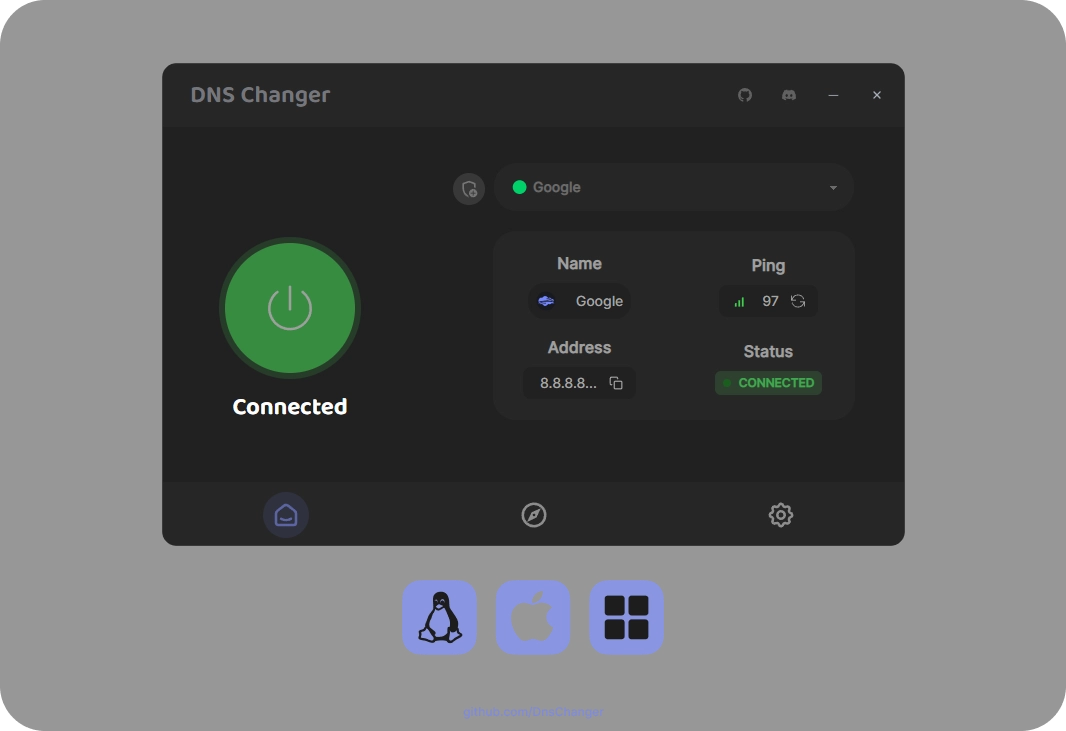
DNS Changer 2.3.14
Tool that allows you to quickly and intuitively change the DNS servers of your network connections.
PingPlotter 5.27.13
Monitor and diagnose networks, detecting problems and bottlenecks with graphical data in real-time.