

NVIDIA App 11.0.2.341
Free software that was created to be the essential companion for gamers and creators who use NVIDIA GPUs.
NVIDIA App is a free software developed by NVIDIA designed to be the essential companion for gamers and creators using NVIDIA GPUs on their PCs and laptops. Available for Windows, it unifies features previously scattered across the NVIDIA Control Panel, GeForce Experience, and RTX Experience, offering a modern and centralized interface. With a focus on simplicity and performance, the application allows users to keep graphic drivers updated, optimize games and applications, and capture memorable moments with ease.
Among its main features, it stands out the unified GPU Control Center, which makes it easy to fine-tune game, program, and driver settings all in one place. The NVIDIA App also includes a redesigned in-game overlay, with advanced recording tools, performance monitoring (such as FPS, GPU, and CPU usage), and AI-powered visual filters, such as RTX Dynamic Vibrance and RTX HDR, exclusive to RTX users. These filters enhance visual quality in real-time, supporting over 1200 games.
The software supports downloads of GeForce Game Ready drivers, optimized for gaming, and NVIDIA Studio drivers, aimed at creators, with clear information about updates and fixes. Additionally, it integrates quick access to other NVIDIA applications, such as GeForce NOW (cloud gaming), NVIDIA Broadcast, and ChatRTX. With a 50% faster installation, a 50% more responsive interface, and taking up 17% less disk space than GeForce Experience, the NVIDIA App is a lightweight and efficient solution.
Found a problem on this page?Tell the team about broken links, versions or incorrect information.
Related
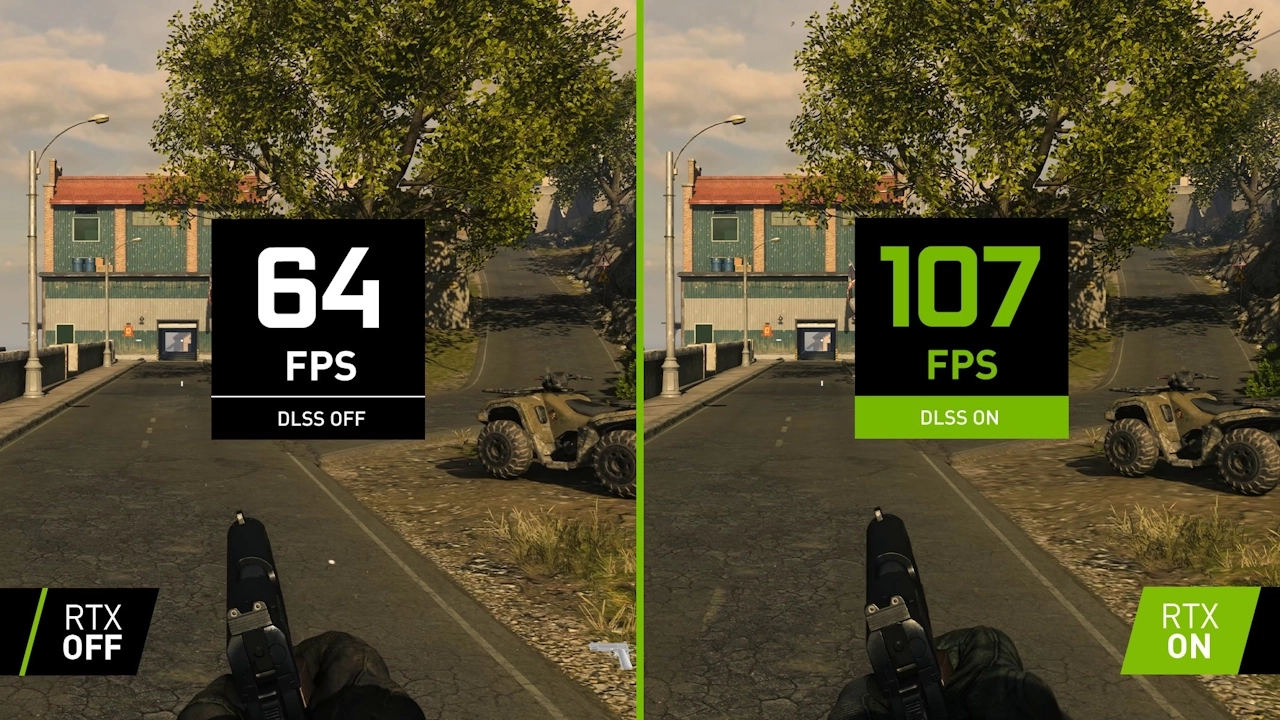
NVIDIA DLSS DLL 310.4.0
Dynamic library used for NVIDIA's Deep Learning Super Sampling (DLSS) technology.

Driver Magician 6.3
Solution to backup, restore, update and remove drivers for Windows.
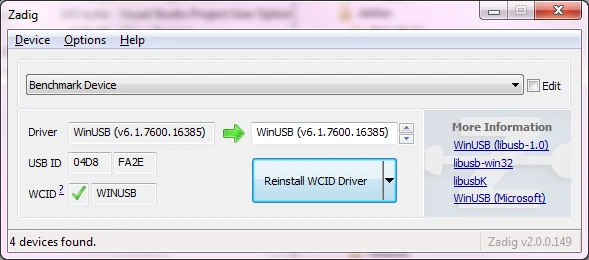
Zadig 2.9.788
Free software that allows you to install generic USB drivers on Windows.
Logi Options+ 1.90.714605
Software that allows you to customize and optimize the user experience of your input devices, such as Logitech mice, keyboards, and trackpads.
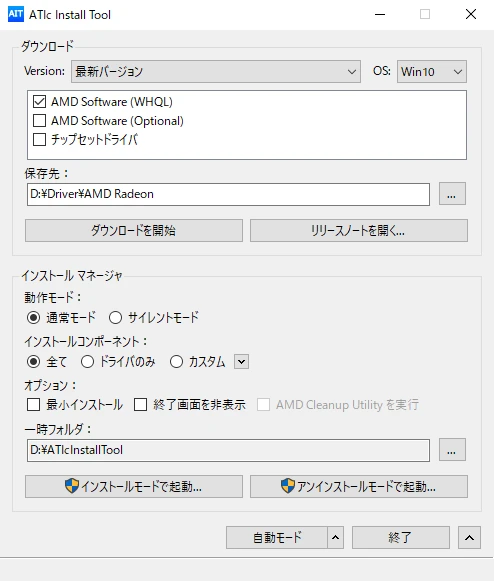
ATIc Install Tool 3.5.12
Software developed to facilitate the management of drivers for the AMD Radeon series.
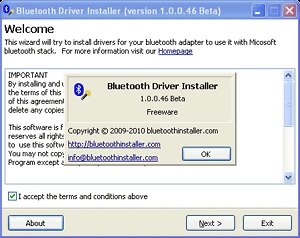
Bluetooth Driver Installer 1.0.0.176
Install the drivers necessary for the functioning of bluetooth devices.
SCPToolkit 1.6.238.16010
Installer that brings all the necessary drivers for the Playstation 3 and 4 controller to work on your Windows.

Driver Whiz 8.1.0.3
Get the most current versions of drivers for devices installed on your computer.