

Memory Optimizer 2 4.2.2.128
Software that allows you to instantly free RAM memory to improve your computer
The use of RAM memory is one of the main factors that are directly linked to computer performance. Adding more physical memory of course increases its performance, but there are other ways to optimize performance without spending money, such as monitoring its usage and releasing it when necessary.
Using the Memory Optimizer 2 it is possible to monitor the use of RAM memory through graphics that clearly show the use of your computer's RAM memory divided into three types: used memory, memory cache and free memory. To free memory just click on the Recover Free Memory button.
Old versions
File security
0/73 engines flagged the file in the recorded scan.
Scan date: 10/25/2024
SHA-256: b9e33abb1a305a7b3c011106151536542da8737c61ac222350602168abce36b0
Found a problem on this page?Tell the team about broken links, versions or incorrect information.
Related
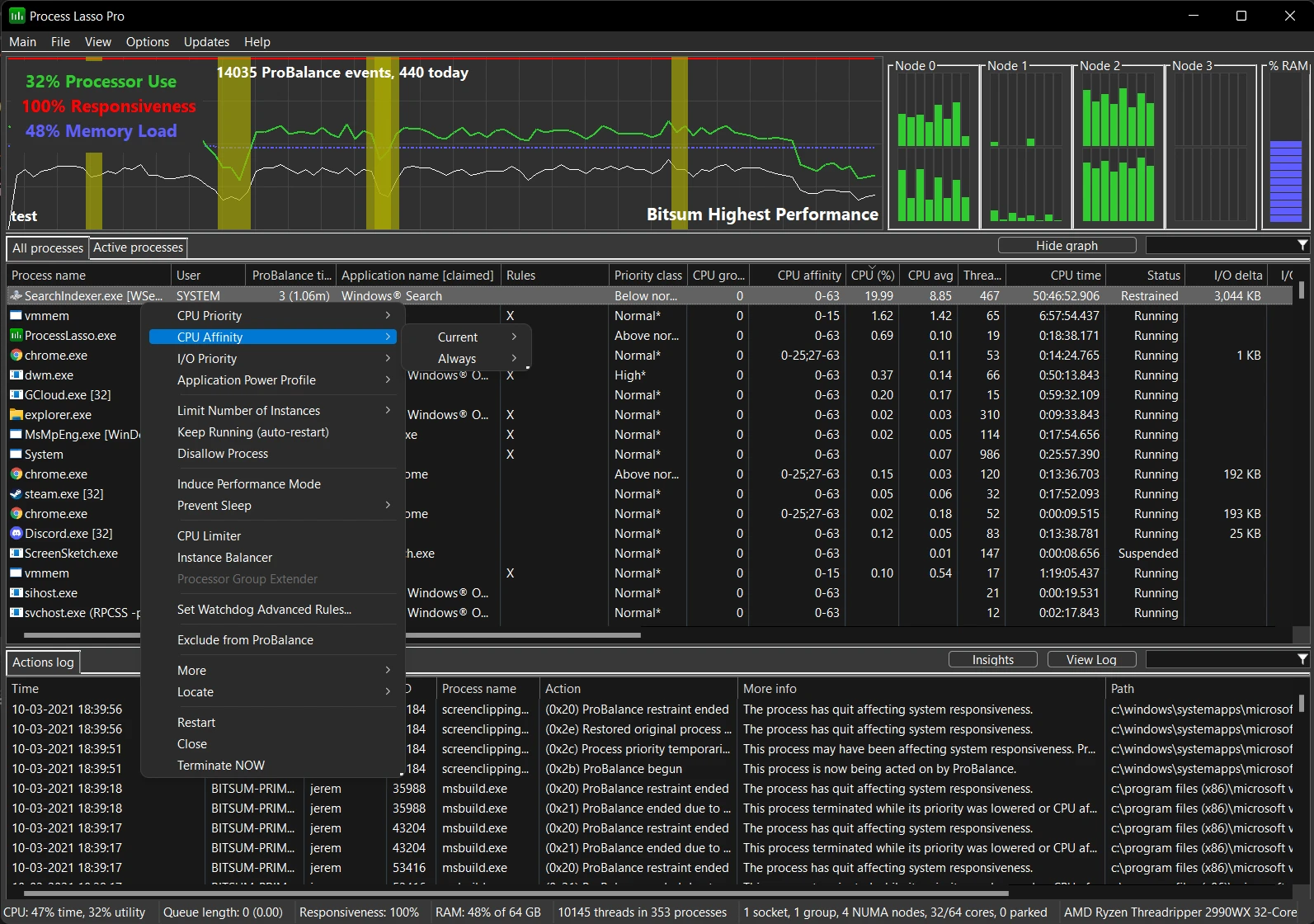
Process Lasso 18.4.0.11 Beta
Software that allows you to optimize processes in Windows.
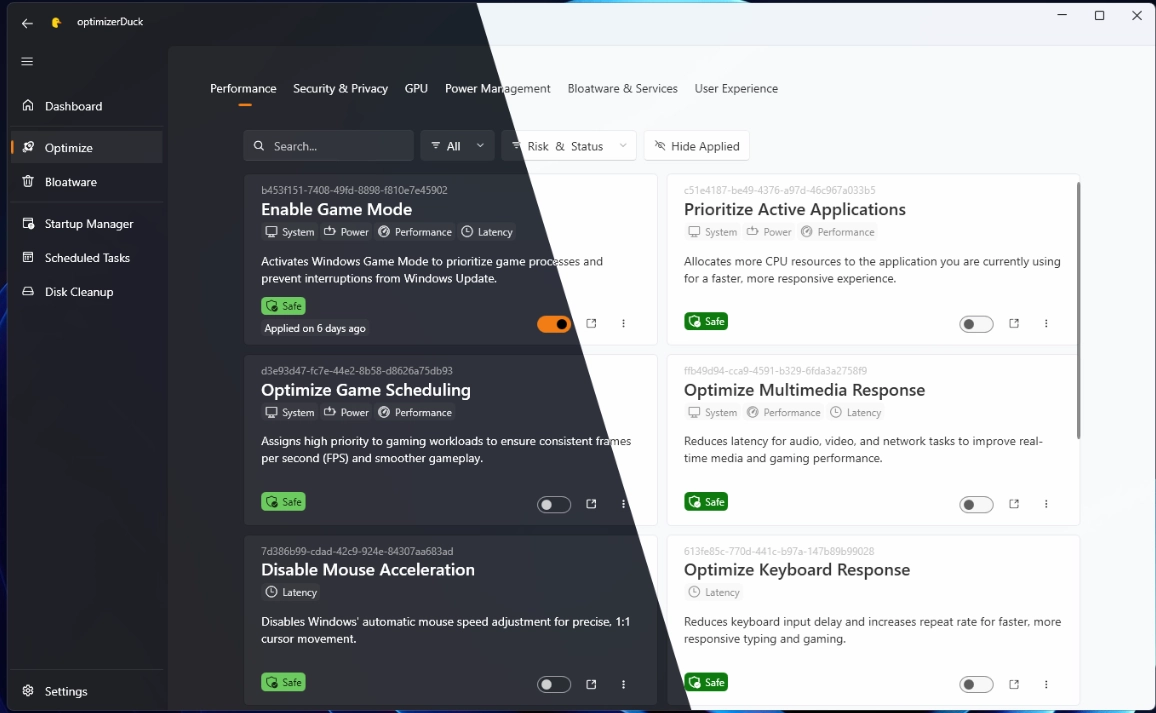
optimizerDuck 2.27.6
Free software that allows you to optimize Windows performance and increase control over system privacy settings.

PrivaZer 4.0.126
Free PC cleaning software that helps protect privacy and optimize system performance by cleaning activity traces and optimizing system.
PrivaZer Portable 4.0.126
Version of the cleaning and privacy software PrivaZer that does not require installation.
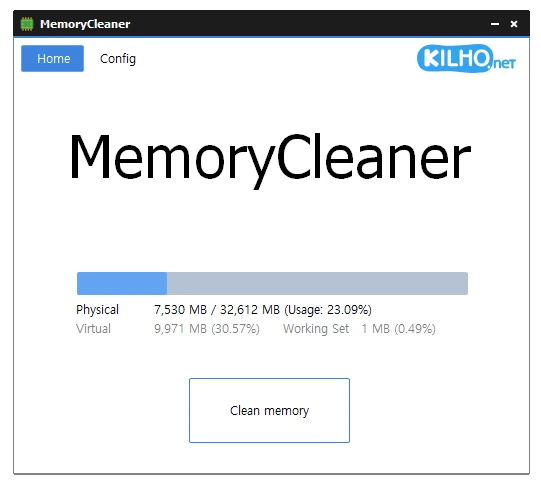
MemoryCleaner 2.0.2
Dedicated tool for memory cleaning, offering both automatic and manual cleaning options.

Wise Disk Cleaner 11.3.9.859
Make your system faster by eliminating unnecessary files.
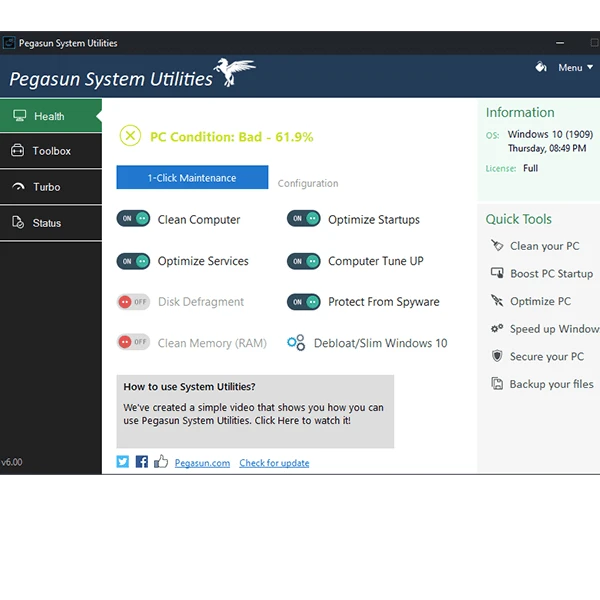
Pegasun System Utilities 10.0.0
Software that has 18 tools that make it possible to speed up, clean and secure your PC.
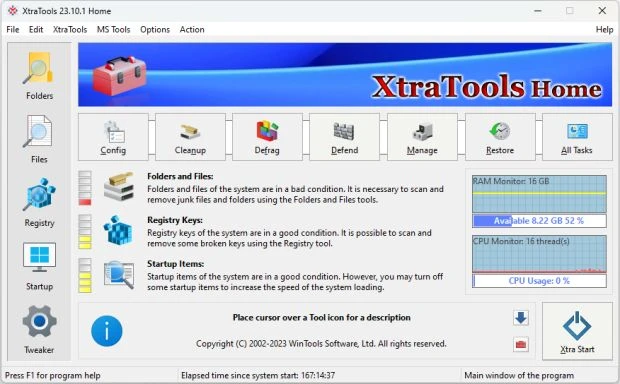
XtraTools 26.7.1
Optimization software for Windows that allows you to manage and improve system performance.