

LogViewPlus 3.1.18
Professional software for log visualization and analysis that allows efficient work with application log files.
LogViewPlus is a professional log viewing and analysis software, developed to help developers and system administrators efficiently work with application log files. It can read, analyze, track (in real-time), merge, and process log files in any format, including support for remote, large files, and even integration with SQL databases. Its setup is simple, and one of its most useful features is the ability to automatically detect the log format, making it easy to get started.
Main Features
- Advanced Log Analysis: Unlike common text editors, LogViewPlus "understands" the structure of log files when interpreting them, offering sophisticated filtering, searching, and analysis options. This allows for quick identification and resolution of bugs.
- Pre-defined and Custom Analyzers: The software includes six standard analyzers — Basic, Standard, JSON, XML, Log4Xml, and DSV — and allows for the creation of custom analyzers for specific formats.
- SQL Query Support: Utilizes an SQL engine based on Transact-SQL, similar to Microsoft SQL Server, enabling complex queries directly on the logs.
- Reports and Dashboards: Offers advanced reporting and customizable SQL-driven dashboards for quick and visual data analysis.
- Quick Filters: As logs are interpreted, the software automatically highlights relevant entries (such as errors or warnings), streamlining the focus on what matters.
Log File Management
- File Merging: Allows opening and combining multiple log files, automatically organizing them by date, as if they were a single file.
- Real-Time Tracking: Similar to the Unix "tail" command, it displays new log entries as they are added, ideal for live monitoring.
- Support for Large Files: Splits large files into sections (10 MB, 25 MB, 50 MB, or 100 MB) to facilitate viewing specific parts.
- Intuitive Navigation: In filtered views, a double-click on an entry takes you to the original file.
User Experience
- Customizable Layout: The interface can be adjusted to user preferences.
- Optimized Performance: Every aspect of the software, from analyzers to the graphical interface, has been tested to ensure fast loading and efficient analysis.
- Additional Features: Includes syntax highlighting, advanced search, and automatic management of the last 20 accessed files or directories.
File security
0/72 engines flagged the file in the recorded scan.
Scan date: 04/28/2025
SHA-256: 560290af0b603b70bad76d8480dfa479159f60c51bbfcc65abb2af41690323c4
Found a problem on this page?Tell the team about broken links, versions or incorrect information.
Related
Zero Install 2.29.3
Package management system that allows you to install and run programs without the need for installation or file administration.
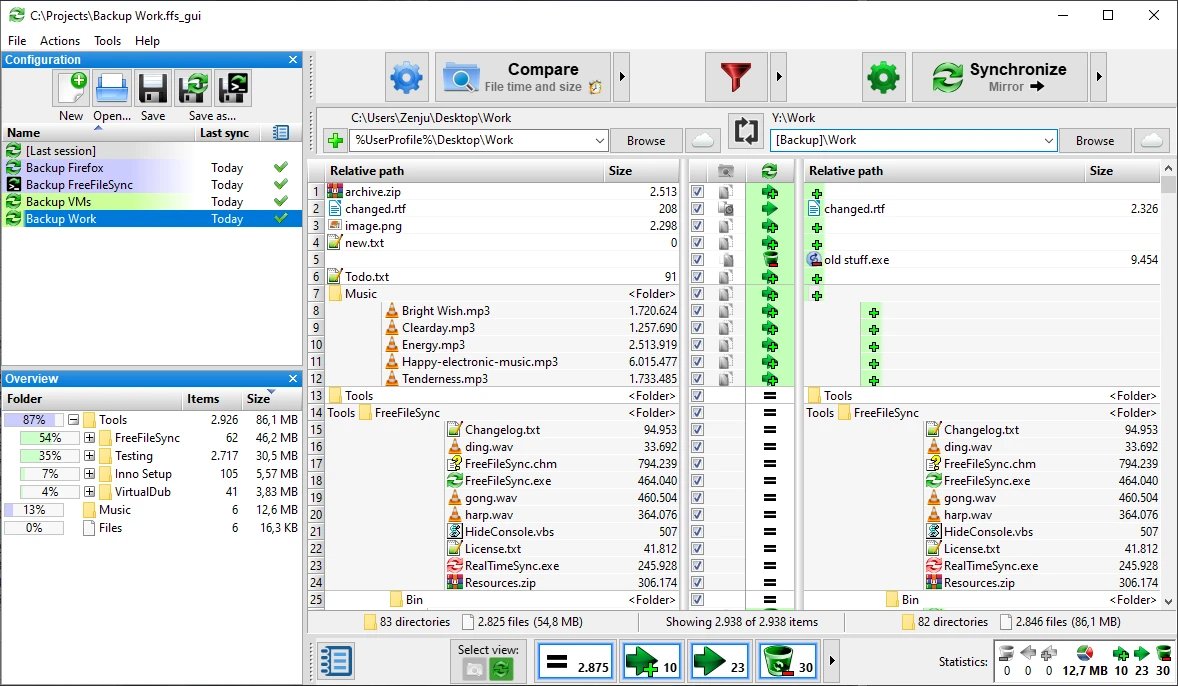
FreeFileSync 14.11
File synchronization software for comparison and updating.
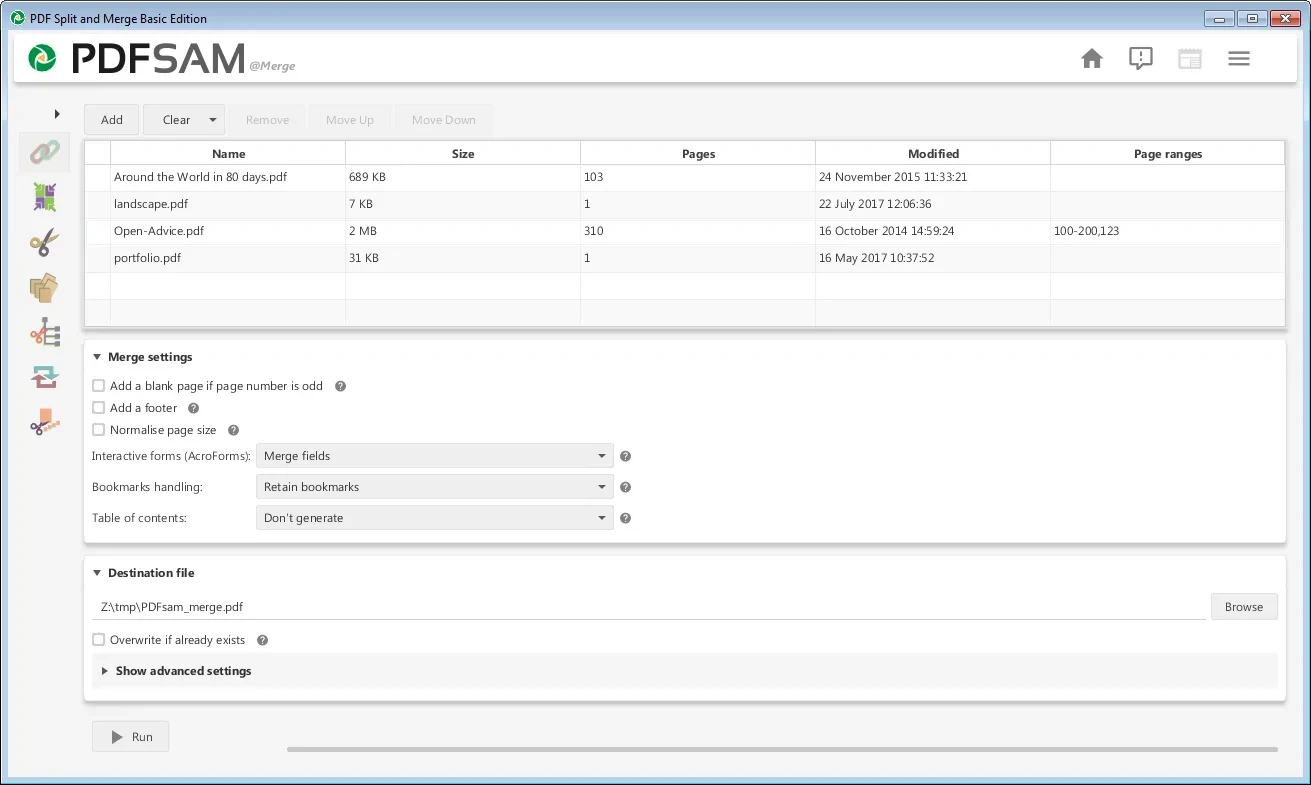
PDFsam 6.0.5
Free utility with multiple features to work with PDF files.
WinDirStat 2.8.0
Graphically observe the usage of your HD.
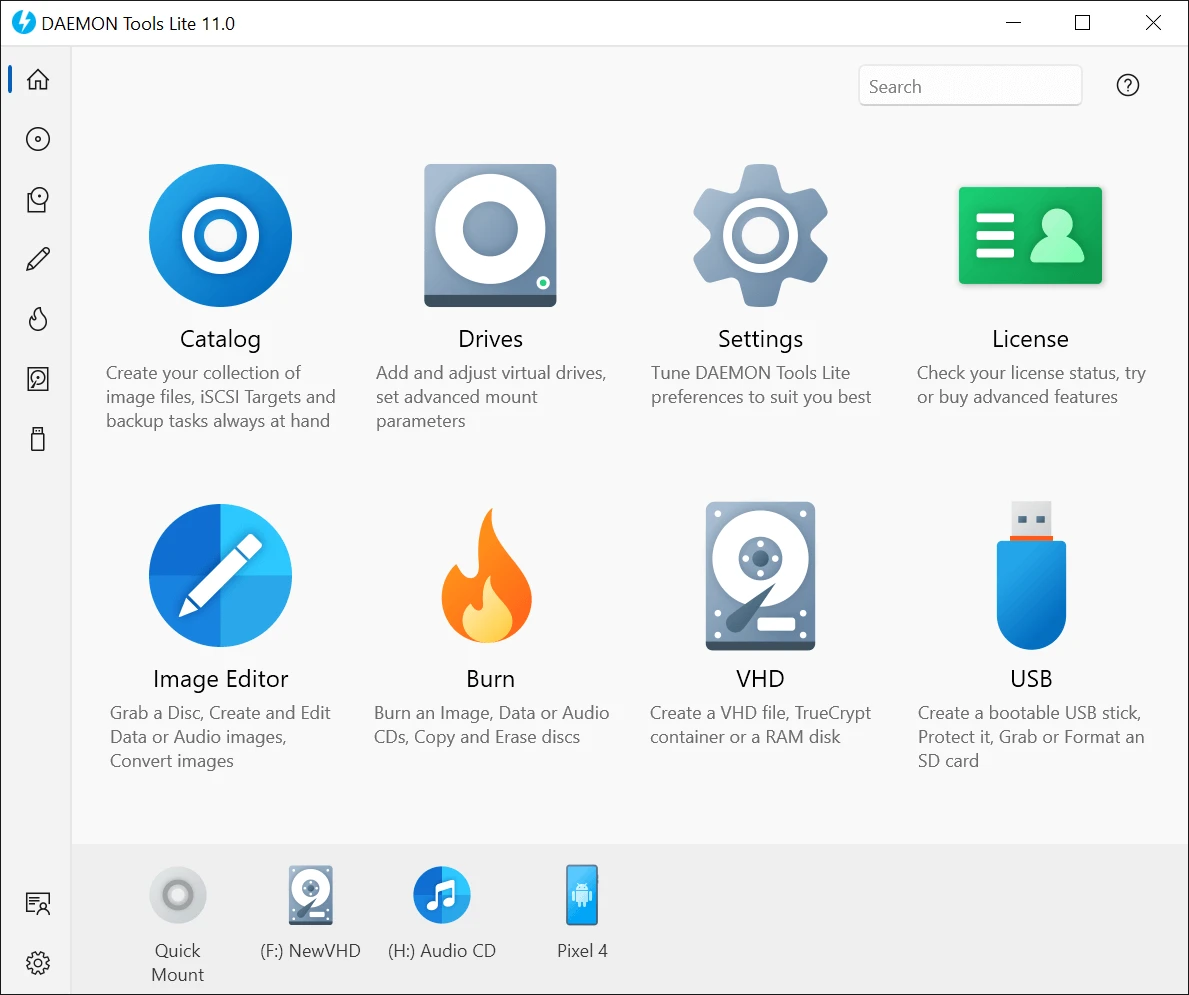
DAEMON Tools Lite 12.6.0.2461
Program to create virtual drives from CDs and DVDs.
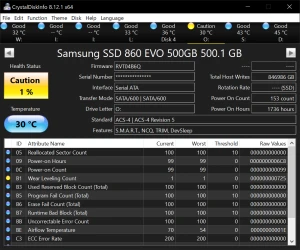
CrystalDiskInfo Portable 9.9.2
Portable version of CrystalDiskInfo. Utility for testing the read and write speed of hard and mobile disks.
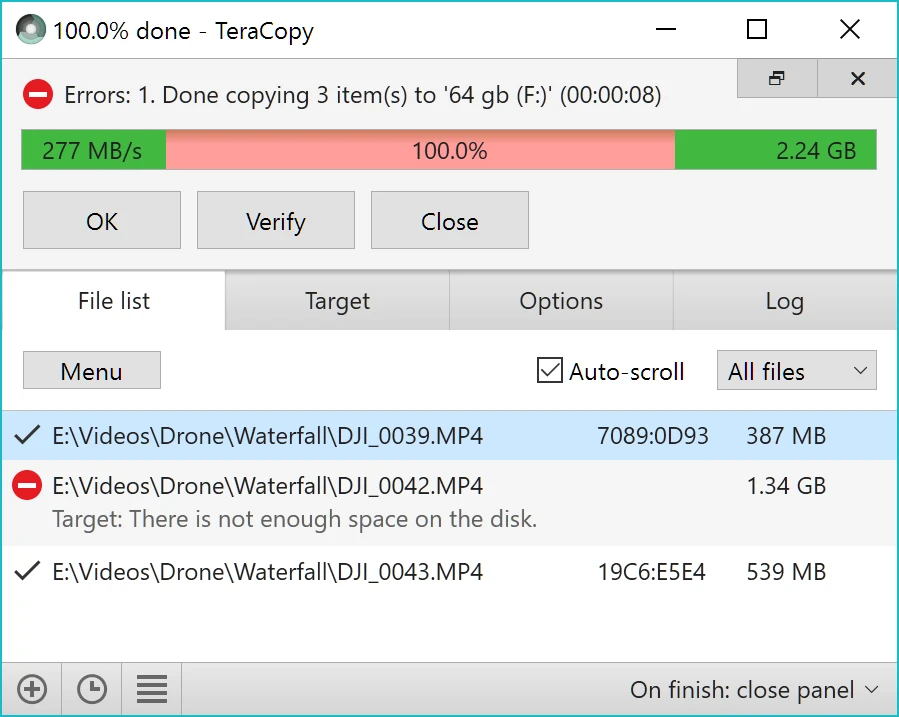
TeraCopy 4.0.3.2
Copy large amounts of files to other directories quickly.

HashMyFiles 2.51
Utility that allows you to calculate the MD5/SHA1/CRC32 hashes of your files.