

ImgBurn Portable 2.5.8.0
Portable version of the free software ImgBurn, aimed at recording and managing optical media (CDs, DVDs, Blu-rays) and disk images.
ImgBurn Portable is the portable version of the free software ImgBurn, aimed at burning and managing optical media (CDs, DVDs, Blu-rays) and disk images. Being portable, it can be run directly from a USB device or folder without installation, leaving no traces (such as registry entries or residual files) on the Windows system. Below is a more detailed description of its features:
- Media Burning:
- Allows burning data, audio and video files onto CDs, DVDs, and Blu-rays.
- Supports burning rewritable discs (RW) with formatting options.
- Offers control over the burning speed to ensure compatibility and quality.
- Creation and Burning of Disk Images:
- Creates image files (ISO, BIN, CUE, IMG, NRG, among others) from discs or collections of files on the computer.
- Burns disk images onto optical media accurately, ideal for backups or software distribution.
- Verification and Quality:
- Checks the integrity of burned discs by comparing the content with the original source.
- Provides detailed information about the media, such as capacity, type, and manufacturer.
- Includes a test mode to simulate burning without using a physical disc.
- Support for Formats and Customization:
- Compatible with a variety of disk image formats, including the most common ones (ISO, BIN) and some specific ones (like MDS).
- Allows adjusting advanced settings, such as layer breaks on dual-layer DVDs or buffer management.
- Supports file systems like ISO9660, Joliet, and UDF.
- Additional Features:
- "Discovery" mode to test the capacity of the media or the burner.
- Simple interface but with advanced options for experienced users.
- Supports multiple languages and log customization to track operations.
- Portable Version Features:
- Does not require installation, making it ideal for use on computers without administrative permission.
- Stores settings in local files in the same folder as the executable.
- Lightweight, with a reduced size, making it easy to carry on USB drives.
- Works on Windows versions (generally from XP to the latest, such as Windows 10/11, depending on compatibility).
ImgBurn Portable is widely used for its reliability and flexibility, especially for tasks like creating boot discs, backups, or burning operating system images. However, it has not been updated since 2013, which may limit compatibility with more recent hardware.
Installable Version Available: ImgBurn
File security
0/64 engines flagged the file in the recorded scan.
Scan date: 04/06/2024
SHA-256: 45f1b2fa9ab91248cfc13ab6fbb732de4f6f9223053371a7de4c3f11d8fbbaa4
Found a problem on this page?Tell the team about broken links, versions or incorrect information.
Related

BurnAware Free 19.3
Utility for burning CDs, DVDs, HD DVDs and Blu-Rays.
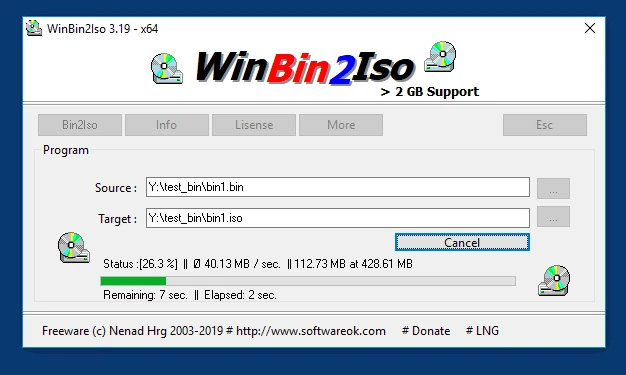
WinBin2Iso 6.77
Utility that converts BIN CD or DVD images to ISO images.
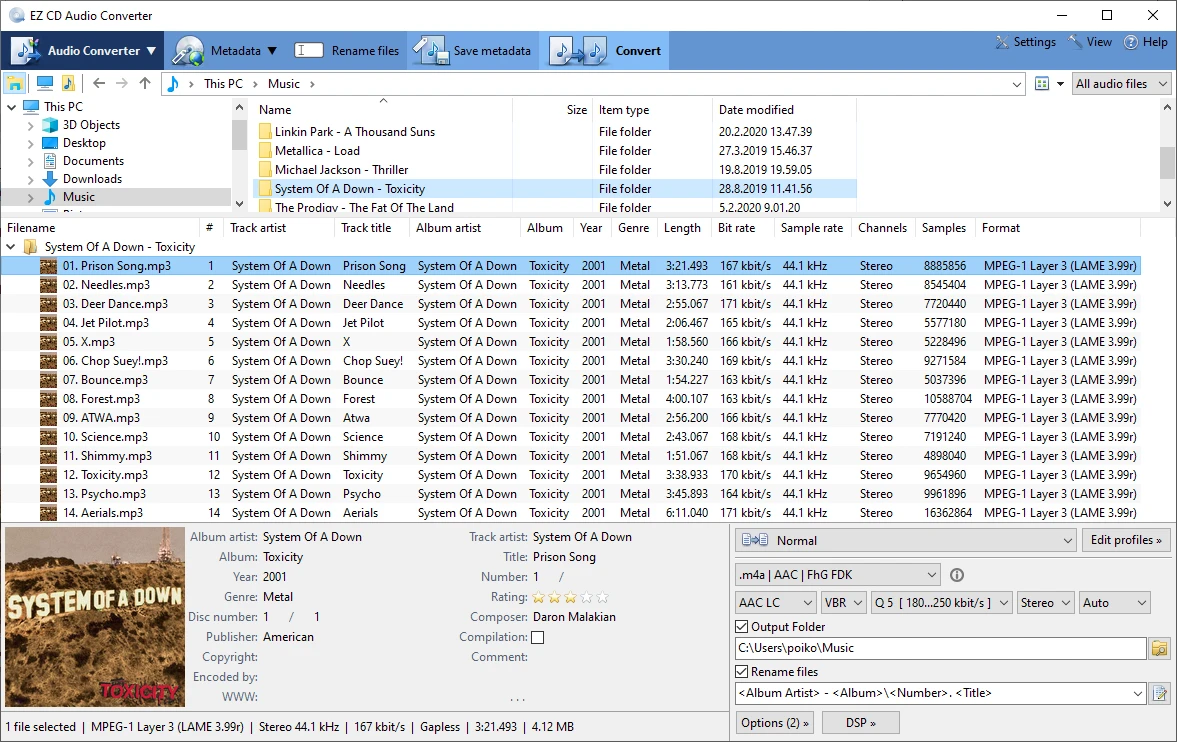
EZ CD Audio Converter 13.1.5.0
Audio file converter designed for the highest audio quality.
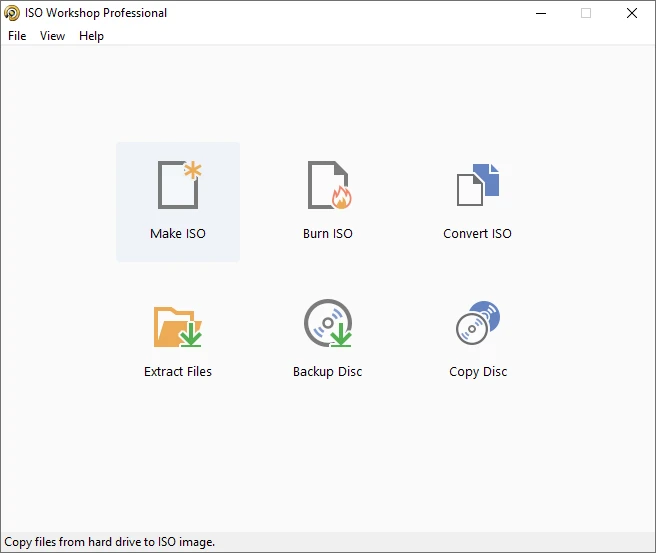
ISO Workshop 13.7
Tool that makes it easy to manage, burn and convert ISO images.
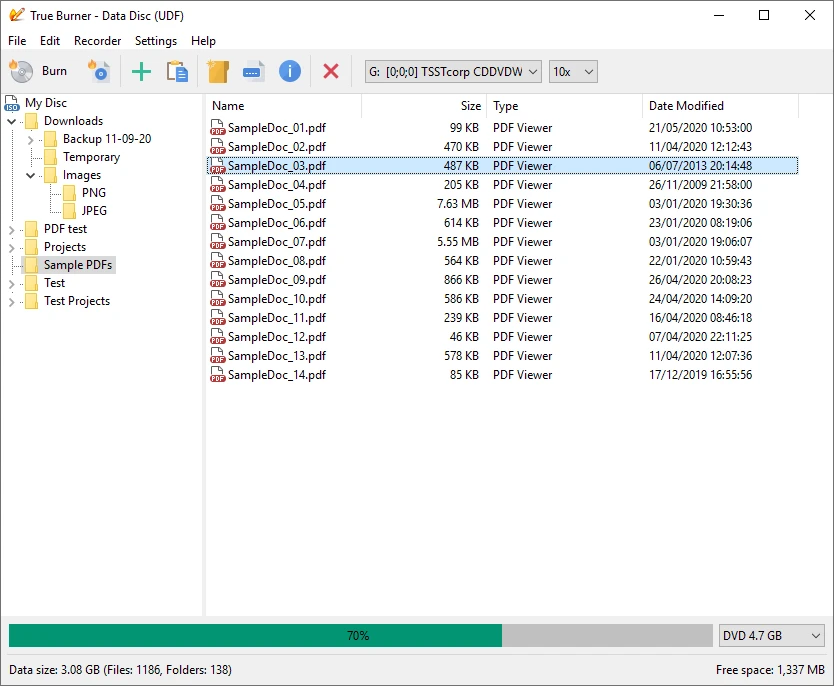
True Burner 10.7
Free disc burning software.
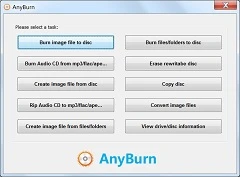
AnyBurn 6.7
Free and easy-to-use CD, DVD and Blu-ray burning software.
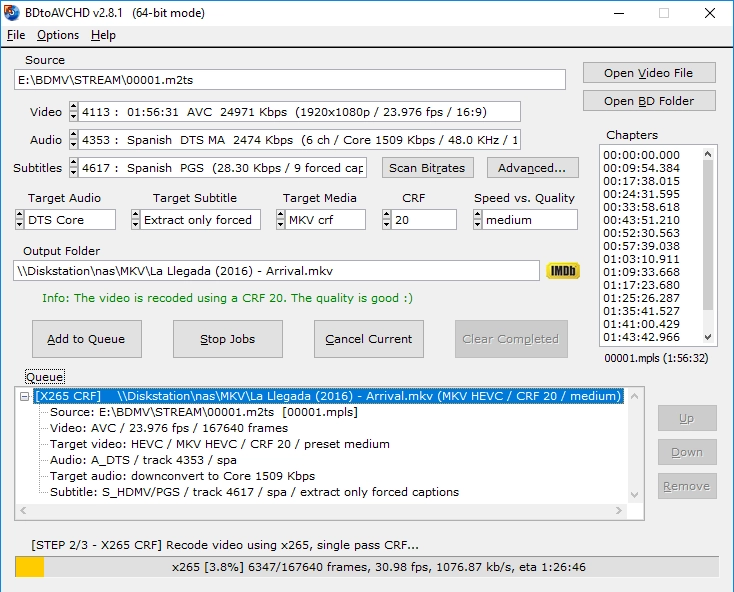
BDtoAVCHD 3.1.9
Software that allows you to convert Blu-ray discs and MKV files to the AVCHD format.
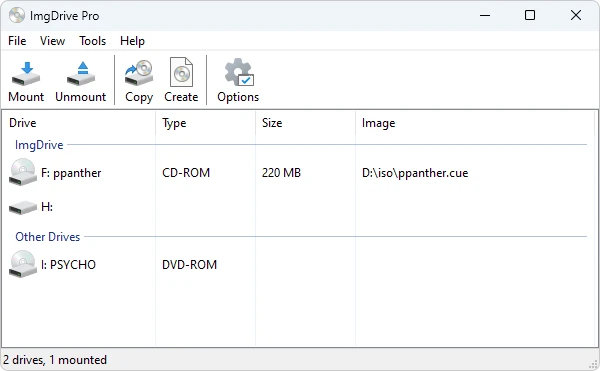
ImgDrive 2.2.3
CD/DVD drive emulation software that allows you to run CD/DVD image files (.ISO, .BIN, etc.) without using a physical drive.