

Solution for data backup and synchronization called IDrive. It offers a variety of features designed to protect, manage, and recover data across different devices and platforms. Below is a detailed description of the main features:
1. Backup on Multiple Devices
Compatibility: IDrive allows backup of multiple devices, including PCs, Macs, Linux, iPhones, iPads, and Android devices, all under a single account.
Backup of External Drives: In addition to the main devices, it is also possible to back up data stored on external hard drives.
2. Cloud Drive
Real-Time Synchronization: Files and folders are synced in real-time across all devices connected to the Cloud Drive.
Separate Storage: The storage of the Cloud Drive does not affect the backup storage limit, and both have the same limit.
3. IDrive for Office
Editing and Collaboration: Allows you to create, edit, and collaborate on Word, Excel, PowerPoint, and PDF files directly in the Cloud Drive.
File Sharing: Share files with view-only or edit permissions.
4. IDrive Express
Fast Backup and Recovery: Offers data backup and recovery in less than a week through the physical shipping of a storage device, without using broadband.
5. Snapshots and Versioning
Point-in-Time Recovery: Snapshots provide a historical view of data for recovery at a specific point in time, protecting against ransomware.
Versioning: IDrive keeps up to 30 previous versions of all stored files.
6. Computer Management
Web Console: A web-based console allows managing backups, restorations, application settings, and more on remote computers.
7. Clone/Computer Backup
Sector or File Level Backup: Allows sector or file level backup to protect the entire computer, with the ability to restore it to its original state in case of disaster.
8. Backup of Microsoft Office 365, Google Workspace, Dropbox, and Box
Automated Backup: Offers automated backup for personal and business accounts of Microsoft Office 365, Google Workspace, Dropbox, and Box.
Quick Recovery: Facilitates quick data recovery in case of accidental deletions, cyber attacks, or ransomware.
9. Security and Privacy
AES-256 Encryption: All files are transferred and stored with AES-256 encryption, using a user-defined key that is not stored on the servers.
10. Incremental Backup and Compression
Network Efficiency: Incremental and compressed backups transfer only the modified parts of files, saving bandwidth.
11. Continuous Data Protection
Automatic Recognition: IDrive automatically recognizes modified parts of files and copies them.
12. Backup of iPhone, iPad, and Android
Cross-Platform Access: Allows access to files from PCs, Macs, and Linux or synchronized from connected devices.
Mobile Data Protection: Apps for iOS and Android protect mobile data.
13. Data Recovery
Search and Restore: Allows searching and restoring files through the desktop app or any browser.
Recovery of Deleted Files: Deleted files can be recovered from the Recycle Bin within 30 days.
14. True Archiving
Full Control: No data is deleted from the online account until you manually delete it or perform the 'File Cleanup' function to sync the data from the computer with the account.
15. Reports and Notifications
Activity Reports: Activity reports, backup status, and sharing keep the user informed about the state of backups and other activities.
Conclusion
IDrive is a robust and versatile solution for data backup and management, suitable for both individual users and businesses. It offers a wide range of features, from cloud backup and synchronization to ransomware protection and disaster recovery, all with a strong focus on security and privacy.
File security
0/60 engines flagged the file in the recorded scan.
Scan date: 04/21/2025
SHA-256: 78fc27a1131008f0bfe3833b54ff21f2c3946a2abe7511b72812660e0348cf5c
Found a problem on this page?Tell the team about broken links, versions or incorrect information.
Related
Rclone 1.75.1
Open source file transfer software for synchronizing data between computers and cloud storage.

Syncovery 12.6.1
File sync, copy, transfer and backup tool.
BUtil 2026.08.27
Incremental backup and file synchronization software.
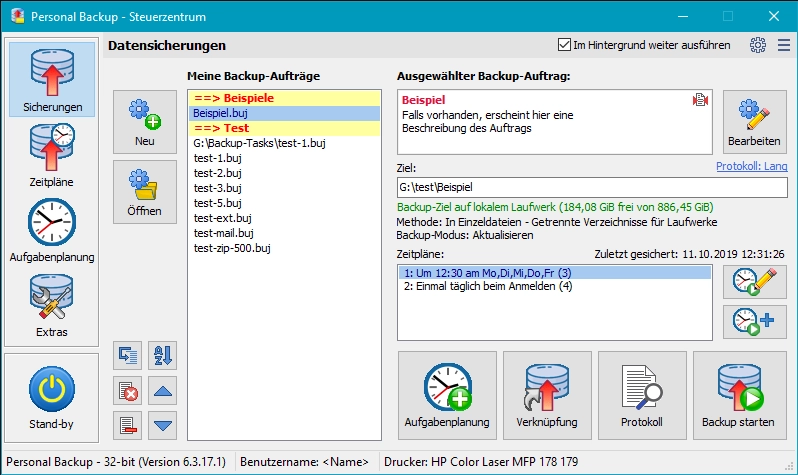
Personal Backup 6.4.13.0
Backup software for Windows that allows you to create backups of files and folders automatically or manually.
GoodSync 12.11.6
Utility that allows you to perform automatic backups.
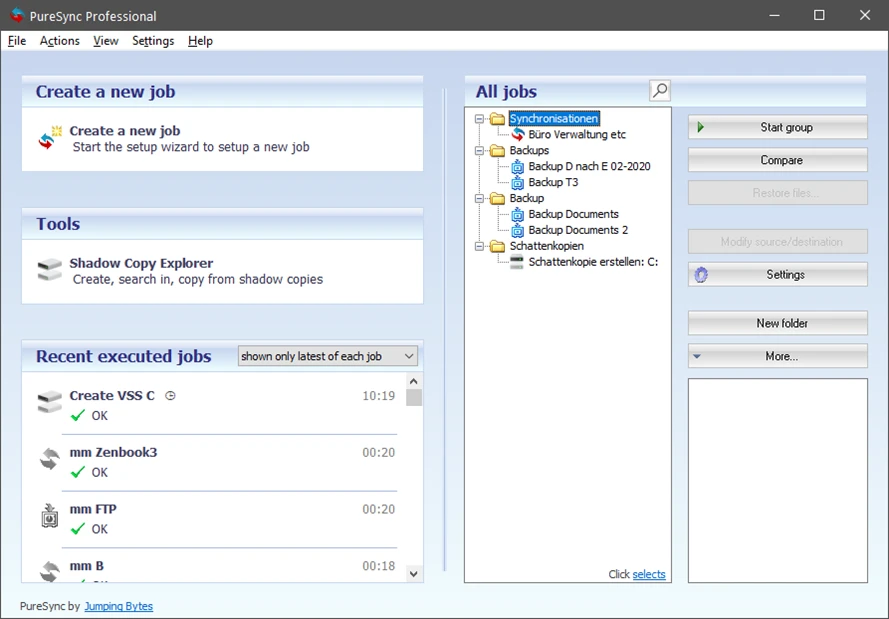
PureSync 8.6.0
File synchronization and backup software for Windows.
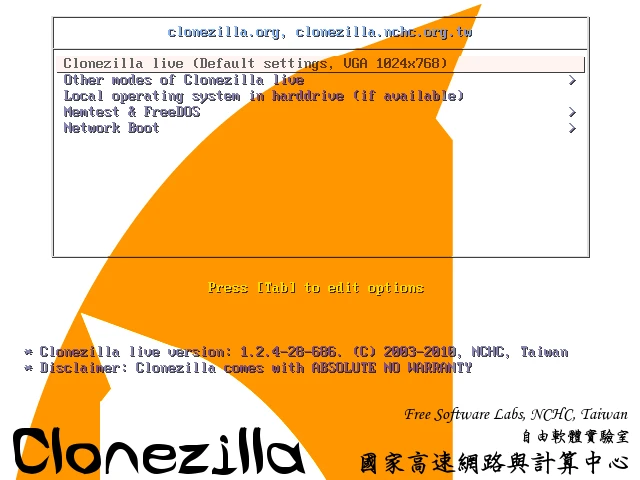
Clonezilla 3.3.3-15
Disk cloning and image creation software.
Easy Backup 2026 14.3
Practical and complete personal backup software.