

Dropbox is an application for Windows that allows you to store, share and access your files from anywhere. It is designed to integrate seamlessly with Windows, providing a native and intuitive experience for users. It can be easily installed on a Windows desktop or notebook computer and once installed it creates a folder on the hard drive called "Dropbox". Any files or folders placed in this folder will automatically sync to the cloud and can be accessed from any device with an internet connection.
One of the main features of Dropbox is its real-time sync capabilities. This feature ensures that any changes you make to a file in your Dropbox folder are automatically updated across all connected devices. This makes it easy for users to work on a file on one device and pick up where they left off on another device.
It also offers advanced collaboration features such as the ability to share folders and files with others and leave comments and comments on shared files. This makes it an ideal tool for teams that need to collaborate on projects and documents. In addition, it has a feature called "smart sync" that allows users to access all their files without taking up space on their hard disk, this feature is particularly useful for those who have limited storage on their device.
Security is a top priority for Dropbox, and the app uses 256-bit AES encryption and two-factor authentication to protect user files. It also has a feature that allows users to remotely wipe the device in case the device is lost or stolen.
In conclusion, Dropbox is an essential tool for anyone who needs to store, share and access files from anywhere. Its seamless integration with Windows, real-time synchronization, advanced collaboration features, and robust security make it a powerful and versatile application that can help users be more productive and efficient.
Found a problem on this page?Tell the team about broken links, versions or incorrect information.
Related

Syncovery 12.6.1
File sync, copy, transfer and backup tool.
BUtil 2026.08.27
Incremental backup and file synchronization software.
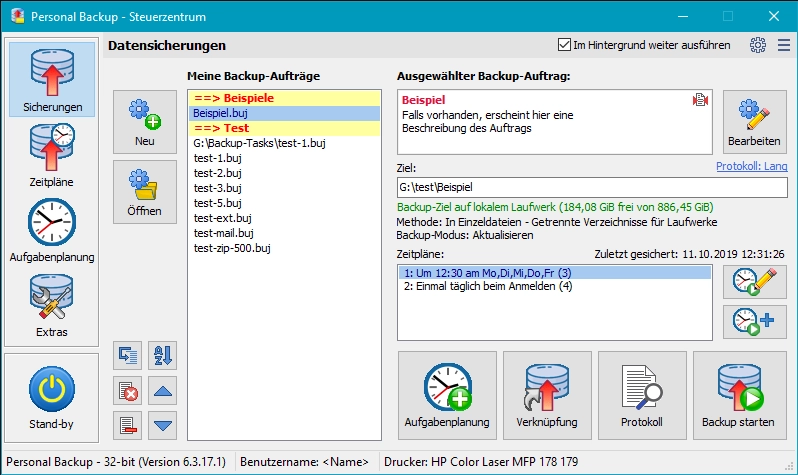
Personal Backup 6.4.13.0
Backup software for Windows that allows you to create backups of files and folders automatically or manually.
GoodSync 12.11.6
Utility that allows you to perform automatic backups.
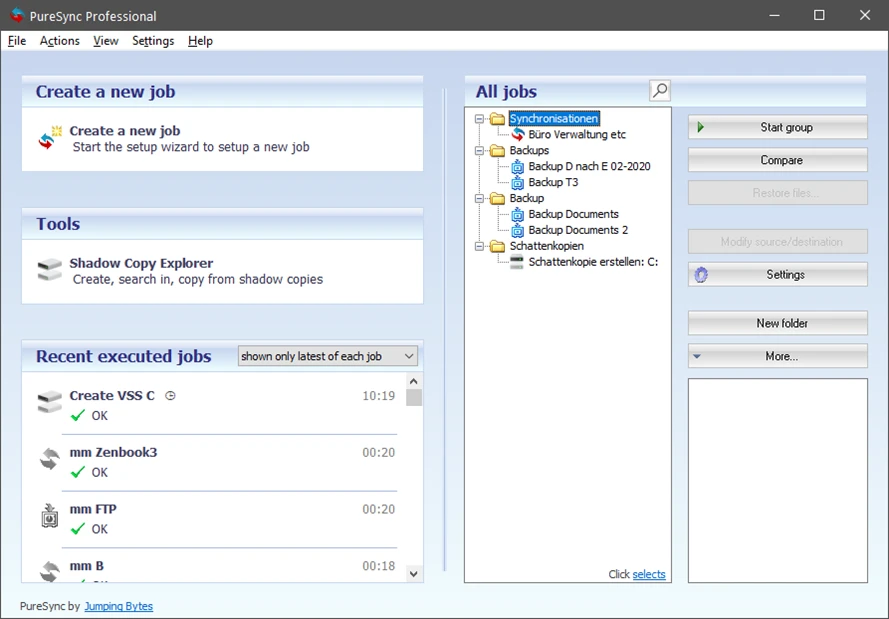
PureSync 8.6.0
File synchronization and backup software for Windows.
Rclone 1.75.0
Open source file transfer software for synchronizing data between computers and cloud storage.
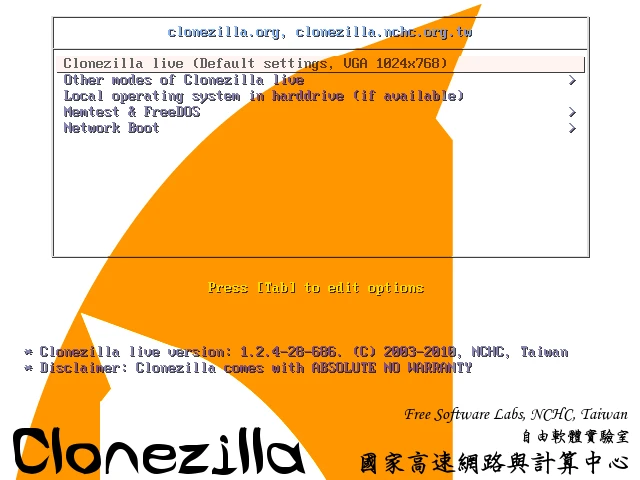
Clonezilla 3.3.3-15
Disk cloning and image creation software.
Easy Backup 2026 14.3
Practical and complete personal backup software.