

Practical solution for opening and closing the DVD tray
Door Control simplifies the daily use of the DVD drive, especially in desktops with inconveniently positioned cabinets or laptops with hard-to-access side trays. With a single click on the button present on the system tray, you can quickly and efficiently open or close the DVD tray.
Intelligent algorithm to recognize tray status
The software uses a unique algorithm that detects whether the tray is open or closed. Thus, a single click is enough to perform the desired action, eliminating any uncertainty.
Customization and Shortcuts
- Customizable Button: Change colors for the button on the system tray.
- Keyboard Shortcuts: Possibility to configure a shortcut key to open and close the drive.
- Automatic Startup: Option to run the program automatically when starting the system.
Lightweight and efficient
Door Control is extremely lightweight, taking up very little RAM, ensuring that it will not impact your computer's performance.
Whether to facilitate access to your DVD drive or to save time, Door Control offers a simple, effective, and customizable solution.
File security
5/66 engines flagged the file in the recorded scan.
Scan date: 01/01/2025
SHA-256: 2a61eaf11097e198d47fa6d823c14701881656b0d7288d573cb34736a9aadfaa
Found a problem on this page?Tell the team about broken links, versions or incorrect information.
Related

BurnAware Free 19.3
Utility for burning CDs, DVDs, HD DVDs and Blu-Rays.
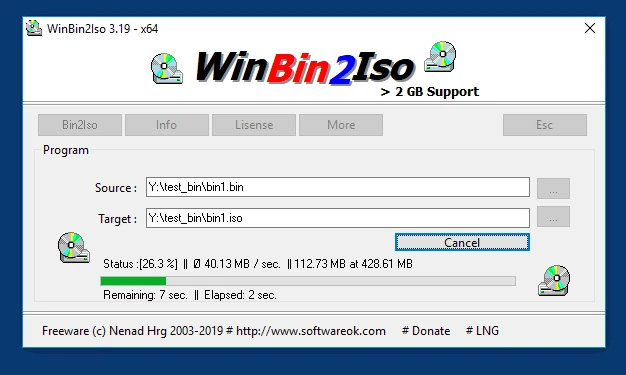
WinBin2Iso 6.77
Utility that converts BIN CD or DVD images to ISO images.
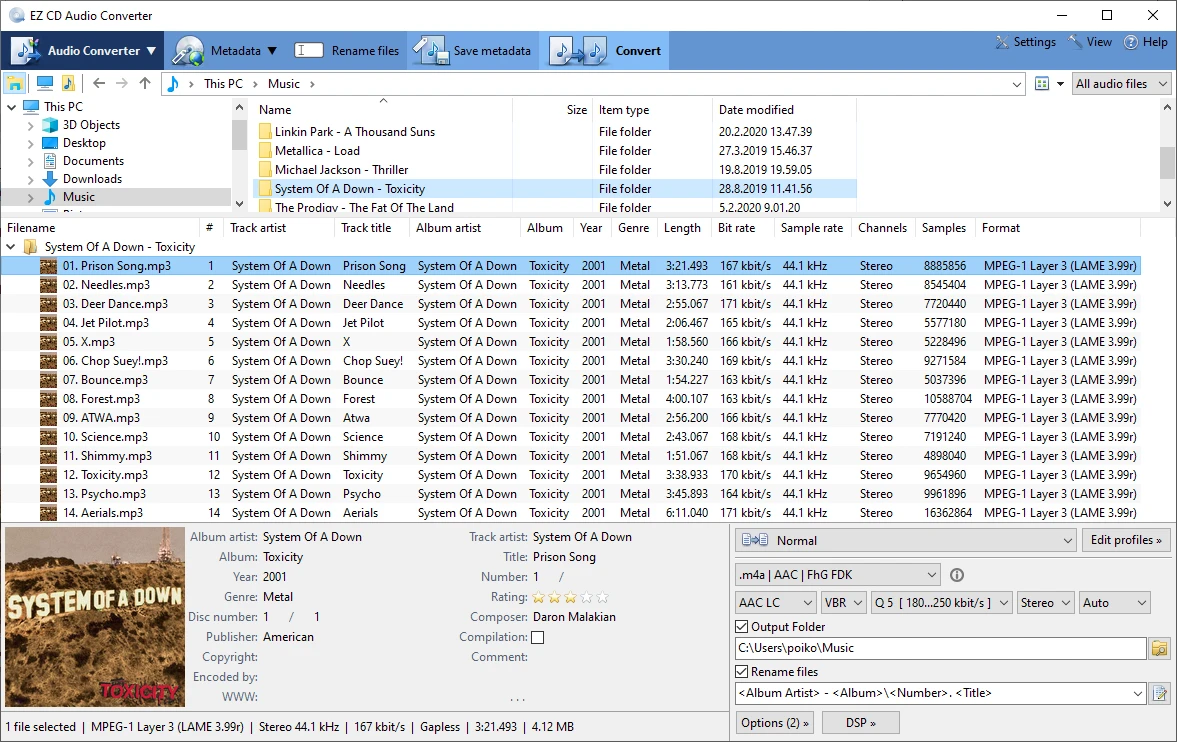
EZ CD Audio Converter 13.1.5.0
Audio file converter designed for the highest audio quality.
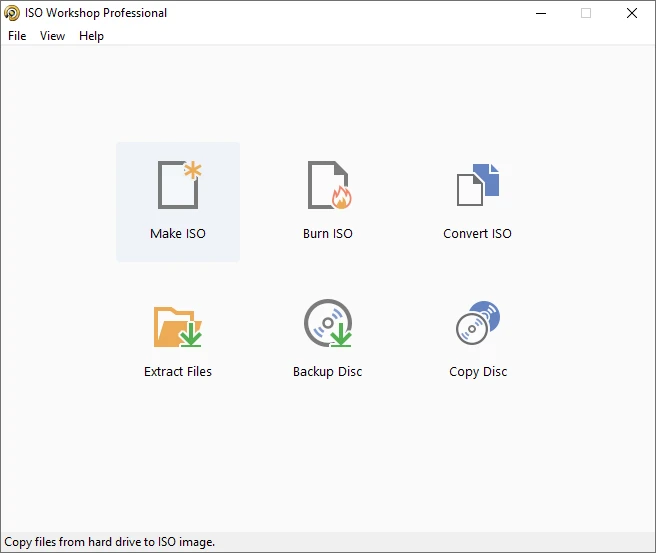
ISO Workshop 13.7
Tool that makes it easy to manage, burn and convert ISO images.
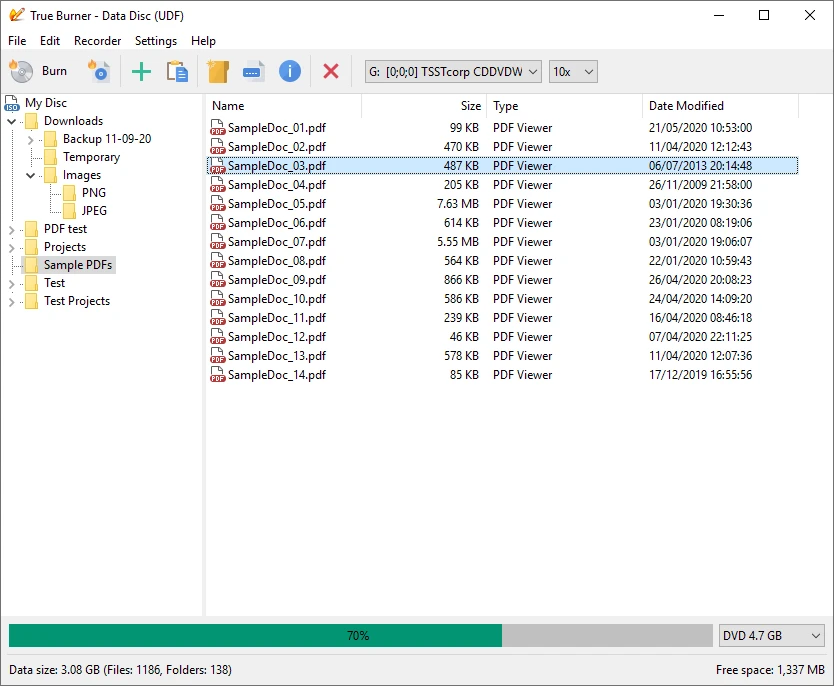
True Burner 10.7
Free disc burning software.
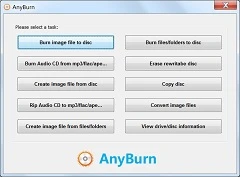
AnyBurn 6.7
Free and easy-to-use CD, DVD and Blu-ray burning software.
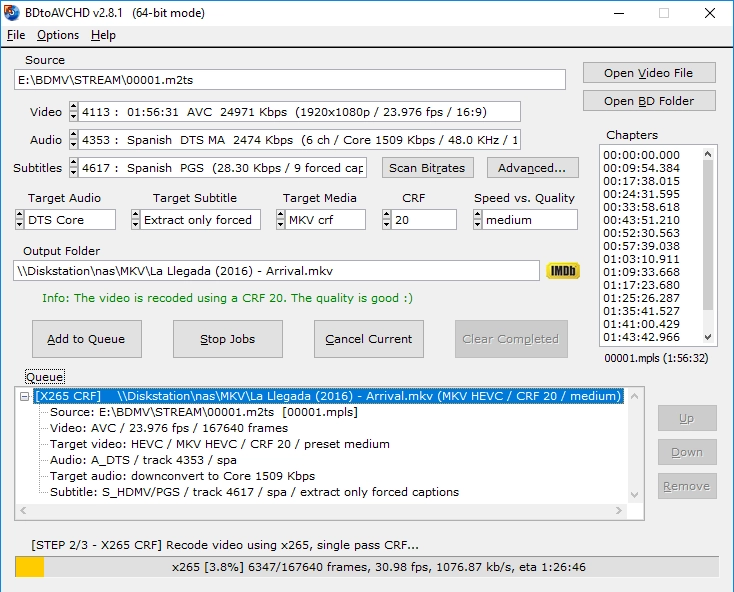
BDtoAVCHD 3.1.9
Software that allows you to convert Blu-ray discs and MKV files to the AVCHD format.
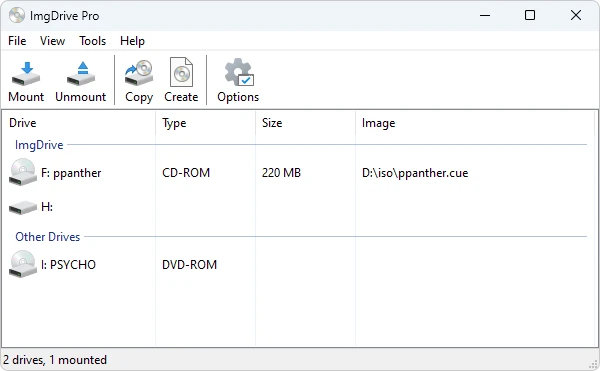
ImgDrive 2.2.3
CD/DVD drive emulation software that allows you to run CD/DVD image files (.ISO, .BIN, etc.) without using a physical drive.