

With the accumulation of temporary/unnecessary files Windows ends up becoming slower over time. With the DiskMax tool it is possible to do a real cleaning of the system and consequently optimize it again.
It is a light tool and very easy to use, in a few clicks you will have your Windows totally clean and you will certainly notice the difference. Even if you are an advanced user, DiskMax will save you time as it automates all the necessary cleanups (which are not few).
Features
- Automates emptying your recycle bin (if specified), cleaning up of installation remnants, and debugging information.
- Cleans up every user's History, Temp, Temporary Internet Files, Cookies (if specified), Recently opened documents list, explorer thumbnail cache and windows error reporting logs.
- Clears out Windows cache, unused legacy cursors (on Vista, if specified), debugging info, internet logs, help center caches, repair information, DLL caches, Logs, temporary files and windows update roll-back files.
- Cleans up after Vista SP1/SP2 install and Windows 7 SP1 install (if specified).
- Removes registry entries for multiple Most Recently Used lists.
- Clears out Windows event logs.
- Gives you the option to deep scan your hard-disk to remove all files of type log, old, prv, chk, swp, bak, gid, wbk, tmp and dmp. This is only intended for advanced users.
- Rearranges files around so that they can be accessed faster.
Old versions
File security
0/72 engines flagged the file in the recorded scan.
Scan date: 01/18/2025
SHA-256: 8b3502e997315160841017be98010acd356130b9ded7da35774b0af5a0103edf
Found a problem on this page?Tell the team about broken links, versions or incorrect information.
Related
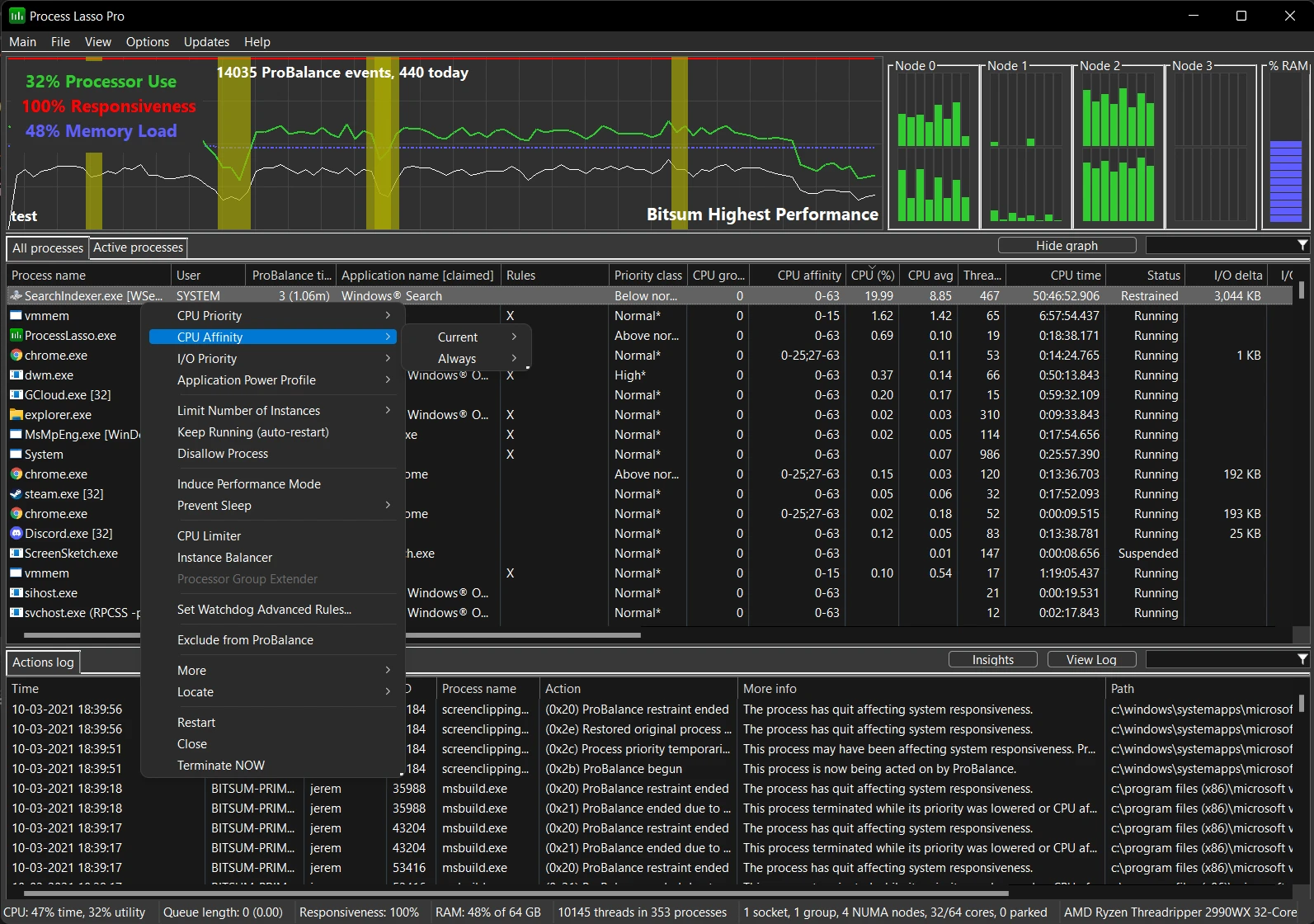
Process Lasso 18.4.0.11 Beta
Software that allows you to optimize processes in Windows.
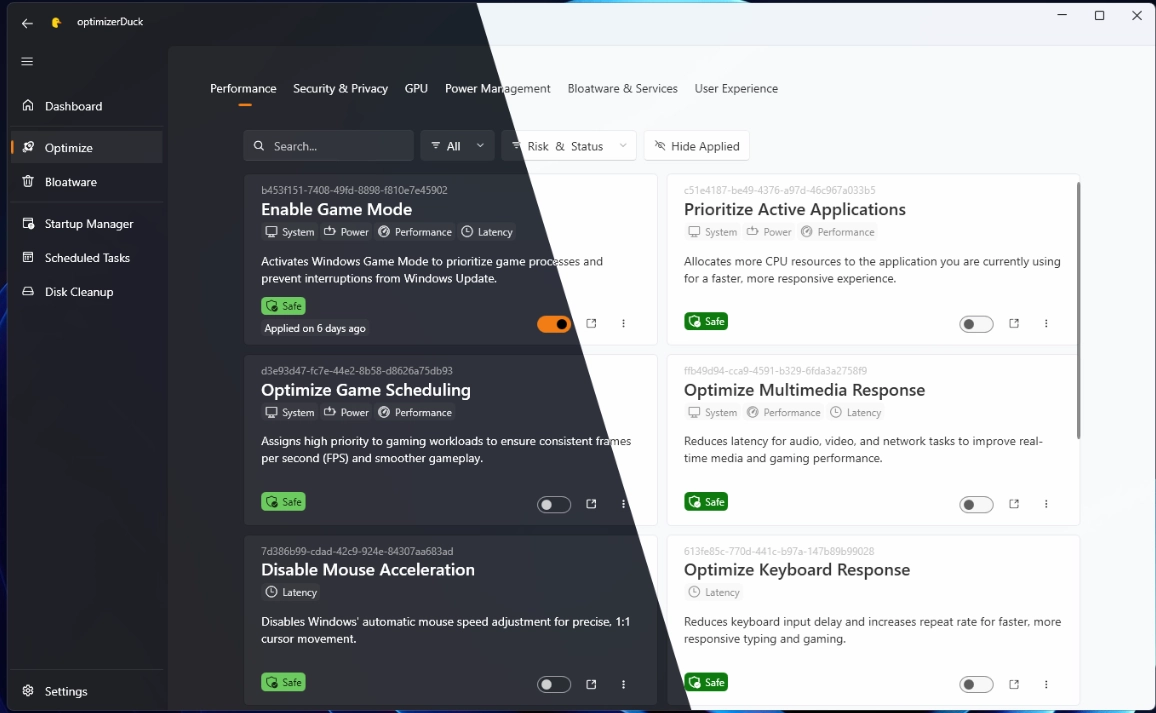
optimizerDuck 2.27.6
Free software that allows you to optimize Windows performance and increase control over system privacy settings.

PrivaZer 4.0.126
Free PC cleaning software that helps protect privacy and optimize system performance by cleaning activity traces and optimizing system.
PrivaZer Portable 4.0.126
Version of the cleaning and privacy software PrivaZer that does not require installation.
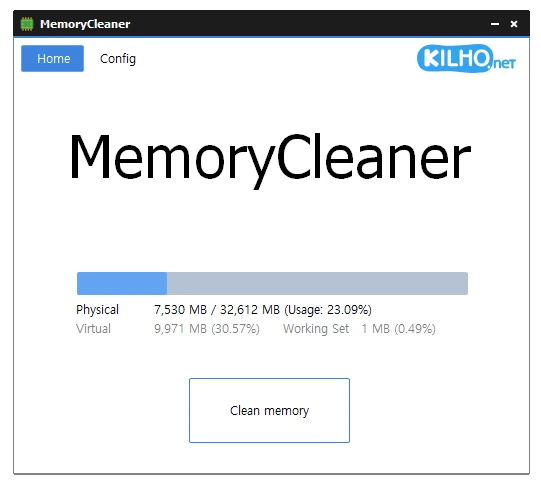
MemoryCleaner 2.0.2
Dedicated tool for memory cleaning, offering both automatic and manual cleaning options.

Wise Disk Cleaner 11.3.9.859
Make your system faster by eliminating unnecessary files.
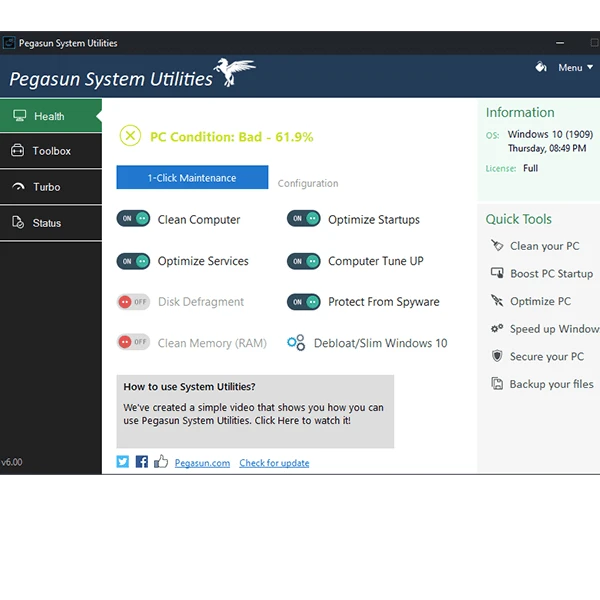
Pegasun System Utilities 10.0.0
Software that has 18 tools that make it possible to speed up, clean and secure your PC.
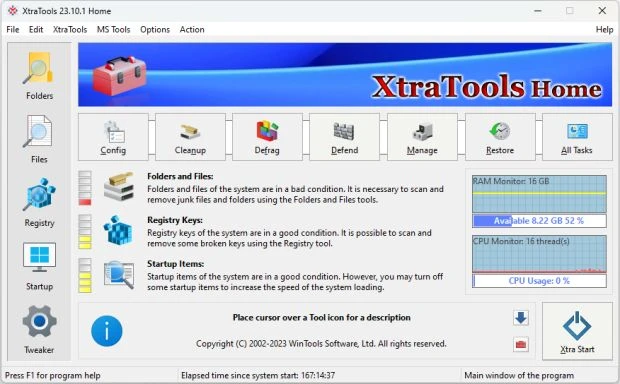
XtraTools 26.7.1
Optimization software for Windows that allows you to manage and improve system performance.