
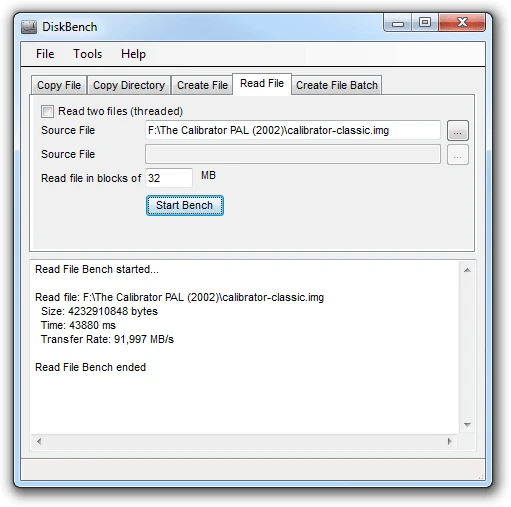
DiskBench 2.8.1.0
Disk benchmarking tool that allows measuring the actual speed of reading, writing, and copying files on hard drives or SSDs.
DiskBench is a disk benchmarking tool developed to measure the actual speed of reading, writing, and copying files on hard drives or SSDs, simulating everyday situations. Unlike synthetic benchmarks, which can generate ideal numbers that are difficult to achieve in practice, DiskBench focuses on more realistic tests, taking into account factors such as file system fragmentation and simultaneous operations.
Main features:
File copy:
Copies a file from one location (A) to another (B), measures the time taken, and optionally deletes the destination file after the test.
Useful for assessing data transfer speeds between different drives or partitions.
File creation:
Creates a file with a repeated pattern of 128 bytes, allowing testing of write speed on a single disk.
Ideal for users who want to test only one drive.
File reading:
Reads specified files in parallel, measuring the read speed.
Allows adjustment of the reading block size to simulate different workloads.
Directory copy:
Copies all files from one directory to another, measuring the total time.
Useful for testing performance in backup operations or transferring large volumes of data.
Important considerations:
File system fragmentation: DiskBench takes fragmentation into account, making the results closer to reality.
Memory usage: The program can consume a lot of memory depending on block sizes and the number of parallel operations. In case of failures, it is recommended to reduce the block size (BlockSize) and increase the number of blocks (NoOfBlocks).
Requirements: The software requires the .NET Framework to run.
Conclusion:
DiskBench is a practical tool for those who want to evaluate the real performance of their disks, whether for diagnostic, optimization, or comparison purposes between different hardware configurations. Its approach focused on real-world operations makes it a valuable option for those seeking more precise and applicable results for everyday use.
File security
2/66 engines flagged the file in the recorded scan.
Scan date: 12/12/2024
SHA-256: a7b5a9466eb0099ea935e570a4270ef75ada6ba9ab465d8edd2084e2df1d7933
Found a problem on this page?Tell the team about broken links, versions or incorrect information.
Related

3DMark 2.32.8743
Measures graphical and CPU performance in PCs with a series of benchmarks that simulate demanding games.
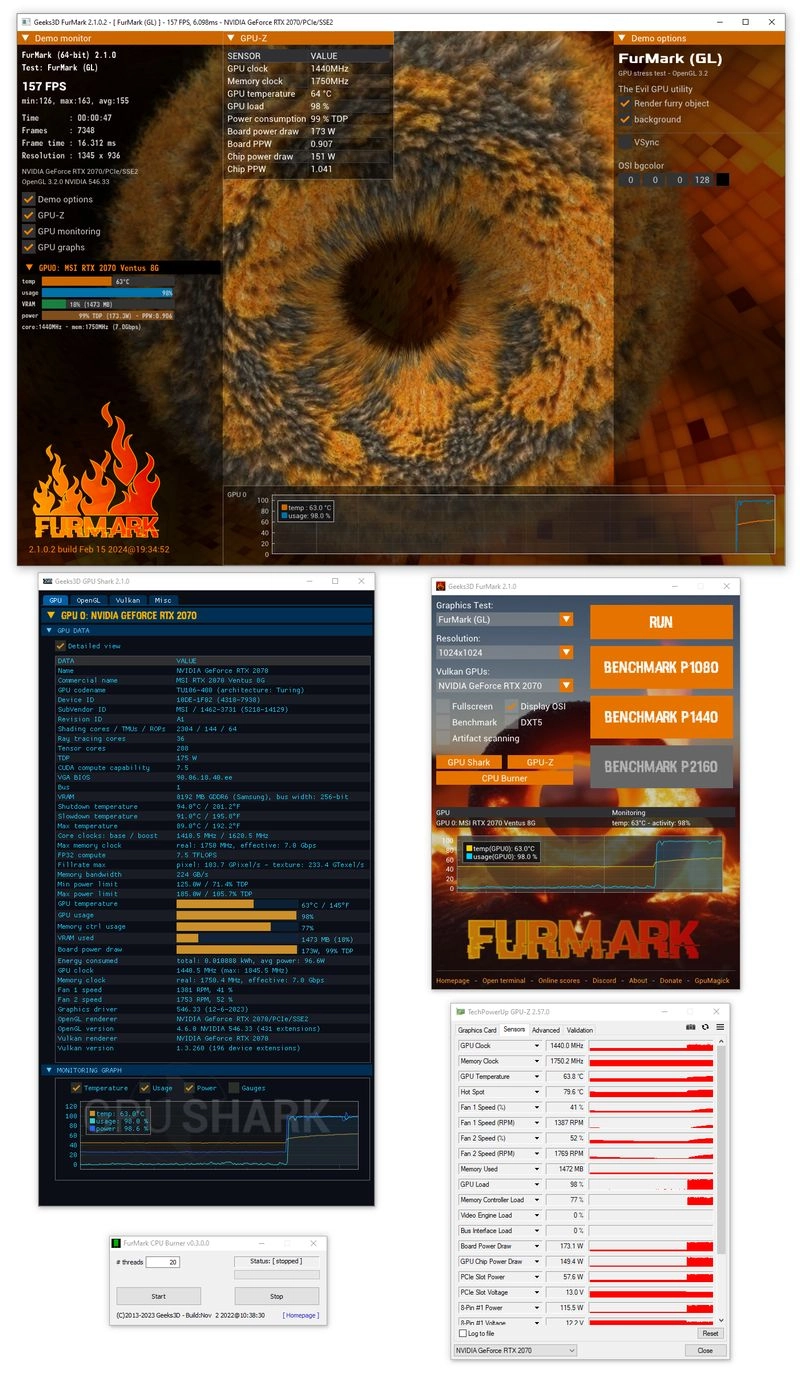
FurMark 2 2.10.0
Benchmarking and stress testing software for graphics cards (GPUs).
UserBenchmark 5.2.6.0
Benchmarking tool for PCs that allows you to analyze and compare the performance of various system components.
CrystalMark Retro 2.0.5
Comprehensive benchmarking software developed to assess the performance of older systems such as Windows 95 and Windows NT 3.51.
FurMark 1.39.2.0
Utility for anyone who wants to evaluate the performance of their computer
Geekbench 6.4.0
Benchmarking software that allows you to evaluate the performance of your computer
GravityMark GPU Benchmark 1.89
Utility that measures the performance of graphics cards using complex graphic scenes generated in real time.
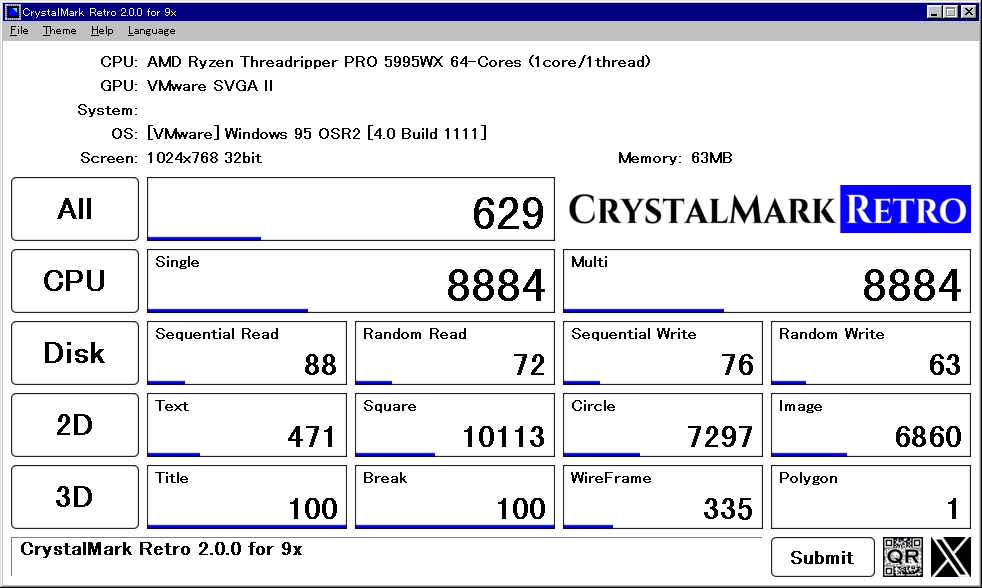
CrystalDiskMark Retro Portable 2.0.4
Portable version of CrystalMark Retro, an edition of the benchmarking software developed to run directly from a removable device.