
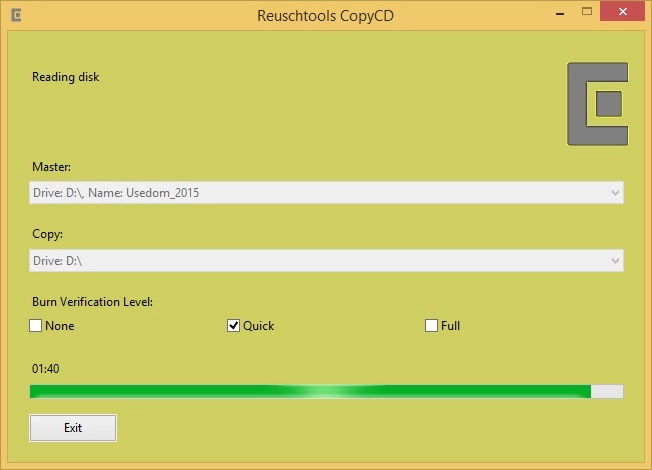
CopyCD 1.7
Tool that allows you to copy CDs, DVDs, and BluRays, as well as create ISO files from discs or folders.
CopyCD is a free tool from Reuschtools, designed to copy CDs, DVDs, and BluRays, as well as create ISO files from discs or folders. It is intended for users who need to duplicate physical media or perform data backups in compatible formats.
Features
ISO file creation: Allows generating ISO files from discs or folders, making it easier to store and distribute data.
Disc copying: Performs copies of CDs, DVDs, or BluRays, including different file formats such as Audio-CD, CDFS, UDF, and Multisession.
Disc backup: Enables the creation of backups of discs into folders or ISO files, which can be rewritten later.
Multiple copies: Supports creating multiple copies of the same disc using a single recording drive, with visual progress control.
Requirements and Availability
Compatibility: Works on Windows systems from XP to Windows 11.
Installer size: Approximately 0.20 MB.
Digital signature: The installer and program files are digitally signed by Arndt Reusch eK.
License: Free software, with no ads or hidden costs.
File security
0/72 engines flagged the file in the recorded scan.
Scan date: 09/03/2025
SHA-256: 615e6f22e1f964831e896a6051c654544dff83beff71222b1ba802f560753a50
Found a problem on this page?Tell the team about broken links, versions or incorrect information.
Related

BurnAware Free 19.3
Utility for burning CDs, DVDs, HD DVDs and Blu-Rays.
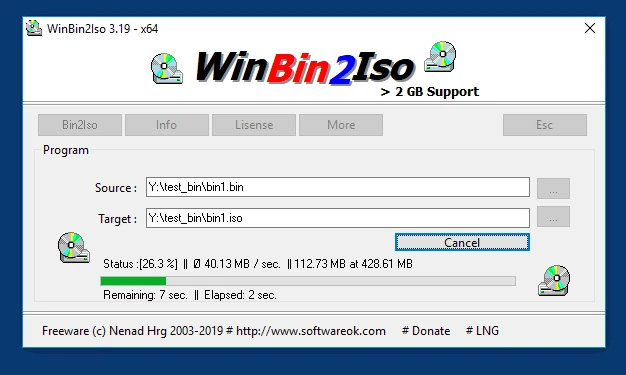
WinBin2Iso 6.77
Utility that converts BIN CD or DVD images to ISO images.
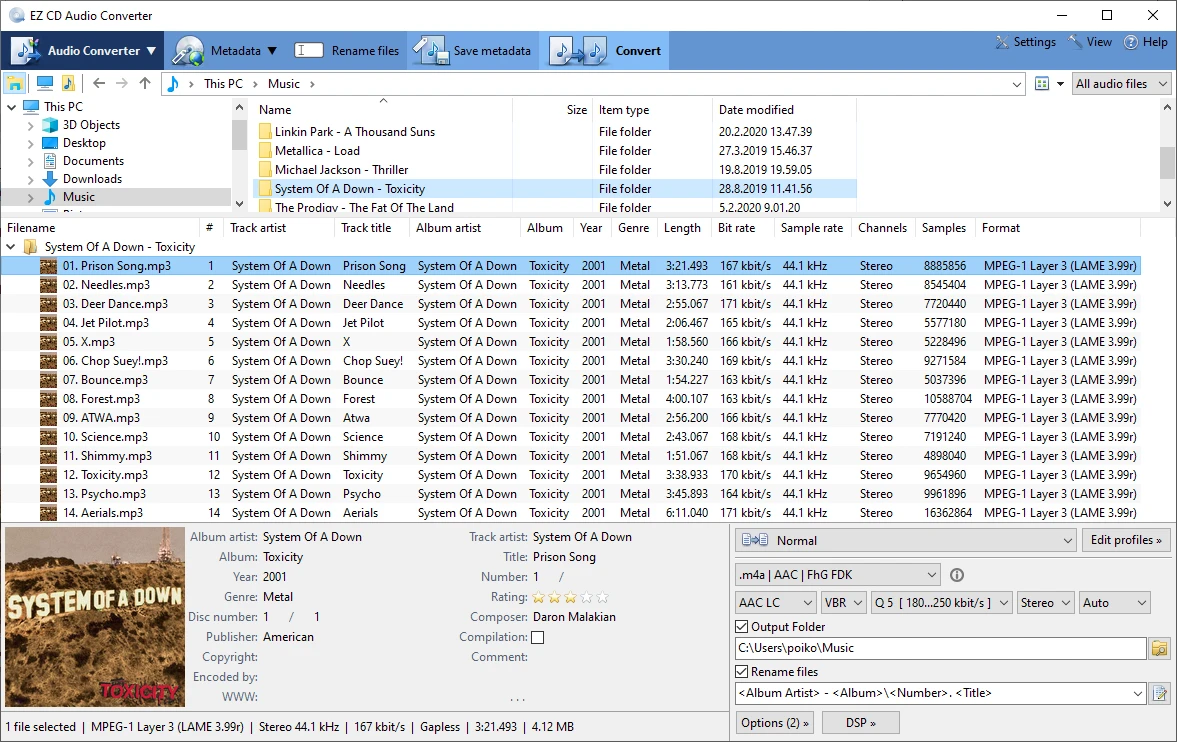
EZ CD Audio Converter 13.1.5.0
Audio file converter designed for the highest audio quality.
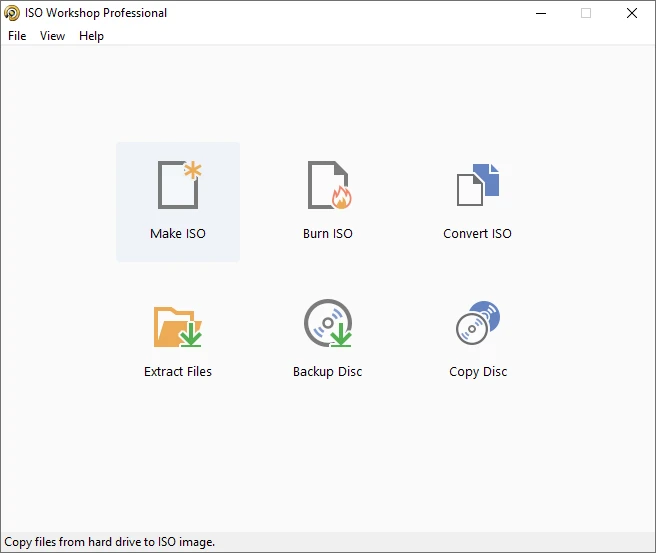
ISO Workshop 13.7
Tool that makes it easy to manage, burn and convert ISO images.
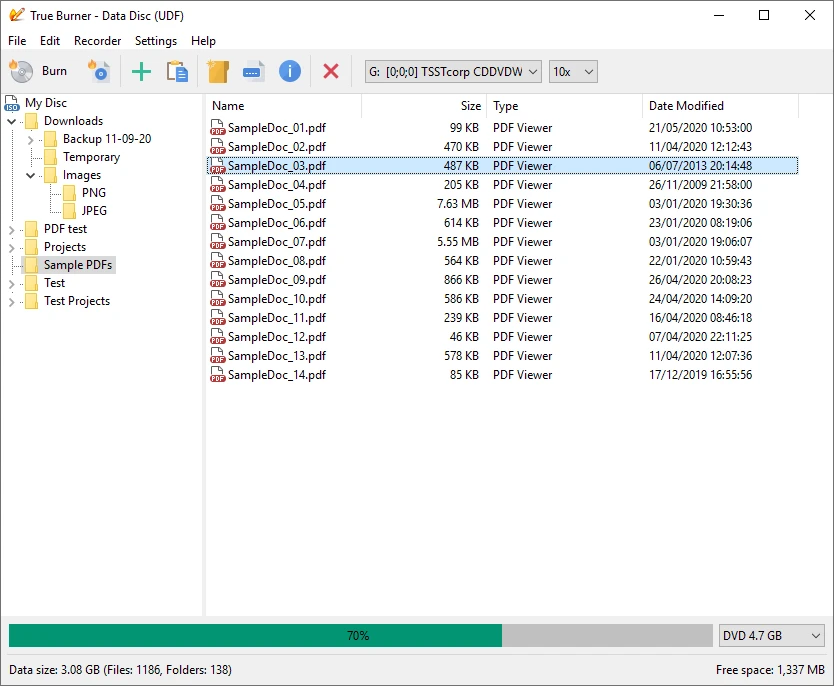
True Burner 10.7
Free disc burning software.
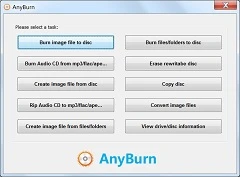
AnyBurn 6.7
Free and easy-to-use CD, DVD and Blu-ray burning software.
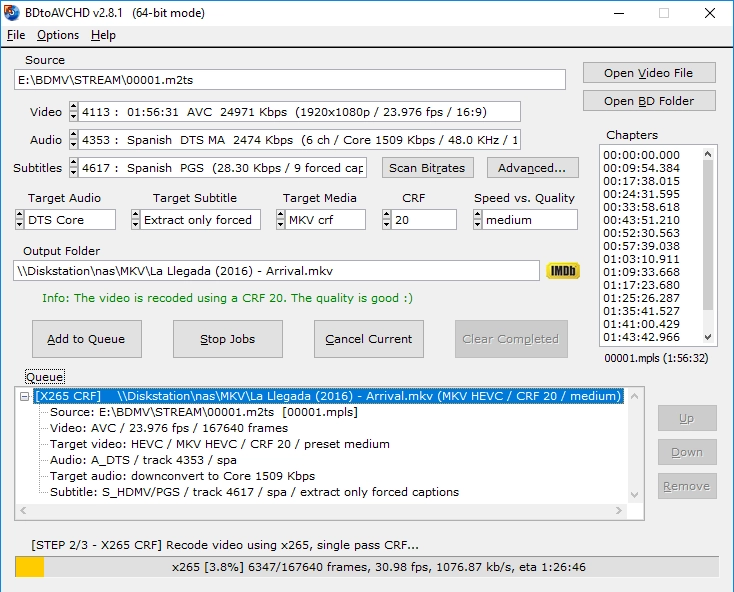
BDtoAVCHD 3.1.9
Software that allows you to convert Blu-ray discs and MKV files to the AVCHD format.
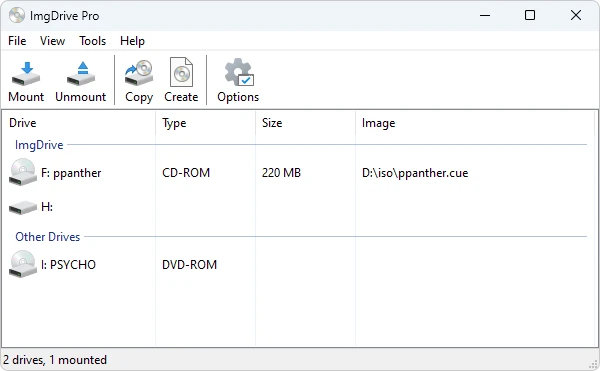
ImgDrive 2.2.3
CD/DVD drive emulation software that allows you to run CD/DVD image files (.ISO, .BIN, etc.) without using a physical drive.