

Browser Tamer 5.5.0
A tool that allows optimizing the web browsing experience for those who use multiple browsers or browser profiles.
Browser Tamer is an advanced tool developed to optimize the web browsing experience for users who utilize multiple browsers or browser profiles. It acts as a browser proxy, intercepting clicked URLs and redirecting them to the specific browser or profile based on user-defined rules. This provides a more efficient and personalized management of how links are opened, eliminating the need to manually switch between browsers.
Main Features
- Smart Link Redirection: Browser Tamer captures clicked links and automatically directs them to the correct browser or profile according to user preferences. For example, work links can be set to open in one browser and personal links in another.
- Customizable Rules: Allows the creation of rules based on criteria such as domain, protocol, file extension, window title, or process name. Rules can be simple (case-insensitive substring) or advanced (using regular expressions).
- Support for Multiple Browsers and Profiles: Compatible with popular browsers like Firefox, Chrome, Edge, and Brave, and also supports browser profiles, Firefox containers, and incognito modes.
- Flexible Integration: Works with Microsoft Store applications and allows the addition of custom browsers with specific parameters.
- URL Processing: Offers features such as tracker removal or unpacking Office 365 URLs, as well as support for Lua scripts for advanced customization.
- Browser Extensions: Provides extensions for Chromium-based browsers (Chrome, Edge, Brave) and Firefox, allowing users to send links or pages to other browsers directly through the context menu or toolbar.
- Borderless Windows: For compatible browsers (mainly Chromium), it can open links in windows without toolbars or controls, simulating standalone applications.
How to Use
- Initial Installation: After installation, the user registers Browser Tamer as the "default browser" in Windows by clicking "Install". Although it is a "fake browser," this allows it to intercept links.
- Default Browser: The first detected browser is automatically selected, but it can be changed by the user.
- Creating Rules: Rules are defined based on text present in the URL, window title, or process, with options to specify where the match should occur (domain, path, etc.).
- Click Logging: Optionally, clicks can be saved in a .csv file for auditing, with details such as time, URL, and browser used.
Old versions
File security
0/61 engines flagged the file in the recorded scan.
Scan date: 01/27/2026
SHA-256: 433abad543b8b3391bc77609d805a6415e9ef6f90a4d45bd8847b1eba502fa46
Found a problem on this page?Tell the team about broken links, versions or incorrect information.
Related
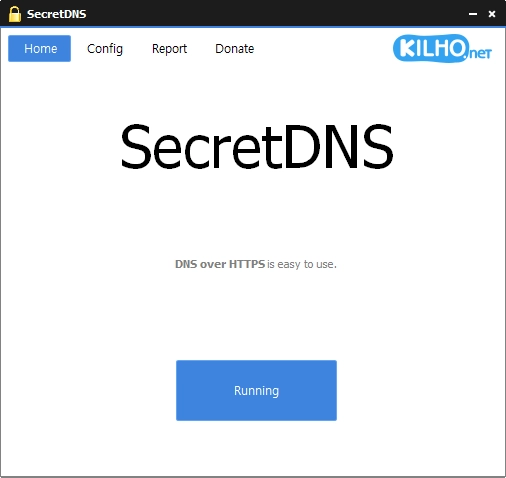
SecretDNS 4.0.2
DNS filtering software designed to provide security, privacy, and internet access control.
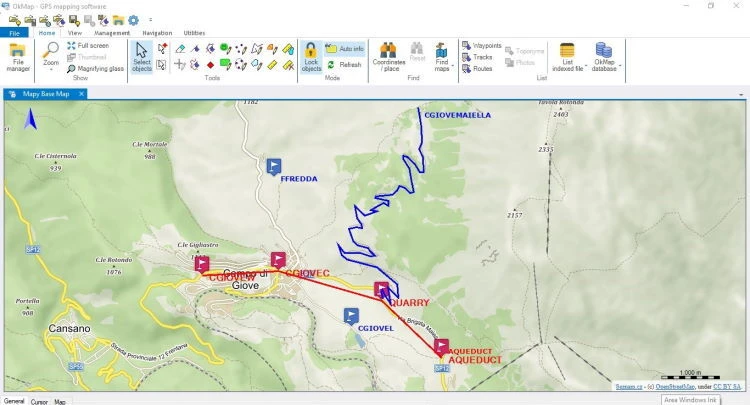
OkMap Desktop 19.8.4
Mapping and GPS software for Windows, with 2D and 3D map visualization, editing, and analysis.
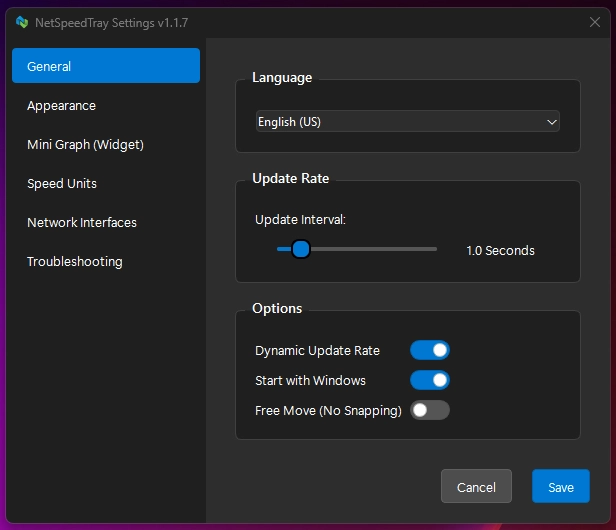
NetSpeedTray 2.1.6
Software for Windows that monitors network speed in real time.
Sandboxie-Plus 1.18.3
Software that creates isolated environments to run applications securely.
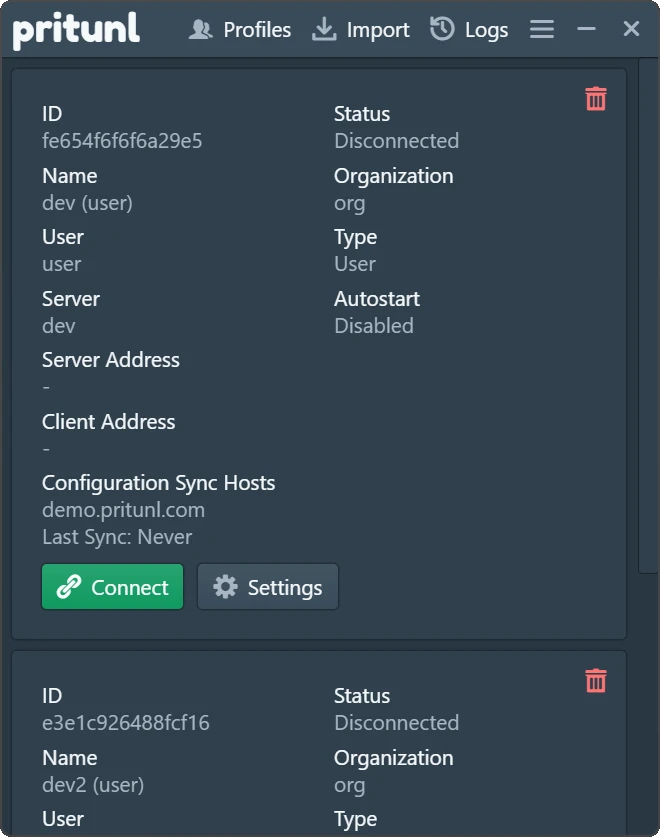
Pritunl 1.3.4729.52
Easy-to-use VPN software that allows users to connect to private networks.

Get My IP 0.23.2
Software that displays detailed information about your computer's IP address and geolocation.
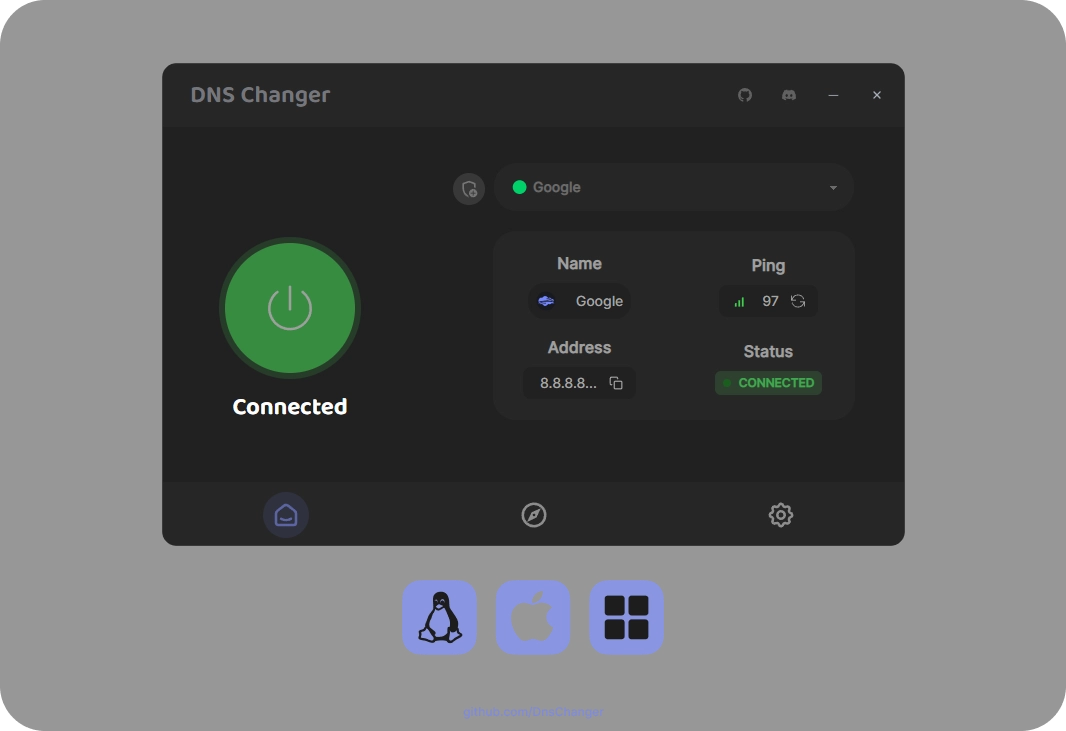
DNS Changer 2.3.14
Tool that allows you to quickly and intuitively change the DNS servers of your network connections.
PingPlotter 5.27.13
Monitor and diagnose networks, detecting problems and bottlenecks with graphical data in real-time.