
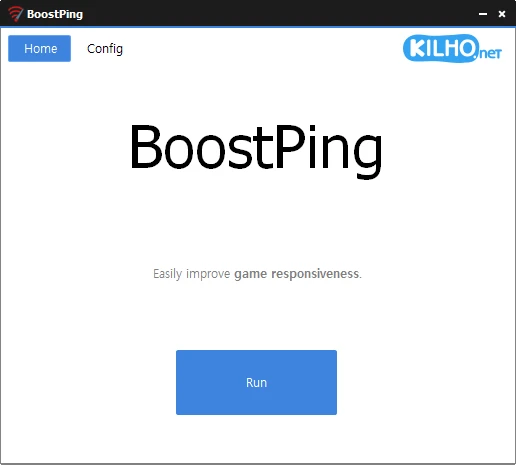
BoostPing 1.7.1.0
Network optimization tool that automates technical adjustments to improve the performance of the active network connection.
Baixe.net VerifiedOfficial source checked on 08/14/2026 by Team Baixe.net.Learn about verification →Main Features
Automatic Network Analysis and Configuration
Automatically detects the network to which the device is connected (Wi-Fi, cable, etc.).
Performs custom adjustments based on network characteristics (latency, bandwidth, connection type).
Modification of the Throttling Index (Network Limitation)
Allows adjustment of intentional bandwidth limitation (throttling), useful for:
Simulating weak network conditions (for application or game testing).
Optimizing traffic prioritization (e.g., ensuring speed for video conferencing or streaming).
Disabling Nagle's Algorithm
Removes Nagle's algorithm, which groups small data packets to reduce overhead.
Benefit: Reduces latency in delay-sensitive applications (online gaming, VoIP).
Counterpoint: May slightly increase network traffic.
How to Use
Simple Interface: Just press the "Run" button to execute all optimizations automatically, without the need for manual configuration.
Use Cases
Gamers: Reduces lag in online games.
Professionals: Improves stability in video calls or file transfers.
Developers: Tests applications under different network conditions.
Old versions
File security
0/65 engines flagged the file in the recorded scan.
Scan date: 07/03/2026
SHA-256: 68820cf2efe76215d9fefcc255440f96f26d48b620c93193c80064b7acba0b8d
Found a problem on this page?Tell the team about broken links, versions or incorrect information.
Related
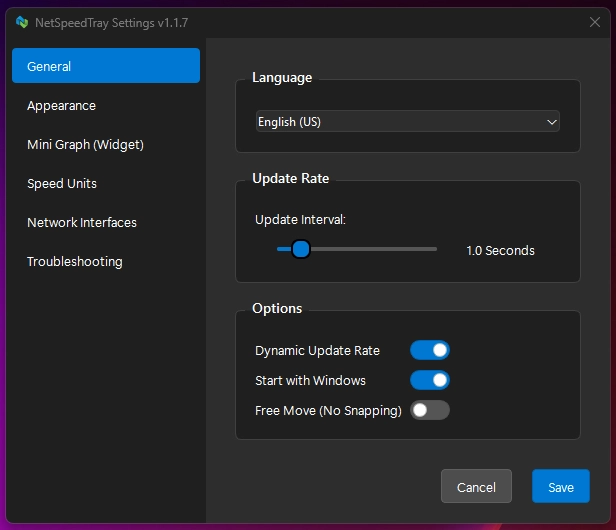
NetSpeedTray 2.1.5
Software for Windows that monitors network speed in real time.
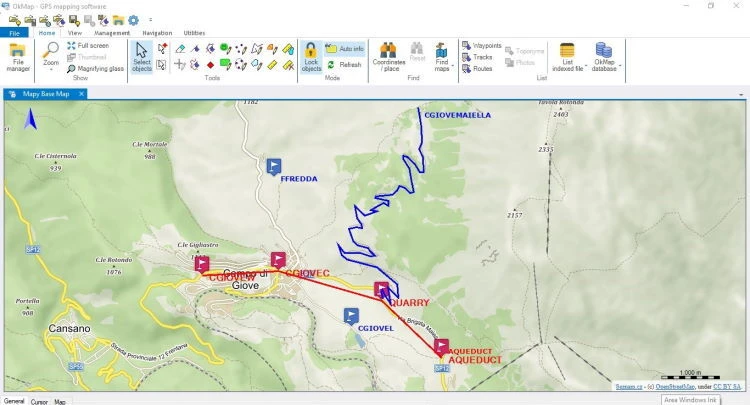
OkMap Desktop 19.8.3
Mapping and GPS software for Windows, with 2D and 3D map visualization, editing, and analysis.

Sandboxie-Plus 1.18.3
Software that creates isolated environments to run applications securely.
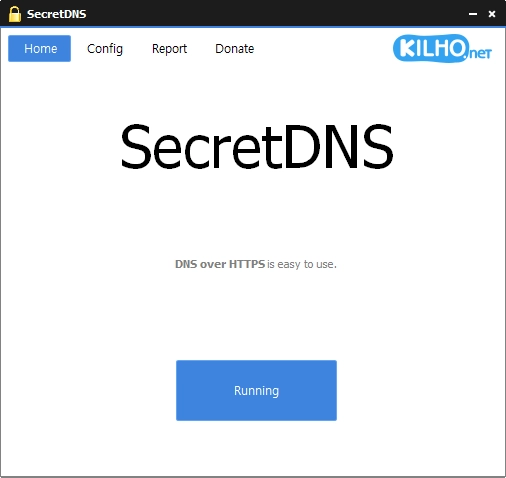
SecretDNS 4.0.1
DNS filtering software designed to provide security, privacy, and internet access control.
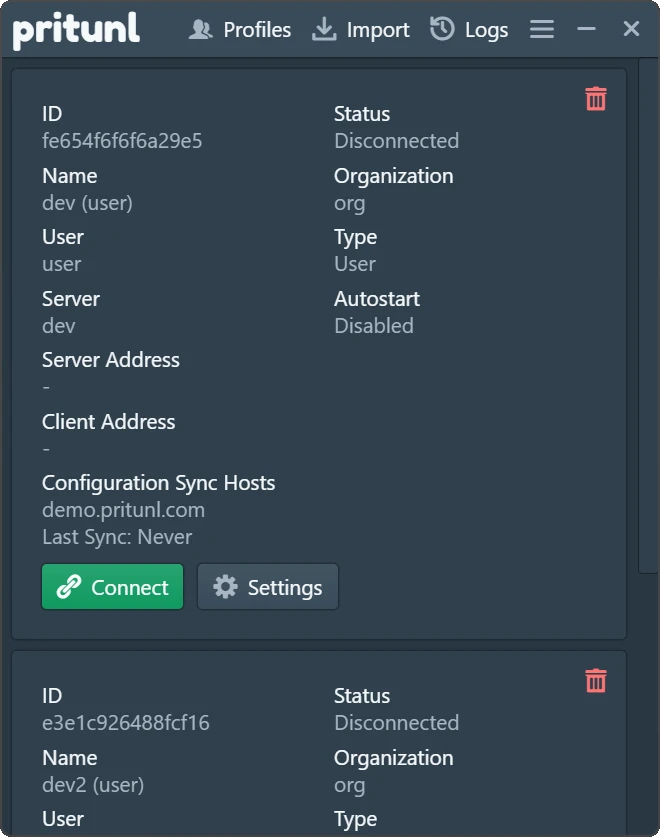
Pritunl 1.3.4729.52
Easy-to-use VPN software that allows users to connect to private networks.

Get My IP 0.23.2
Software that displays detailed information about your computer's IP address and geolocation.
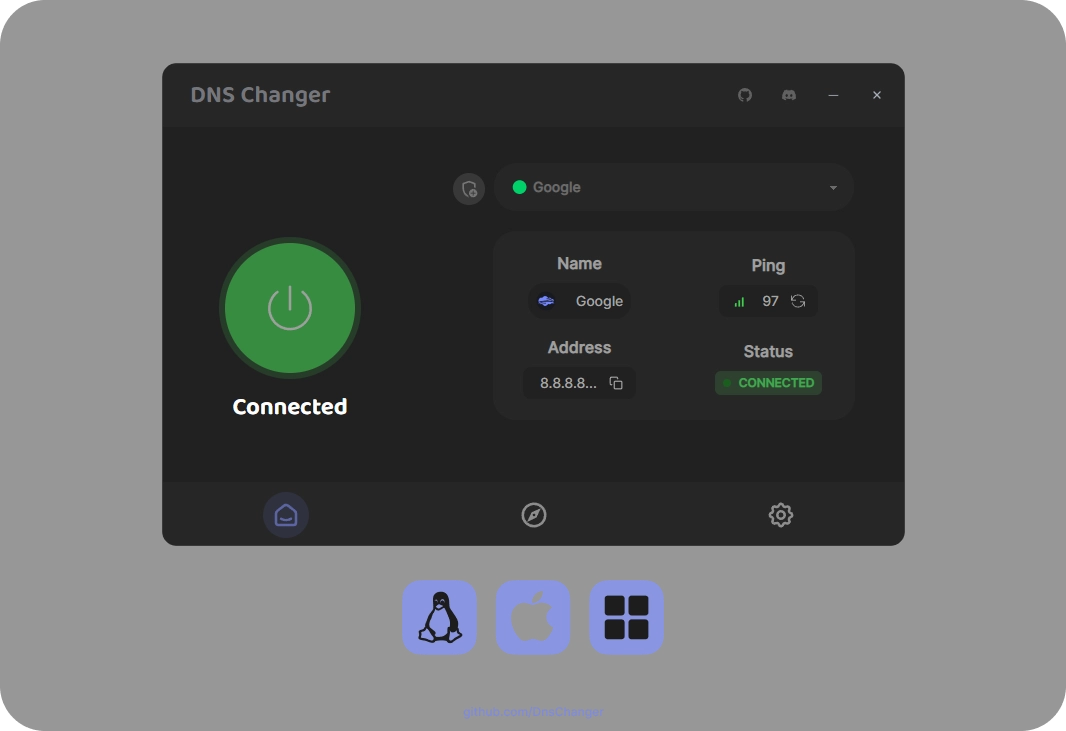
DNS Changer 2.3.14
Tool that allows you to quickly and intuitively change the DNS servers of your network connections.
PingPlotter 5.27.13
Monitor and diagnose networks, detecting problems and bottlenecks with graphical data in real-time.