

AutoVer 3.0.1
Free, configurable, and automatic or real-time backup and personal versioning system designed for Windows operating systems.
AutoVer is a free, configurable, and automatic or real-time personal backup and versioning system designed for Windows operating systems. It serves both as a simple real-time backup tool and as a more complex and transparent version control system, similar to real-time incremental backup. The main advantage of the software lies in its "configure and forget" nature: once configured, which is a simple process, AutoVer operates autonomously, eliminating the need for manual intervention in backup or version management tasks. Every time a file is saved, it is automatically copied to a user-designated backup location, which can include local folders, drives, removable storage devices, network drives, or FTP servers.
Main Features
The main features of AutoVer include:
- Real-Time Backup: Files are copied immediately after they are saved, ensuring that the backup is always up to date.
- Versioning Options: Users can choose between no versioning, versioning with timestamps, or archiving old versions, with customizable timestamps and the ability to limit the versioning rate.
- Selective Backup: The software allows the inclusion or exclusion of specific files and folders based on file masks and maximum file sizes.
- Fault Tolerance: AutoVer is designed to handle situations where the backup destination is temporarily unavailable or files are locked, automatically synchronizing when connections are restored.
- Wide Compatibility: It supports a wide range of Windows versions, from Windows 2000 to Windows 7, and is compatible with both 32-bit and 64-bit systems.
- Integration with Applications: The tool works seamlessly with popular software such as MS Office and Visual Studio, effectively managing temporary files and file renaming operations.
- Extensibility: Users can configure AutoVer to run external programs when files are changed, allowing for additional processing, such as encoding or resizing.
- Operational Flexibility: It can run as a standard Windows application or as a Windows Service for continuous background operation.
- Backup Explorer: An integrated Backup Explorer makes it easy to navigate and restore copied files.
File security
4/72 engines flagged the file in the recorded scan.
Scan date: 04/15/2025
SHA-256: 577d8325e1321ae4b217b2654eaab3331fcdeb7d047c66629b157f8c790f7a56
Found a problem on this page?Tell the team about broken links, versions or incorrect information.
Related

Rclone 1.75.1
Open source file transfer software for synchronizing data between computers and cloud storage.

Syncovery 12.6.1
File sync, copy, transfer and backup tool.
BUtil 2026.08.27
Incremental backup and file synchronization software.
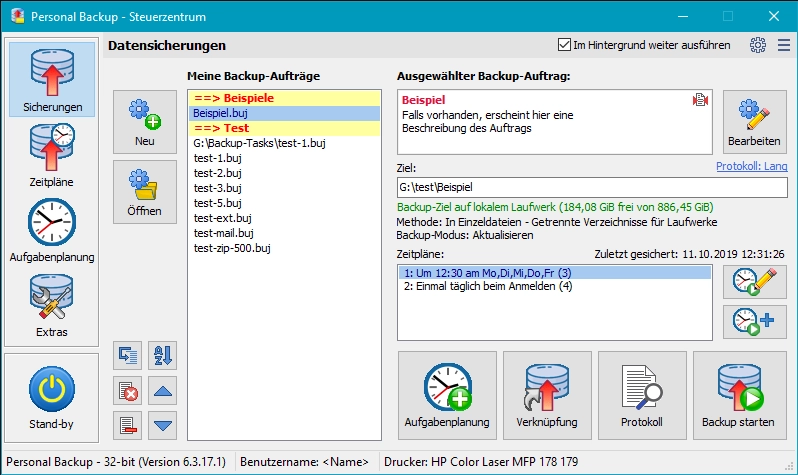
Personal Backup 6.4.13.0
Backup software for Windows that allows you to create backups of files and folders automatically or manually.
GoodSync 12.11.6
Utility that allows you to perform automatic backups.
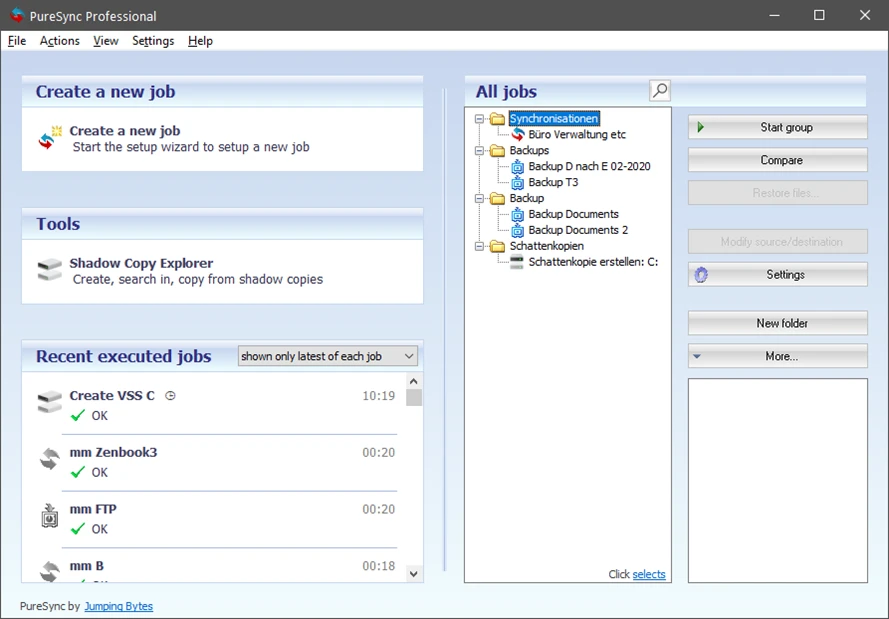
PureSync 8.6.0
File synchronization and backup software for Windows.
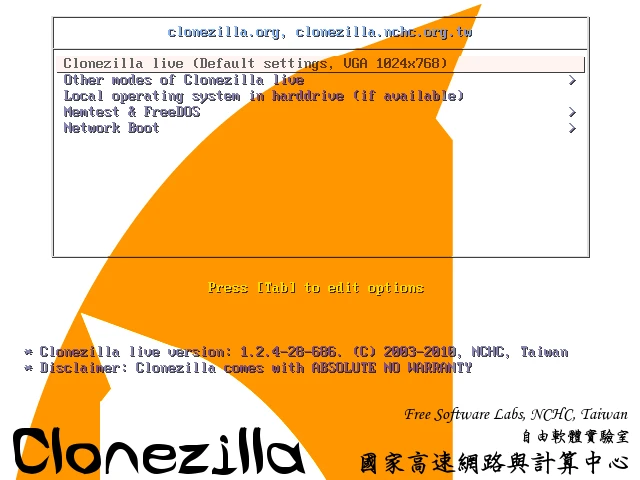
Clonezilla 3.3.3-15
Disk cloning and image creation software.
Easy Backup 2026 14.3
Practical and complete personal backup software.